AI Photo Editor / Add text to photo
Free · unlimited · runs in your browser
Add Text to Photo
Add text to any photo for free in your browser: meme, title, caption or handwritten styles, drag to place, pick colour and size, download in full quality. No sign-up, no watermark.
- Free & unlimited
- No sign-up, no watermark
- Never uploaded
or paste it — it never leaves your device
Free · unlimited · no sign-up · no watermarkIn short
To add text to a photo, upload it here, type your words, pick a style (Meme, Title, Caption or Handwritten), drag the text where you want it and download. It is free and unlimited with no account or watermark, and the photo never leaves your device because everything runs in your browser.
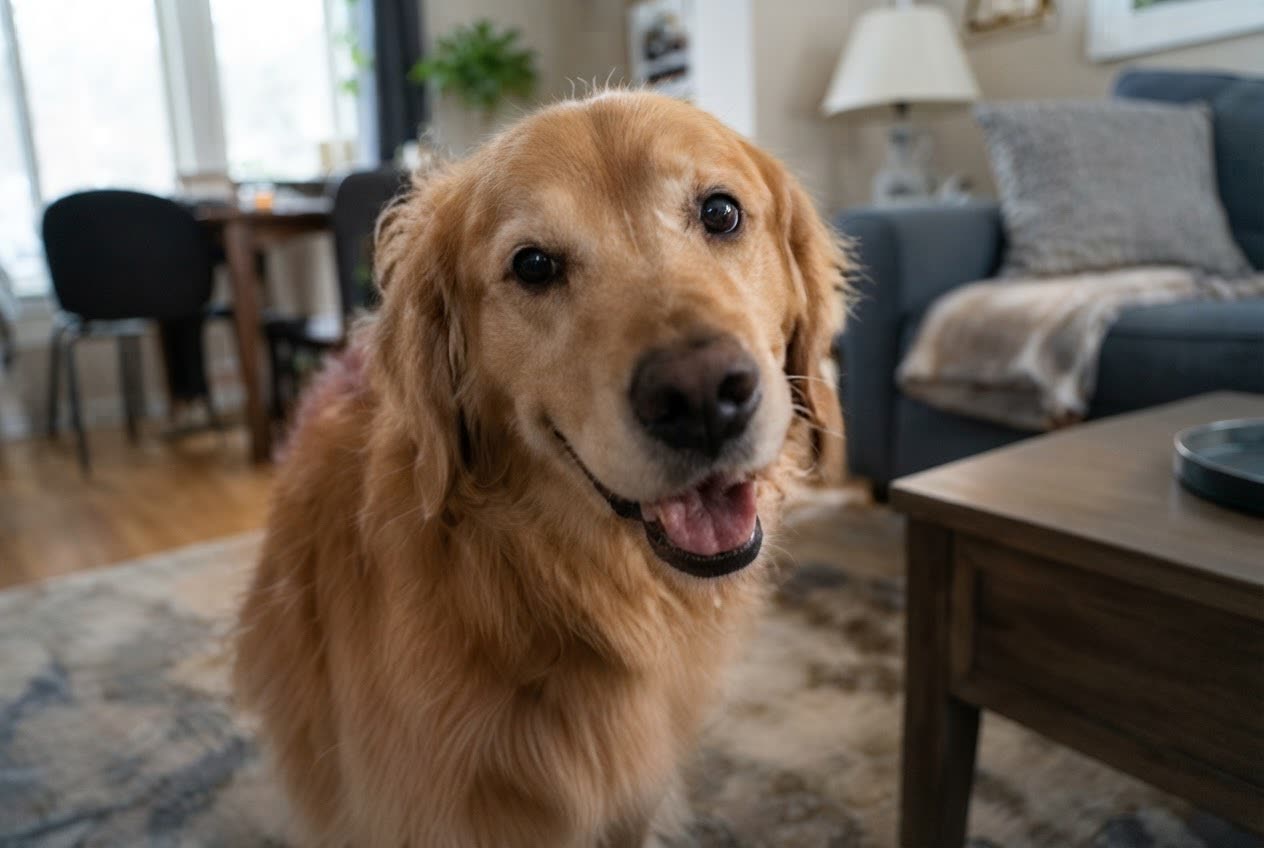
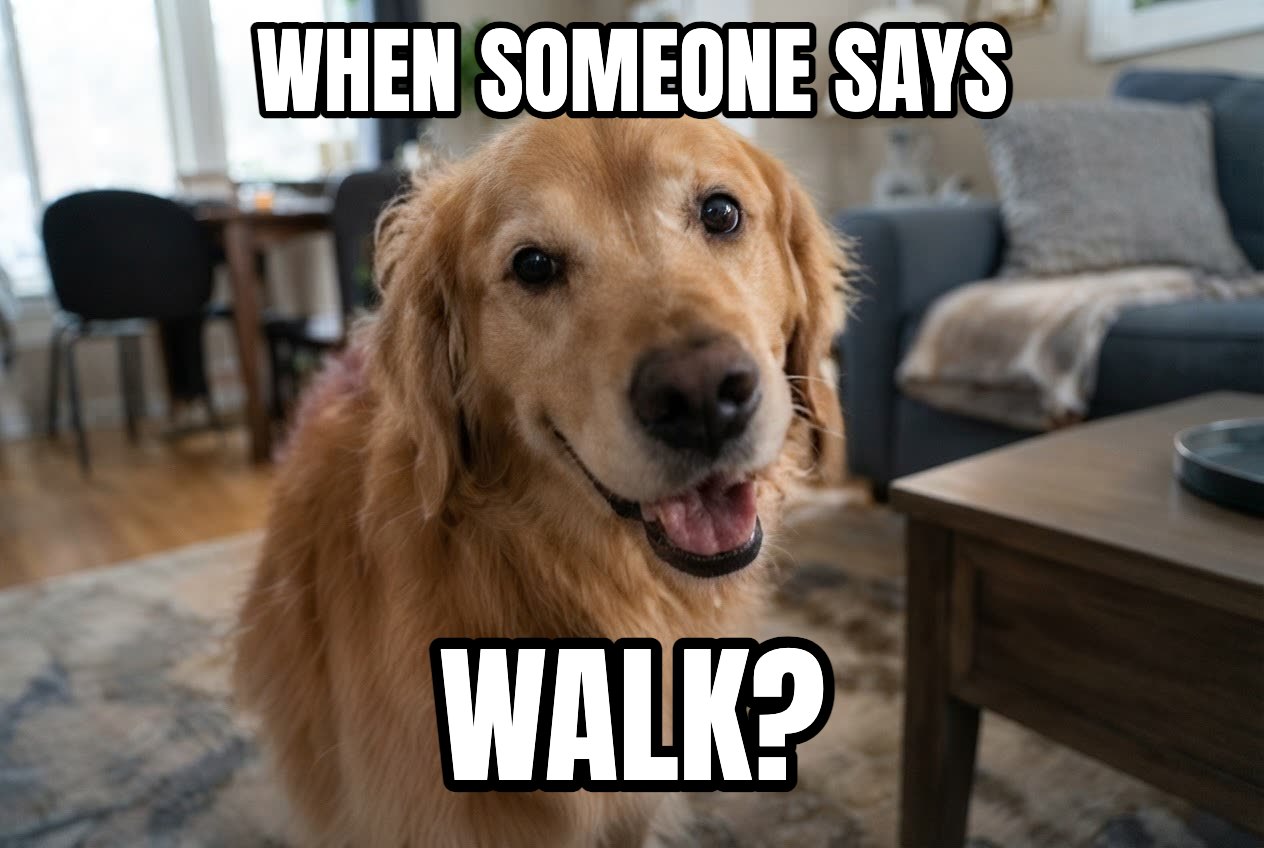
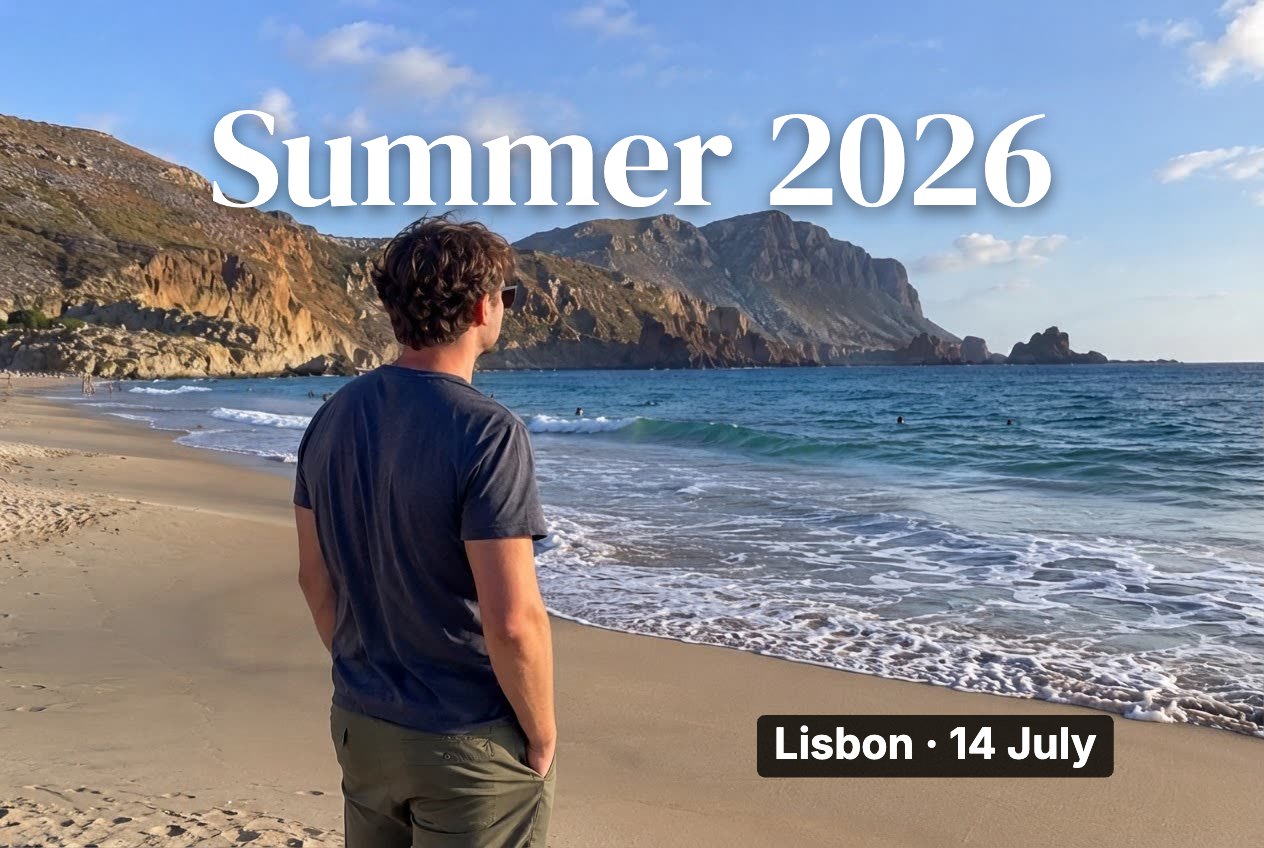
Before and after
Made with this free tool
 BeforeAfter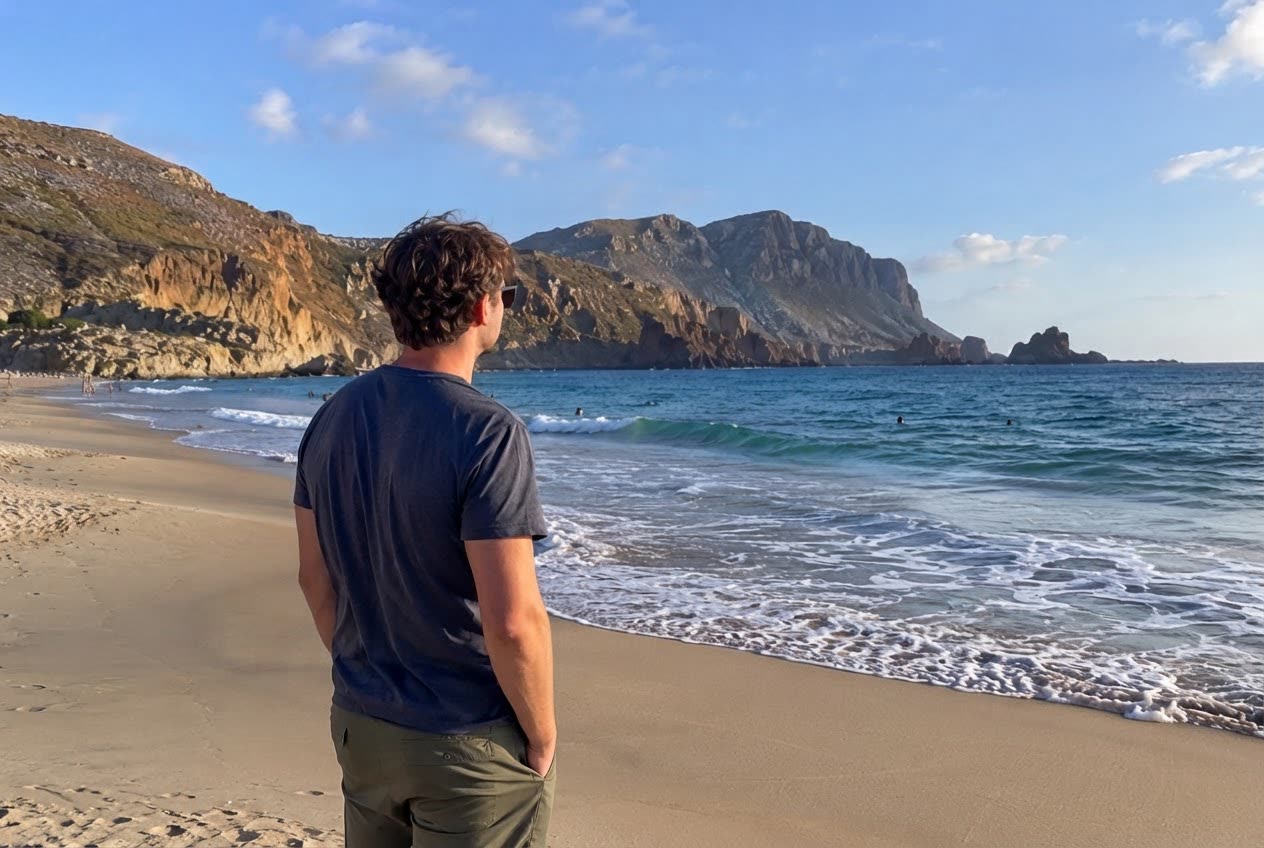
 BeforeAfter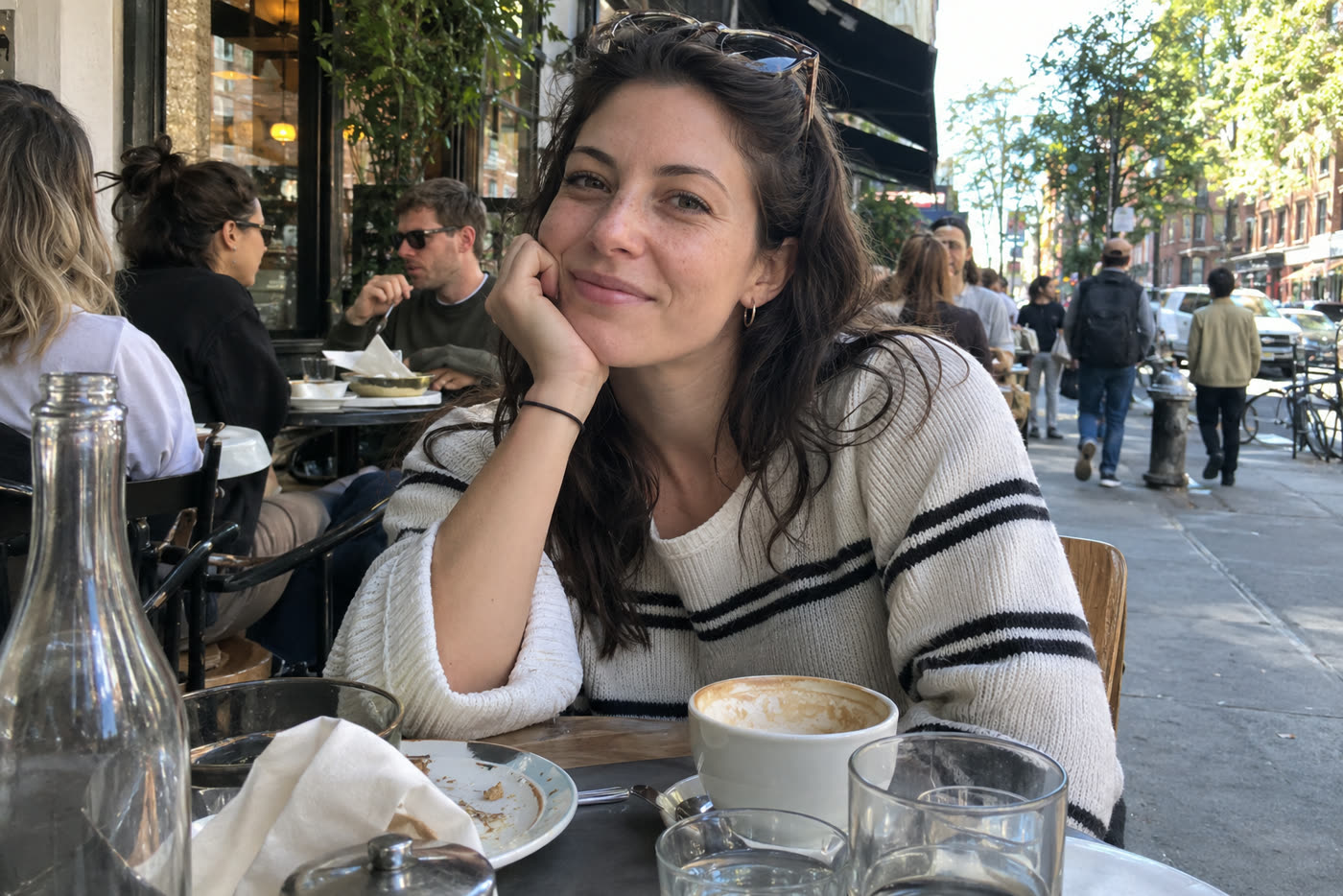
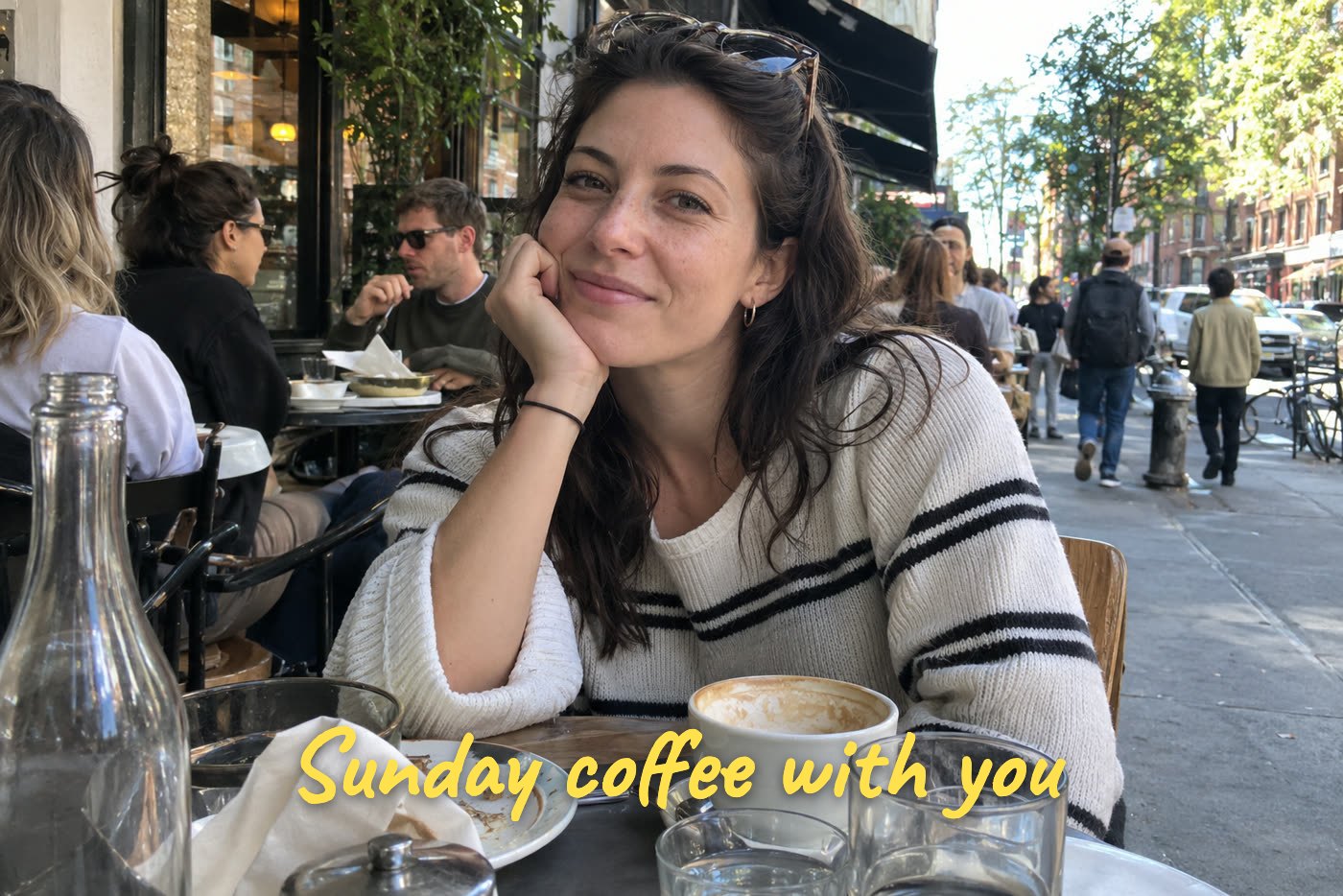 BeforeAfter
Sample photos are AI-generated and show fictional people. Edits made in this tool, unretouched.
How to
Three steps
- Upload a photo, paste one, or try the sample.
- Type your text, choose a style, colour and size, and drag it into place. Add as many text boxes as you like.
- Download the photo in full resolution as JPG — or PNG if you removed the background.
Four text styles
| Style | Looks like | Good for |
|---|---|---|
| Meme | Bold condensed capitals with a black outline | Memes, reaction pics, thumbnails |
| Title | Elegant serif with a soft shadow | Posters, quotes, travel photos |
| Caption | Clean bold text on a dark box | Readable labels on busy photos, stories |
| Handwritten | Marker-style script | Greetings, notes, scrapbook photos |
Tips for text that reads well
- Put text over calm areas (sky, wall, floor) rather than faces.
- On busy photos use Caption (dark box) or Meme (outline) so it stays legible.
- Keep it short: 3–7 words read at a glance on a phone.
- Crop first (Crop & rotate tab) so the text sits where the final frame needs it.
Want the text to look painted in?
The free tool places crisp text on top of your photo. If you want lettering that follows the scene — on a sign, a cake or a T-shirt — use the AI editor’s Add text edit, which paints the words into the photo with matching light and perspective.
Frequently asked questions
Is it really free and unlimited?
Yes. The free tools (add text, crop and rotate, filters and background removal) need no account, add no watermark and have no daily limit, because they run on your own device and cost us nothing. Only the AI edits use credits after your free one.
Is my photo uploaded?
No. The free tools run entirely in your browser, so the photo never leaves your device. Only if you choose an AI edit is the photo sent to the AI model — and even then it is never stored.
Can I add more than one text?
Yes. Press “+ Add text” for each new line or box; each one has its own style, colour and size, and you can drag them independently.
Will the download be lower quality?
No. The photo is exported at its original resolution (up to 2048 px on the long side) with the text drawn at that size, as a high-quality JPG.
Does it work on iPhone and Android?
Yes. It works in Safari and Chrome on phones: tap a text to select it and drag with one finger to move it.
More free tools
Free, in your browser
AI edits