AI Photo Editor / Remove object from photo
Type what to erase · AI fills the gap
Remove Objects from Photos
Remove unwanted objects, people, wires and clutter from photos by typing what to erase. AI fills the gap naturally. First edit free, no sign-up.
- 1 free edit, no account
- ≈8 s per edit
- Photos never stored
Wires, bins, cars, photobombers — say what.
In short
To remove an object from a photo, upload it, choose Erase object and type what should go — for example “the trash can on the left” or “the power lines”. The AI removes it and fills the area with a matching background, so there is no brushing or masking. For tourists and strangers, use Remove passers-by, which clears every background person at once.
Before and after
Results from this editor
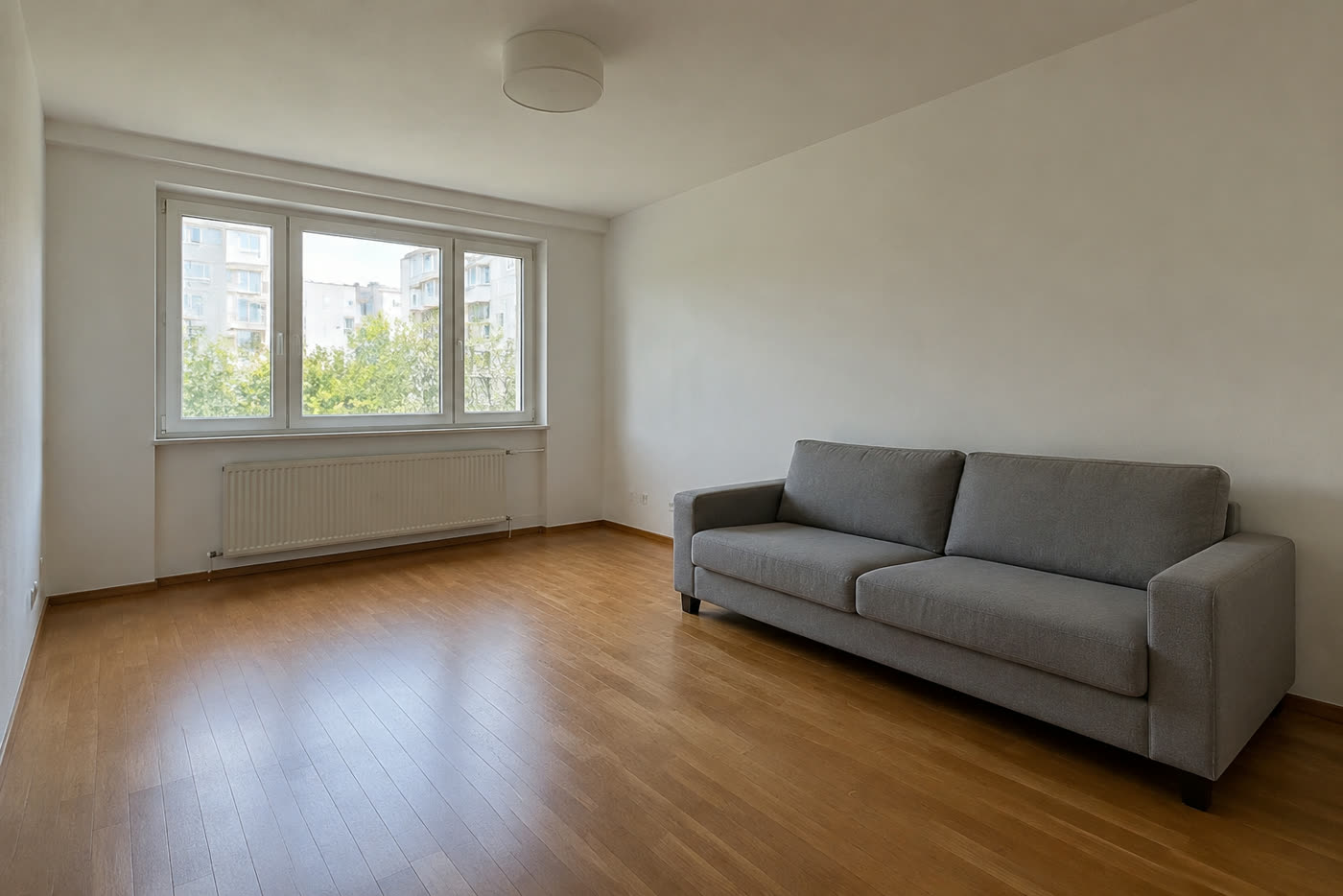
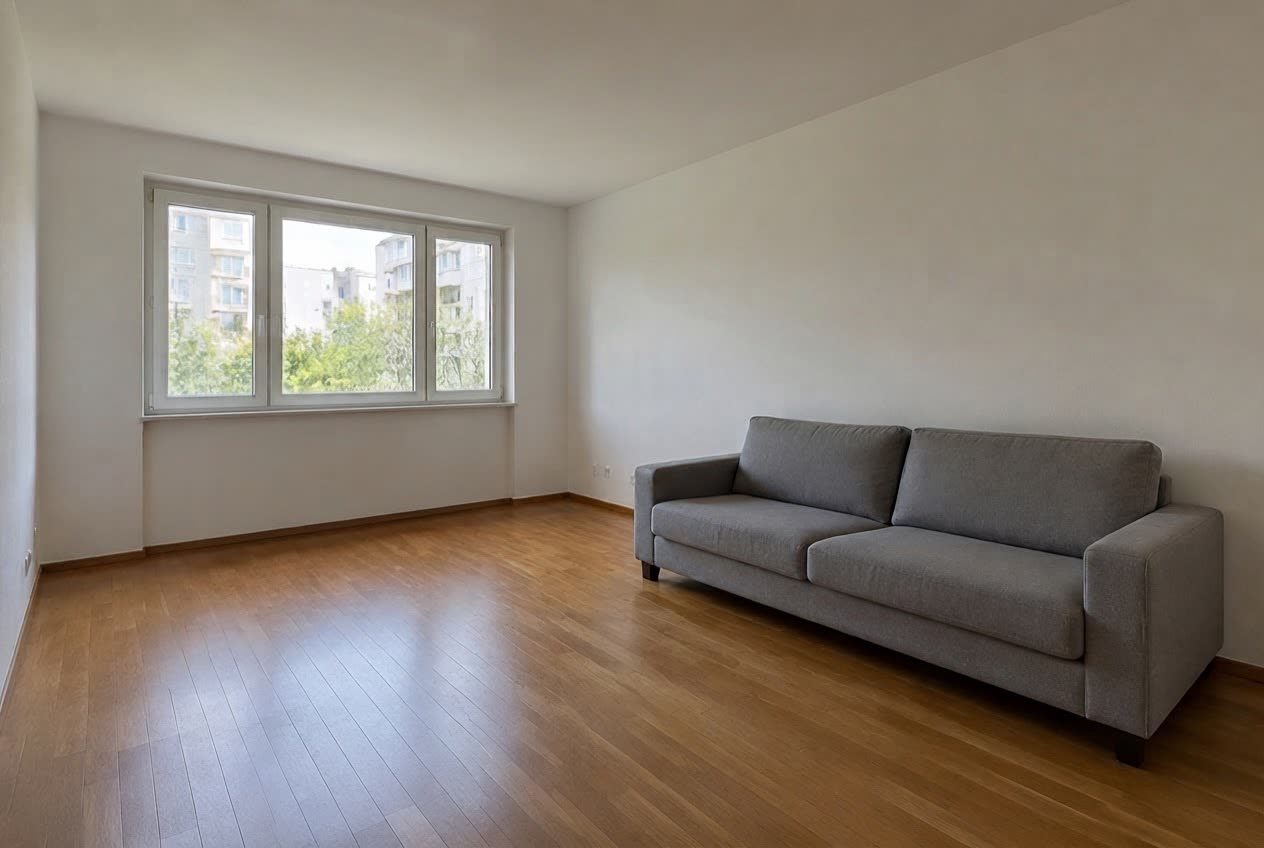 BeforeAfter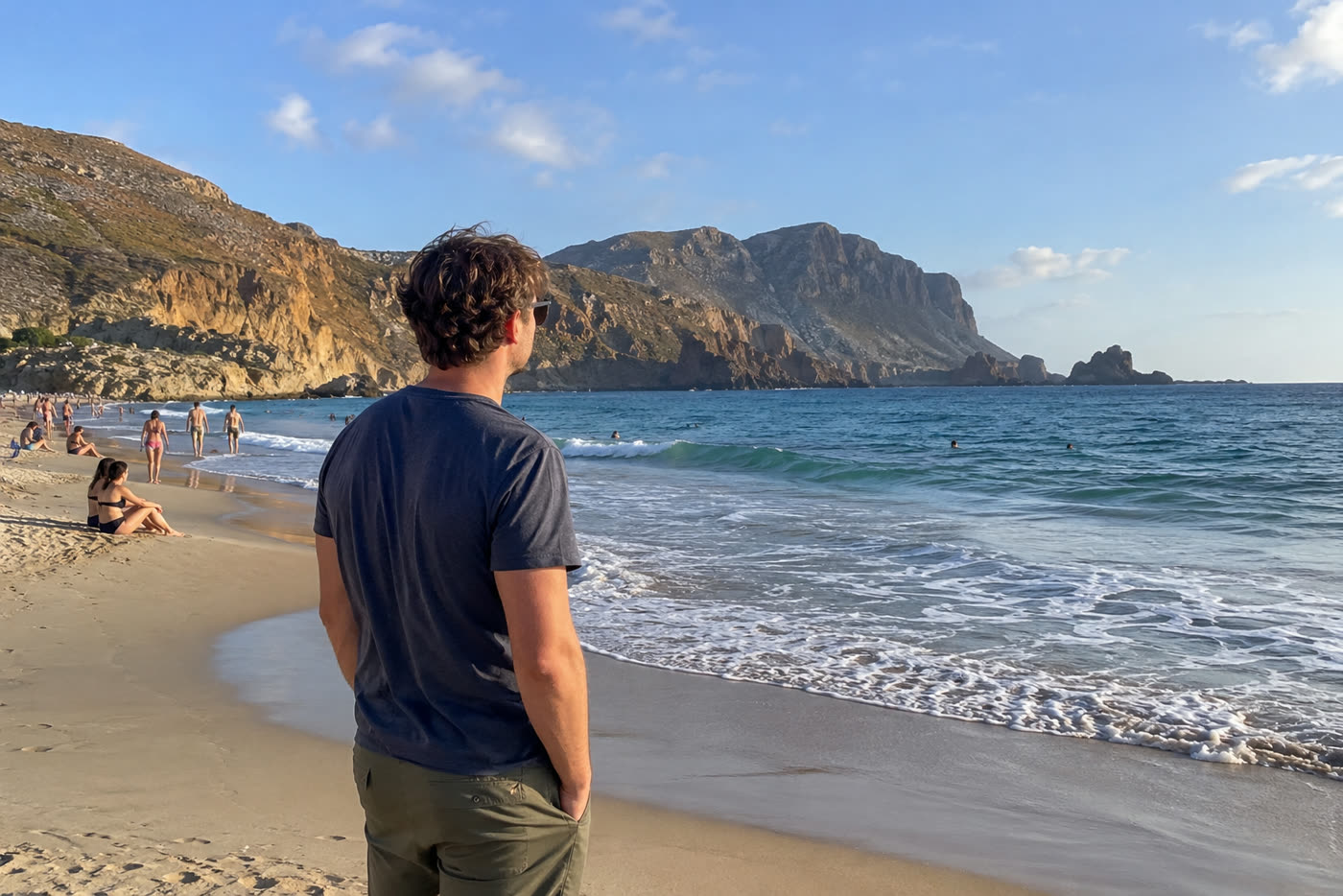
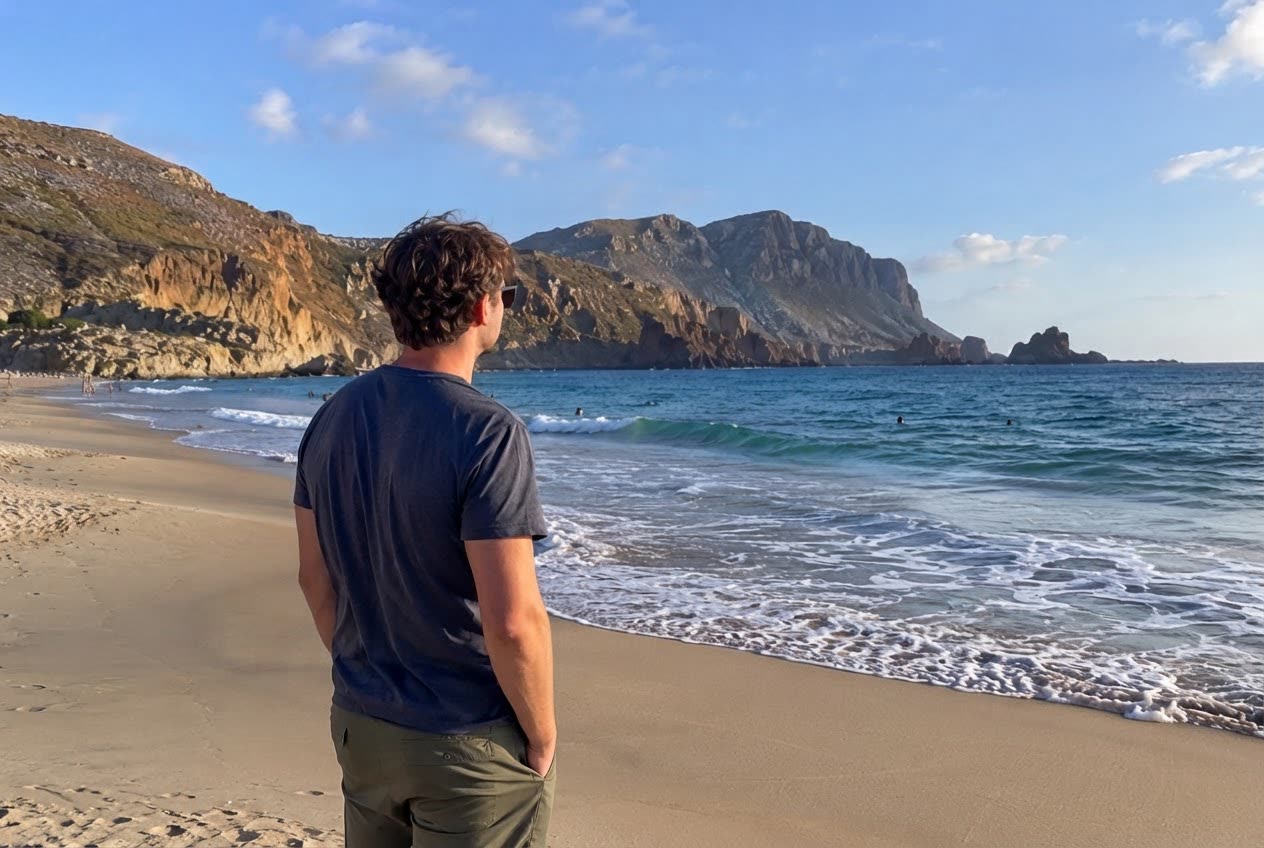 BeforeAfter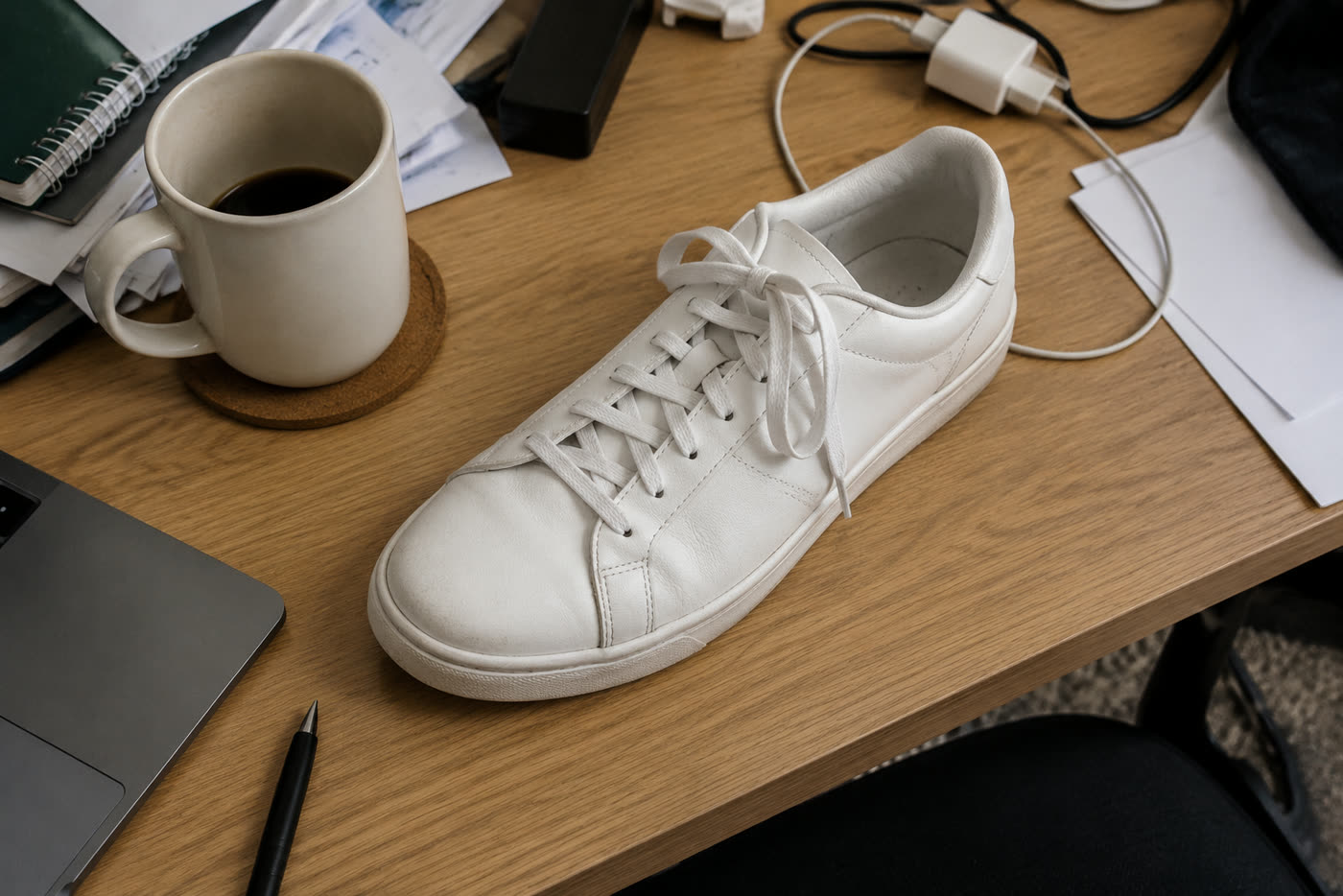
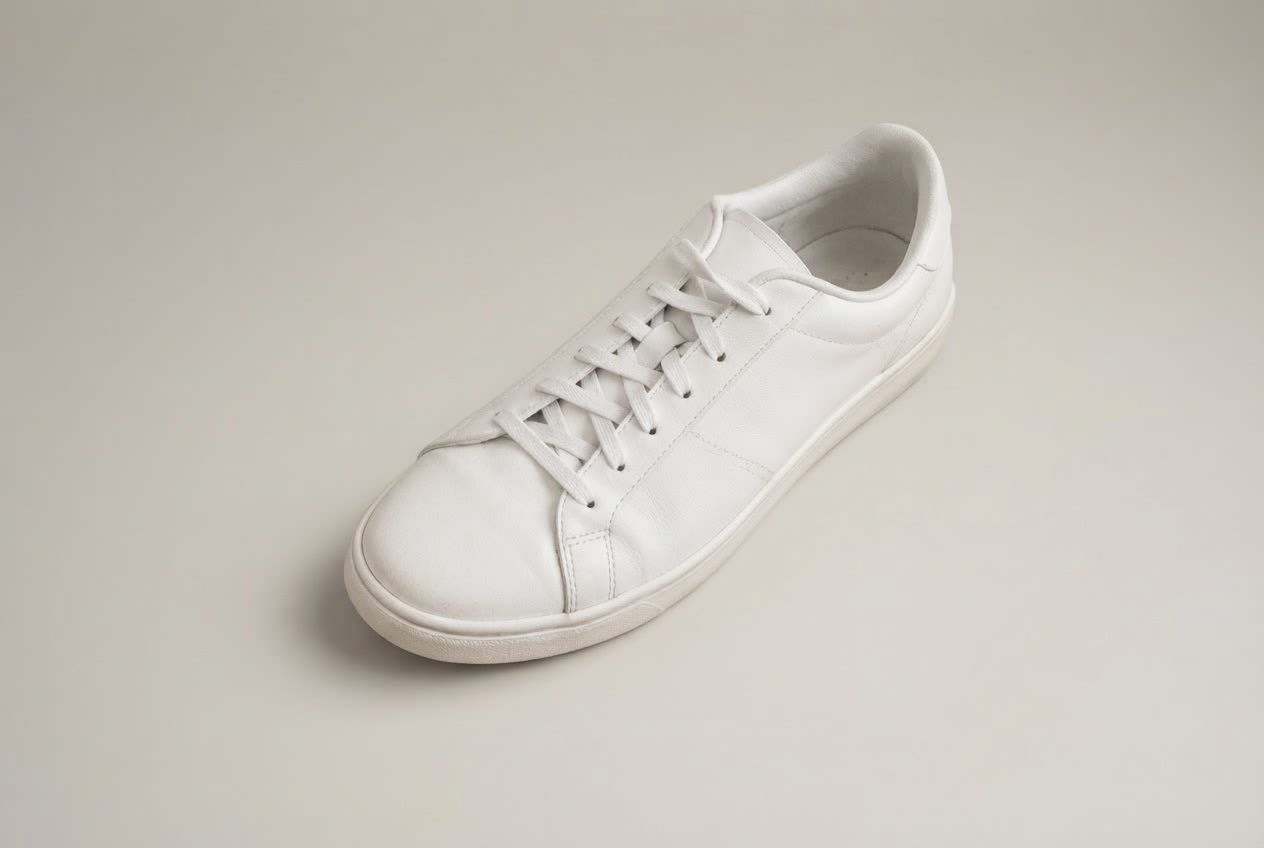 BeforeAfter
Sample photos are AI-generated and show fictional people. Results are unretouched output from the editor.
How to
Three steps
- Upload your photo.
- Choose Erase object and type what to remove (or Remove passers-by for people).
- Develop, check the slider, download.
Good things to remove
- Photobombers and tourists behind you
- Power lines, poles and signs
- Bins, cones, cars and bikes
- Cables, cups and desk clutter in product shots
- Blemishes on walls, stains on floors
Getting a clean fill
- Name the object and where it is: “the red car on the right”.
- Remove big things one at a time with Keep editing.
- Busy patterns (crowds, text) are harder; High quality helps.
Frequently asked questions
Do I need to paint over the object?
No. Just type what to remove; the AI finds it and fills the area.
Can I remove watermarks or logos?
We don’t help remove watermarks from images you don’t own. Removing your own text or stickers from your own photos is fine.
Is it really free without sign-up?
Yes. Every visitor gets one free standard edit per day with no account, email or card. More edits use credits: packs start at $9.90 for 120 credits (about 8¢ an edit), and a standard edit costs 1 credit.
Do you keep my photos?
No. Your photo is sent to the AI model only to make the edit, then discarded. We never store the photo or the result on our servers, and we never use them for training. The edited photo is returned straight to your browser.