AI Photo Editor / Old photo restoration
Scratches out · colour in
Old Photo Restoration AI
Restore old photos with AI: remove scratches, creases and fading, sharpen faces and add natural colour in one step. First restoration free, no sign-up.
- 1 free edit, no account
- ≈8 s per edit
- Photos never stored
Fix scratches, fading and blur; add natural colour.
In short
Old photo restoration AI repairs scanned prints in one step: it removes scratches, dust, creases and stains, fixes fading and blur, recovers detail in faces and clothing, and adds natural period colour while keeping everyone’s face the same. Photograph or scan the print, upload it, tap Restore old photo and download the result.
Before and after
Results from this editor
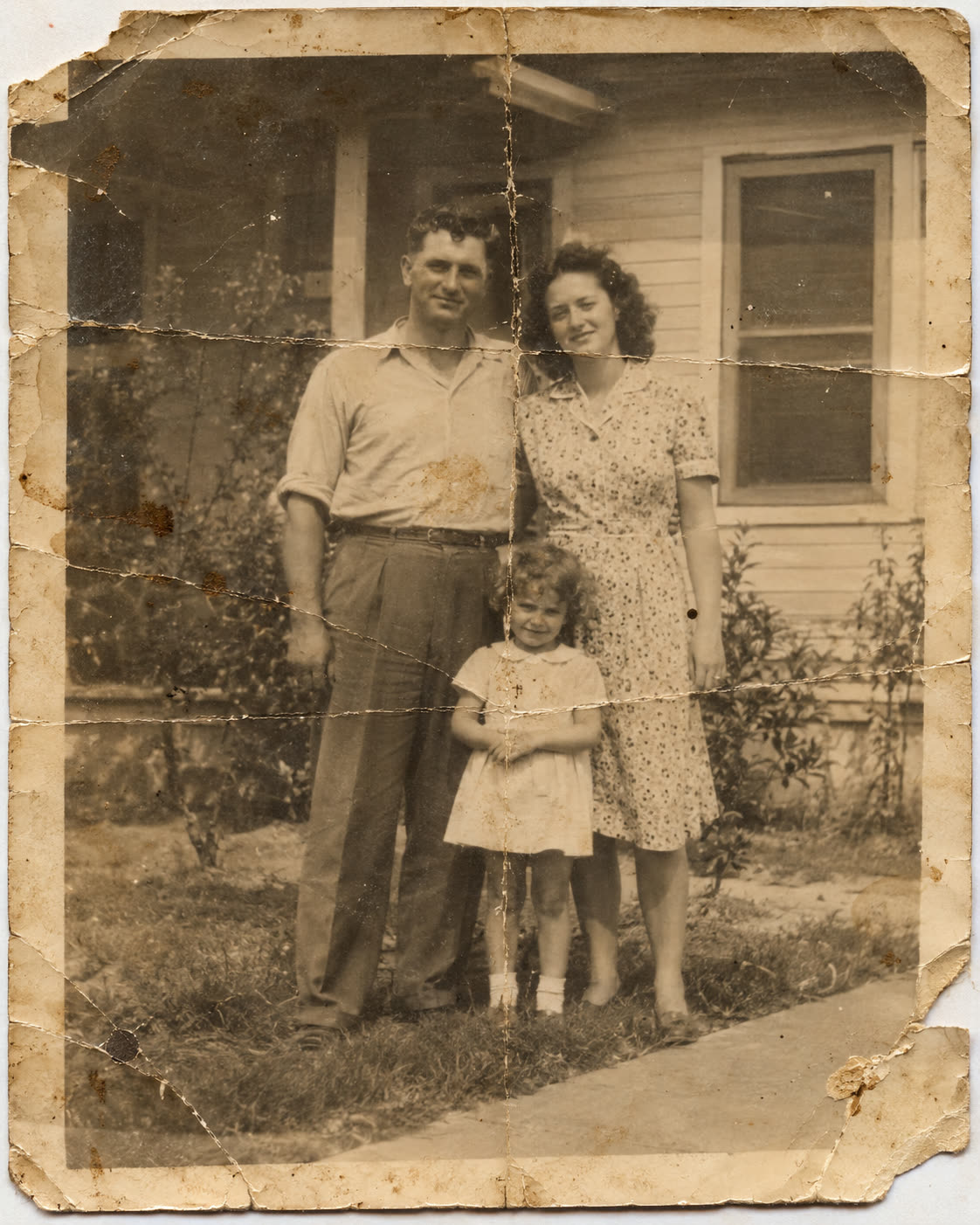
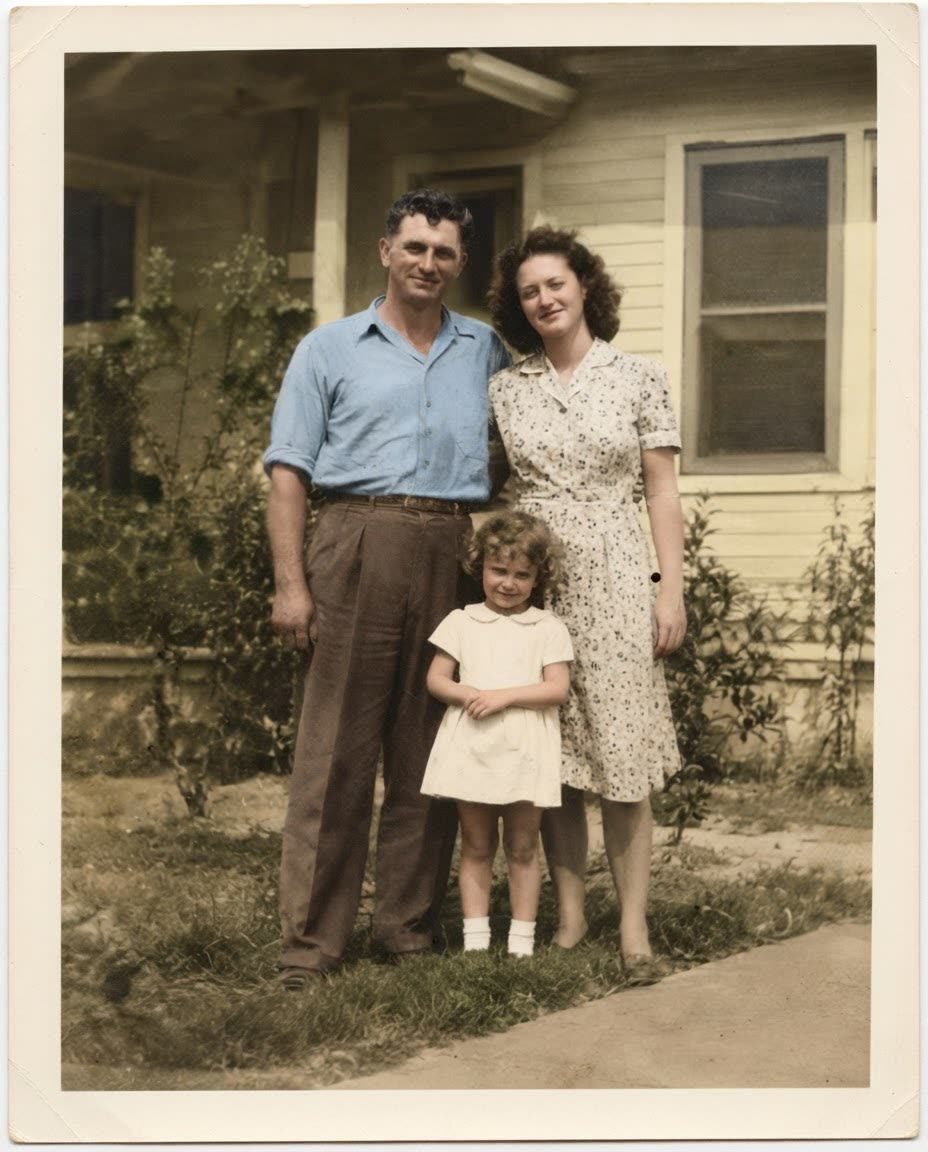 BeforeAfter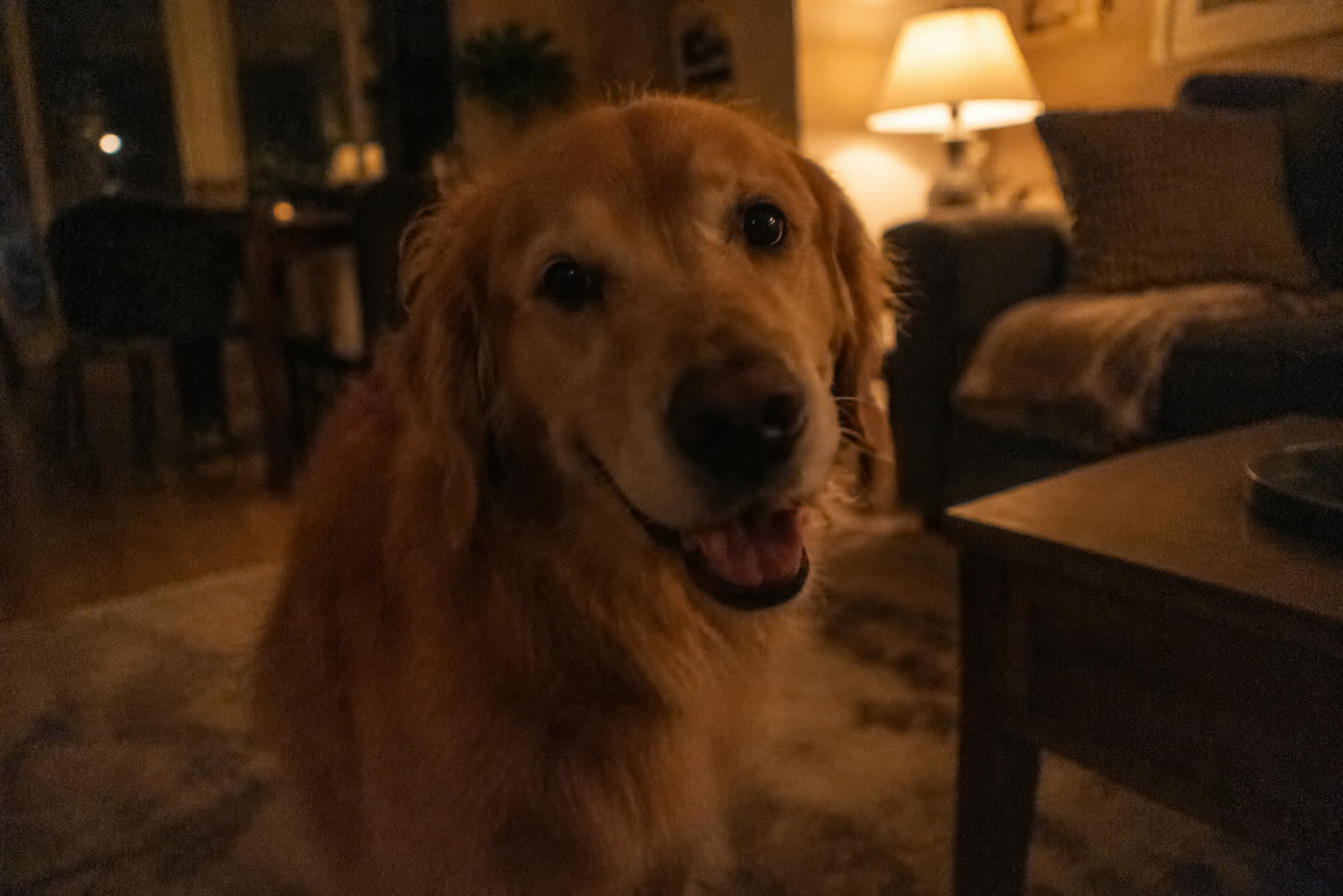
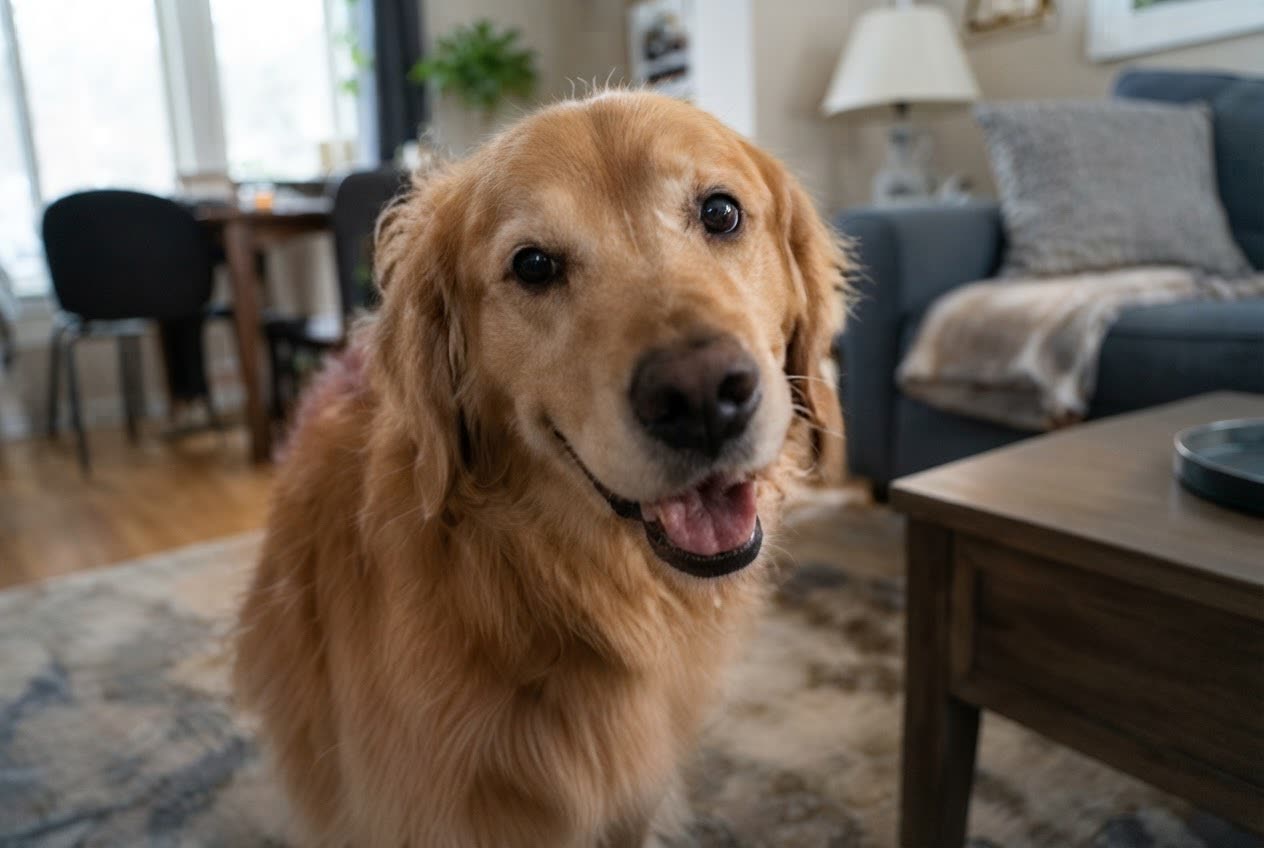 BeforeAfter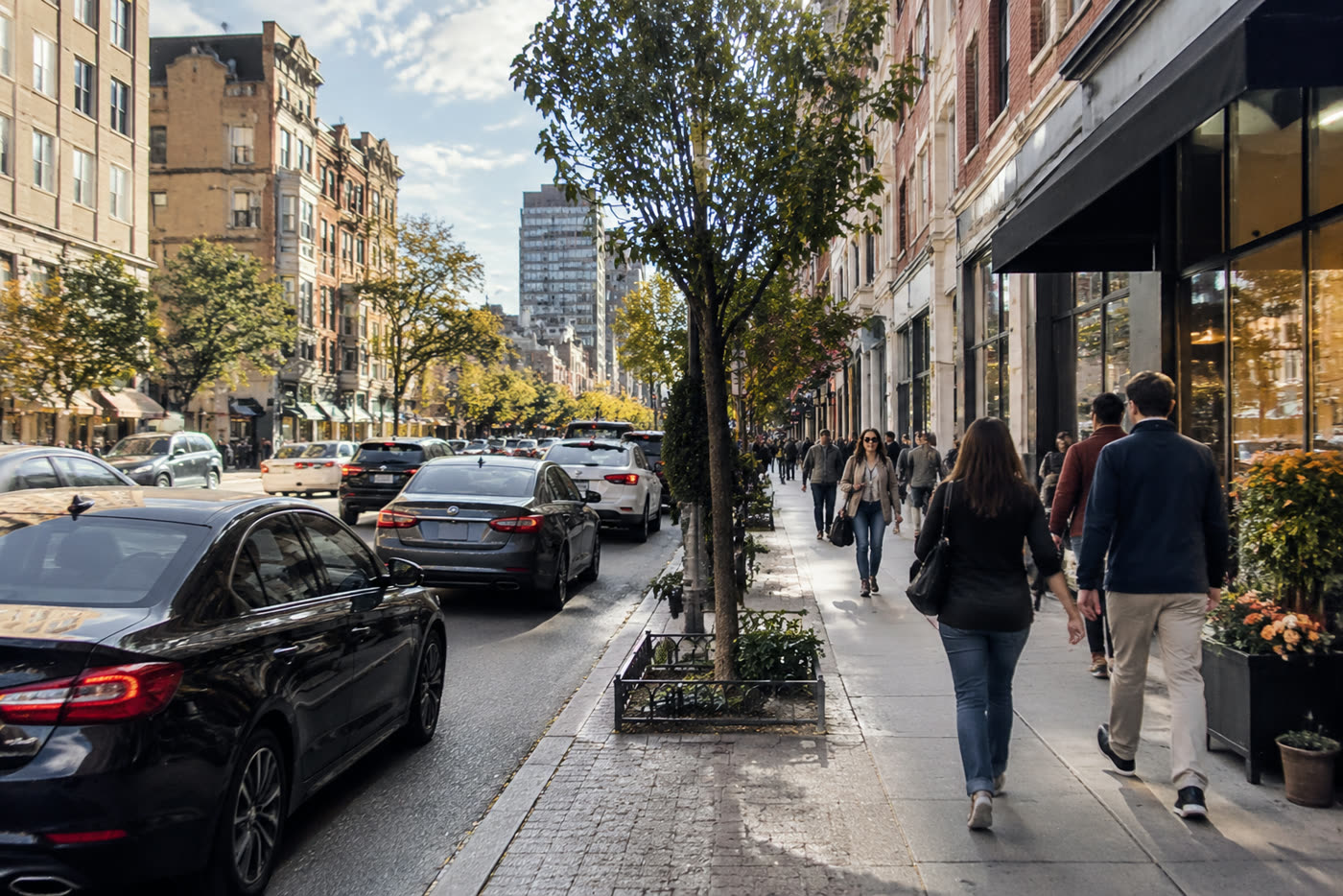
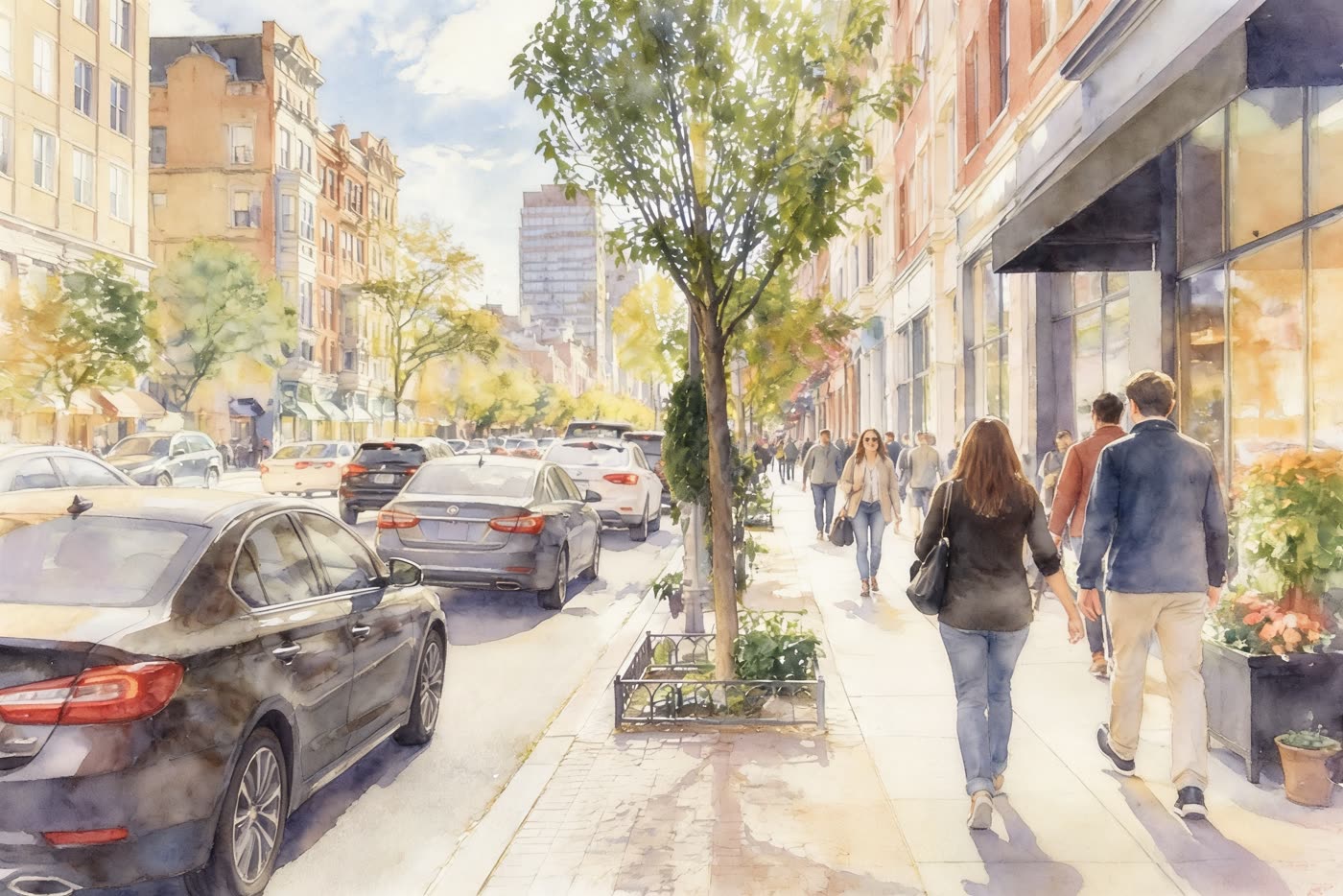 BeforeAfter
Sample photos are AI-generated and show fictional people. Results are unretouched output from the editor.
How to
Three steps
- Scan the print, or photograph it flat in even daylight without glare.
- Upload and tap Restore old photo.
- Compare and download; use High quality for prints and frames.
Scanning tips
- Use a flatbed scanner at 600 dpi if you have one.
- Phone: shoot straight on, fill the frame, turn off flash.
- Crop away the album page before uploading.
- Very damaged faces: restore once, then run Enhance on the result.
Faithful, not invented
The restore edit is told never to beautify or modernise people. Colour is a best guess from the scene and era — clothing colours in particular can differ from the real ones, so treat colourised versions as an interpretation and keep the original scan.
Frequently asked questions
Can I restore without adding colour?
Yes — choose Your own edit and type “restore this photo, remove scratches and fading, keep it black and white”.
What size should the scan be?
Anything up to about 20 MB uploads; we resize large scans to 1600 px before editing. High quality returns up to 2K.
Is it really free without sign-up?
Yes. Every visitor gets one free standard edit per day with no account, email or card. More edits use credits: packs start at $9.90 for 120 credits (about 8¢ an edit), and a standard edit costs 1 credit.
Do you keep my photos?
No. Your photo is sent to the AI model only to make the edit, then discarded. We never store the photo or the result on our servers, and we never use them for training. The edited photo is returned straight to your browser.