AI Photo Editor / Remove background
Free · unlimited · on-device AI
Remove Background — Free
Remove the background from an image for free, right in your browser: transparent PNG, white, any colour or blurred background. Unlimited, no sign-up, no watermark, and the photo is never uploaded.
- Free & unlimited
- No sign-up, no watermark
- Never uploaded
or paste it — it never leaves your device
Free · unlimited · no sign-up · no watermarkIn short
To remove a background for free, upload a photo here and press Remove background. A cut-out model runs on your own device (it downloads once, about 45–90 MB), finds the person, pet or product, and removes everything else in about 1–8 seconds. Download a transparent PNG, or put the subject on white, a colour or a blurred version of the original. It is unlimited with no account or watermark.
Before and after
Made with this free tool

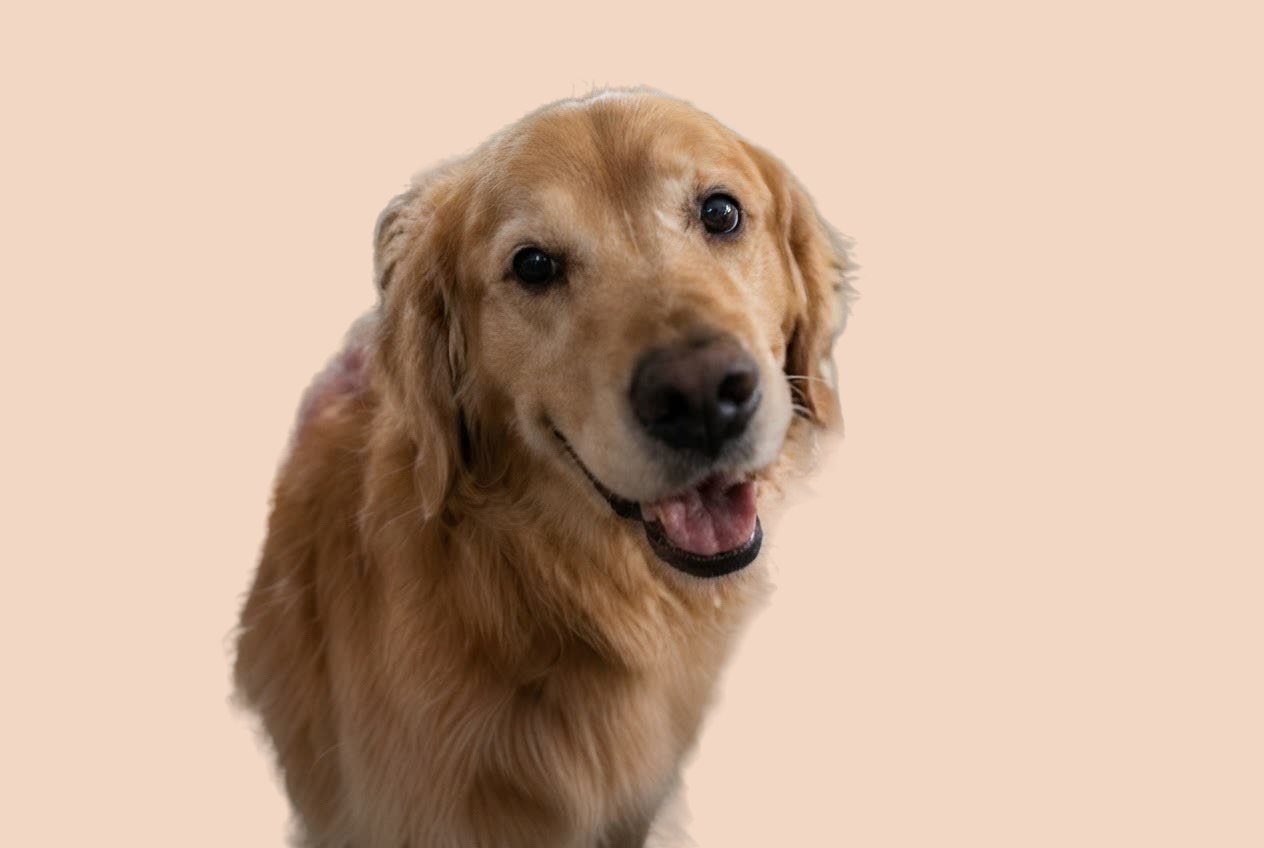 BeforeAfter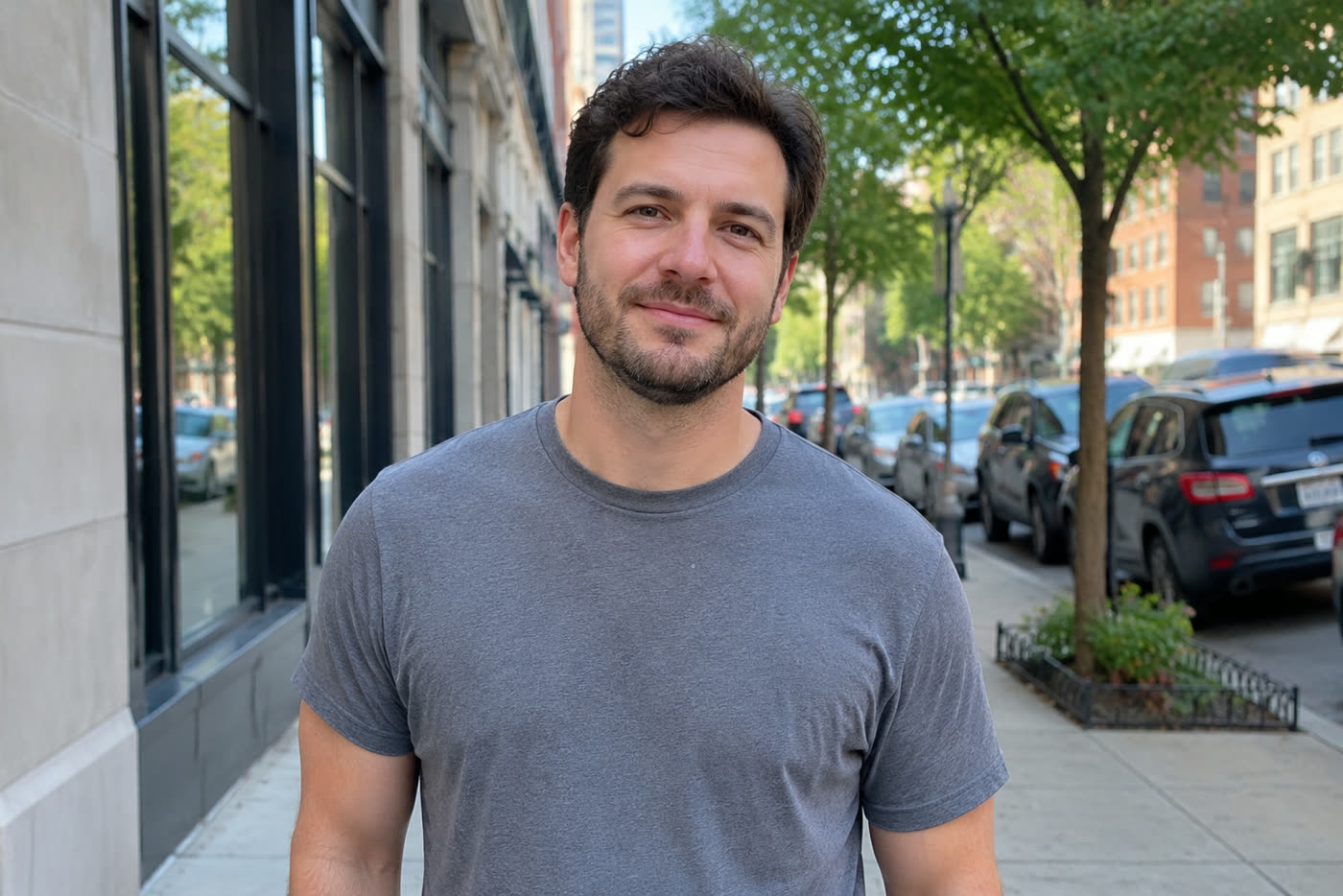
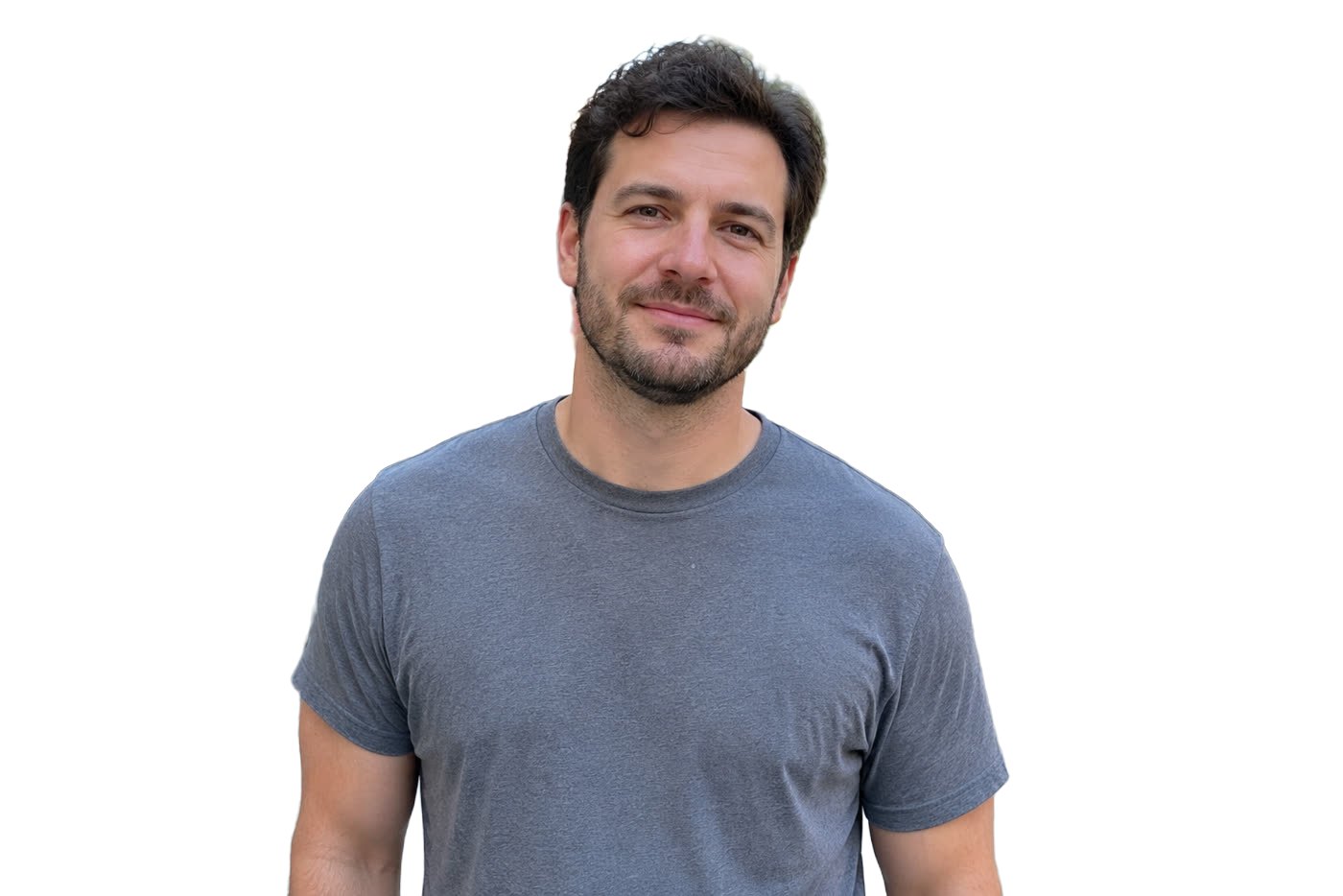 BeforeAfter
Sample photos are AI-generated and show fictional people. Edits made in this tool, unretouched.
How to
Three steps
- Upload or paste a photo of a person, pet or product.
- Press Remove background — the first time, the model downloads once; after that each photo takes seconds.
- Choose Transparent, White, Colour or Blurred original and download.
Free on-device vs AI editor
| Free (this page) | AI editor | |
|---|---|---|
| Price | Free, unlimited | 1 free edit, then ≈8¢ |
| Where it runs | Your device — never uploaded | Gemini image model, never stored |
| Best for | People, pets and products on clear backgrounds | Hair, glass, fur and busy scenes; adds a natural shadow |
| Output | Transparent PNG or any background | Clean white studio background |
Getting the cleanest cut-out
- Use a photo where the subject is in focus and fills a good part of the frame.
- Busy backgrounds with other people can leave faint fragments — crop them out first or use the AI editor.
- For product listings, choose White and download a JPG; for designs and stickers, choose Transparent PNG.
Why is it free?
The cut-out runs on your computer’s or phone’s own chip (WebGPU where available), so it costs us nothing per photo. That is also why your photo stays private: it is never sent to a server.
Frequently asked questions
Is it really free and unlimited?
Yes. The free tools (add text, crop and rotate, filters and background removal) need no account, add no watermark and have no daily limit, because they run on your own device and cost us nothing. Only the AI edits use credits after your free one.
Is my photo uploaded?
No. The free tools run entirely in your browser, so the photo never leaves your device. Only if you choose an AI edit is the photo sent to the AI model — and even then it is never stored.
Which browsers work?
Recent Chrome, Edge and Safari on desktop, and Chrome or Safari on modern phones. With WebGPU a photo takes under a second; without it about 5–8 seconds.
Is the result a transparent PNG?
Yes, when Transparent is selected the download is a PNG with a transparent background. With White, Colour or Blurred it is a JPG.
The edges aren’t perfect — what can I do?
Fine hair, glass and very busy backgrounds are hard for the small on-device model. Press “Let the AI editor remove it instead” to send the same photo to the AI model, which handles those cases and adds a soft natural shadow.
More free tools
Free, in your browser
AI edits