AI Photo Editor / Crop image
Free · unlimited · nothing uploaded
Crop Image Online
Crop an image for free in your browser: freeform or exact ratios (1:1, 4:5, 3:2, 16:9, 9:16), rotate 90° and flip, then download in full quality. No sign-up, no upload, no watermark.
- Free & unlimited
- No sign-up, no watermark
- Never uploaded
or paste it — it never leaves your device
Free · unlimited · no sign-up · no watermarkIn short
To crop an image online, upload it here, choose Free or a ratio such as 1:1 (profile photos), 4:5 (Instagram posts), 16:9 (YouTube) or 9:16 (stories), drag the frame and its corners, then press Apply crop and download. You can also rotate 90° and flip. It is free, unlimited and runs in your browser, so the image is never uploaded.
Before and after
Made with this free tool
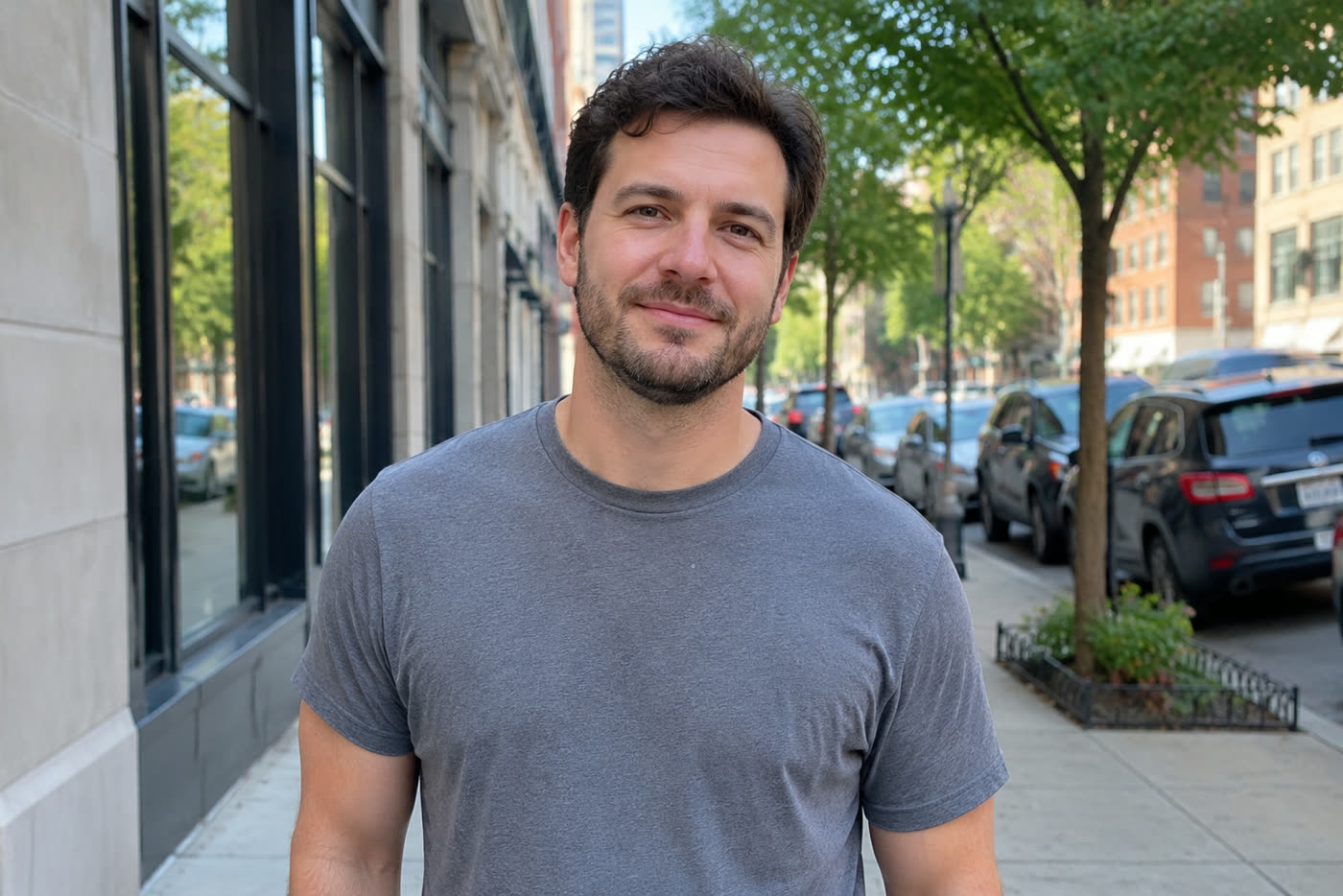
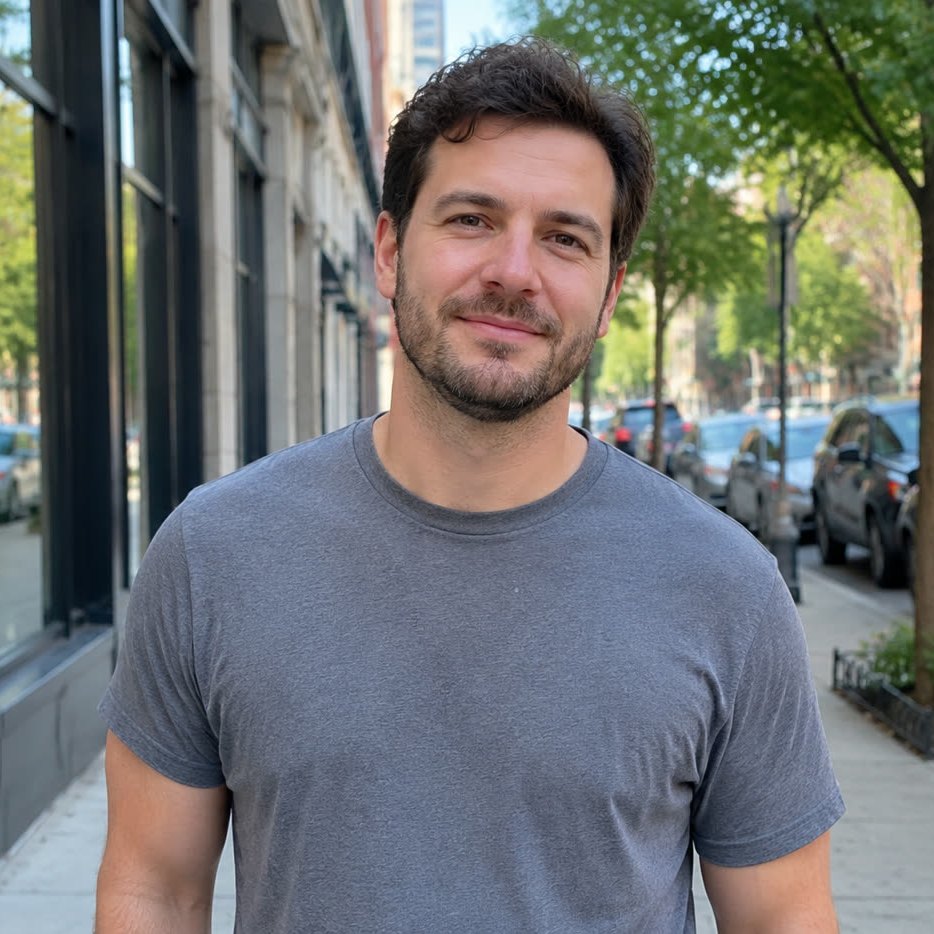
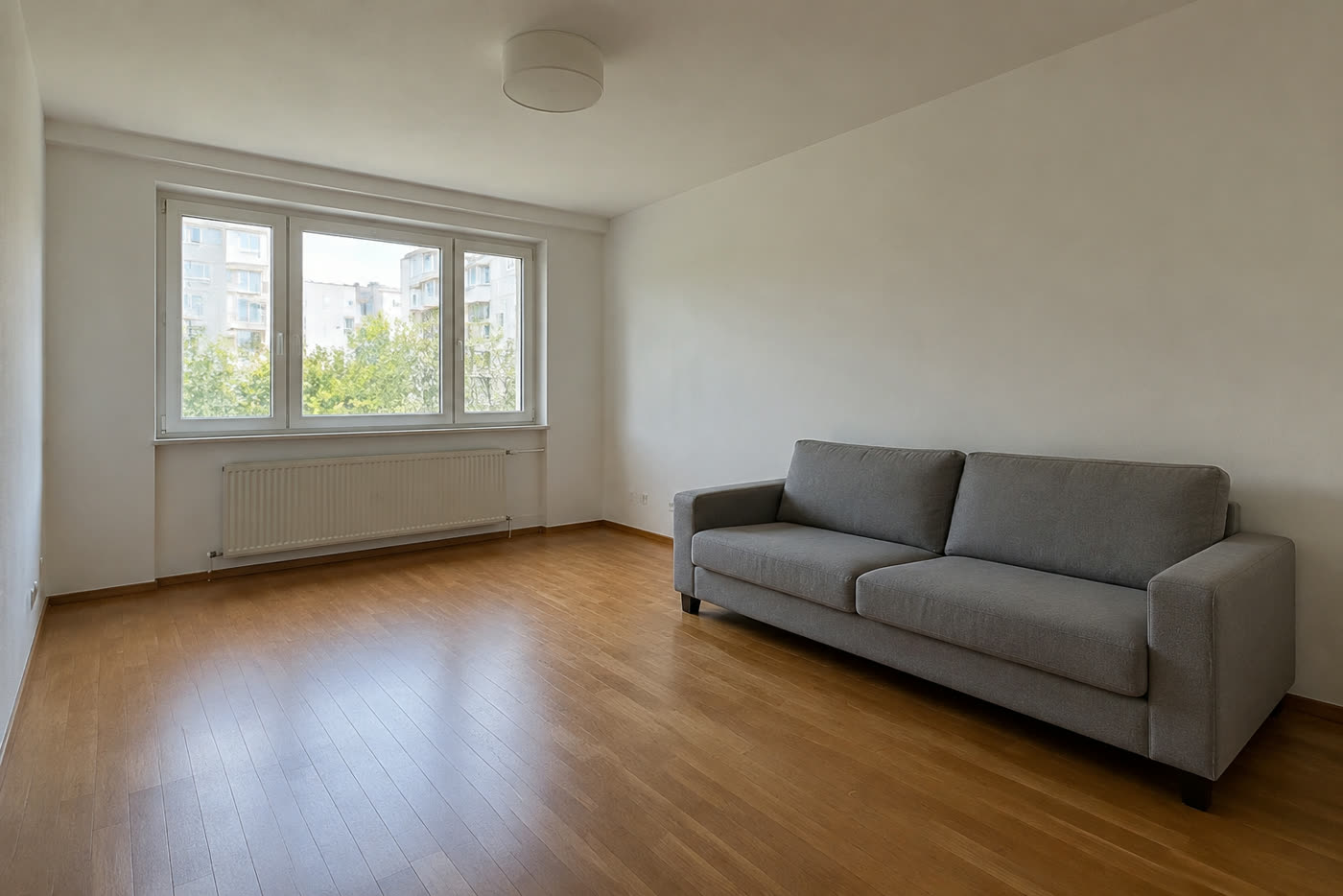
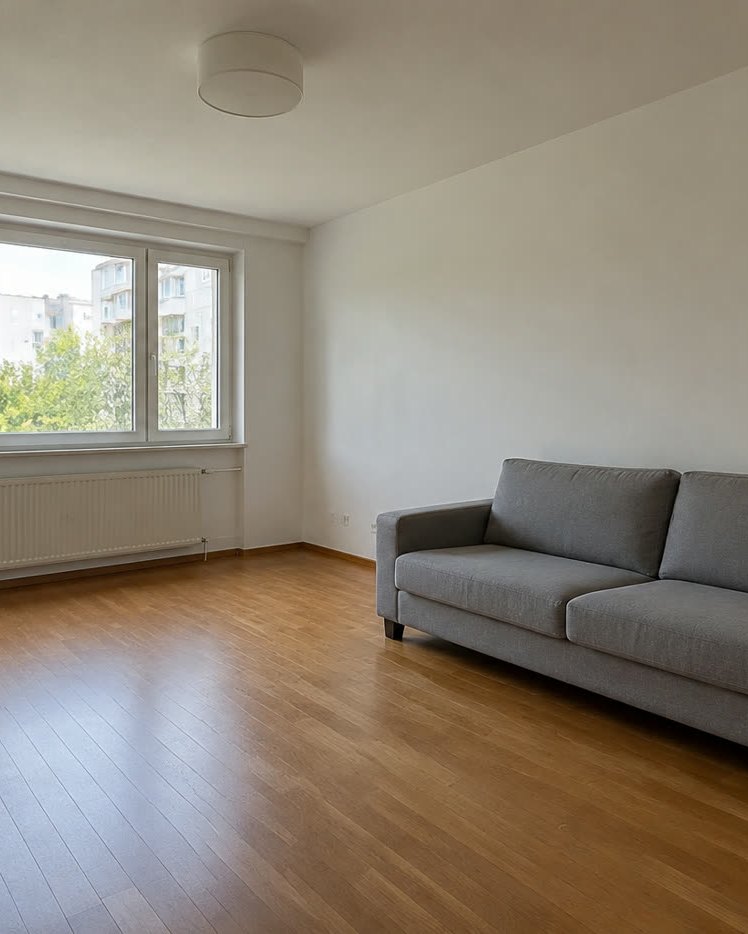
Sample photos are AI-generated and show fictional people. Edits made in this tool, unretouched.
How to
Three steps
- Upload or paste an image.
- Pick a ratio (or Free), drag the frame and its corners, and press Apply crop. Rotate or flip if needed.
- Download the cropped image at full resolution.
Which ratio should I use?
| Ratio | Use it for |
|---|---|
| 1:1 | Profile pictures, Instagram grid, marketplace listings |
| 4:5 | Instagram and Facebook feed posts (takes the most screen space) |
| 3:2 | Prints (4×6 in, 10×15 cm), classic camera framing |
| 16:9 | YouTube thumbnails, slides, desktop wallpapers, X/Twitter images |
| 9:16 | Stories, Reels, TikTok, phone wallpapers |
Crop, then edit
After cropping you can add text, apply a filter or remove the background in the same editor, and download once. If the crop cuts something off you wish you had, the AI editor can extend or clean up the photo — for example remove a stranger at the edge instead of cropping them out.
Frequently asked questions
Is it really free and unlimited?
Yes. The free tools (add text, crop and rotate, filters and background removal) need no account, add no watermark and have no daily limit, because they run on your own device and cost us nothing. Only the AI edits use credits after your free one.
Is my photo uploaded?
No. The free tools run entirely in your browser, so the photo never leaves your device. Only if you choose an AI edit is the photo sent to the AI model — and even then it is never stored.
Does cropping reduce quality?
Cropping only removes pixels outside the frame; the rest is kept at its original resolution (up to 2048 px on the long side) and saved as a high-quality JPG, or PNG if the background is transparent.
Can I rotate a sideways photo?
Yes. Use Rotate 90° as many times as needed, and Flip to mirror a selfie.
More free tools
Free, in your browser
AI edits