AI Photo Editor / Photo filters
Free · unlimited · instant
Photo Filters Online
Apply free photo filters in your browser — Vivid, Warm, Cool, B&W, Film and Fade — and fine-tune brightness, contrast, saturation and warmth. No sign-up, no watermark, nothing uploaded.
- Free & unlimited
- No sign-up, no watermark
- Never uploaded
or paste it — it never leaves your device
Free · unlimited · no sign-up · no watermarkIn short
To filter a photo online, upload it here and tap a filter — Vivid, Warm, Cool, B&W, Film or Fade — then fine-tune brightness, contrast, saturation, warmth and fade with the sliders and download. Changes preview instantly, it is free and unlimited, and the photo never leaves your browser.
Before and after
Made with this free tool
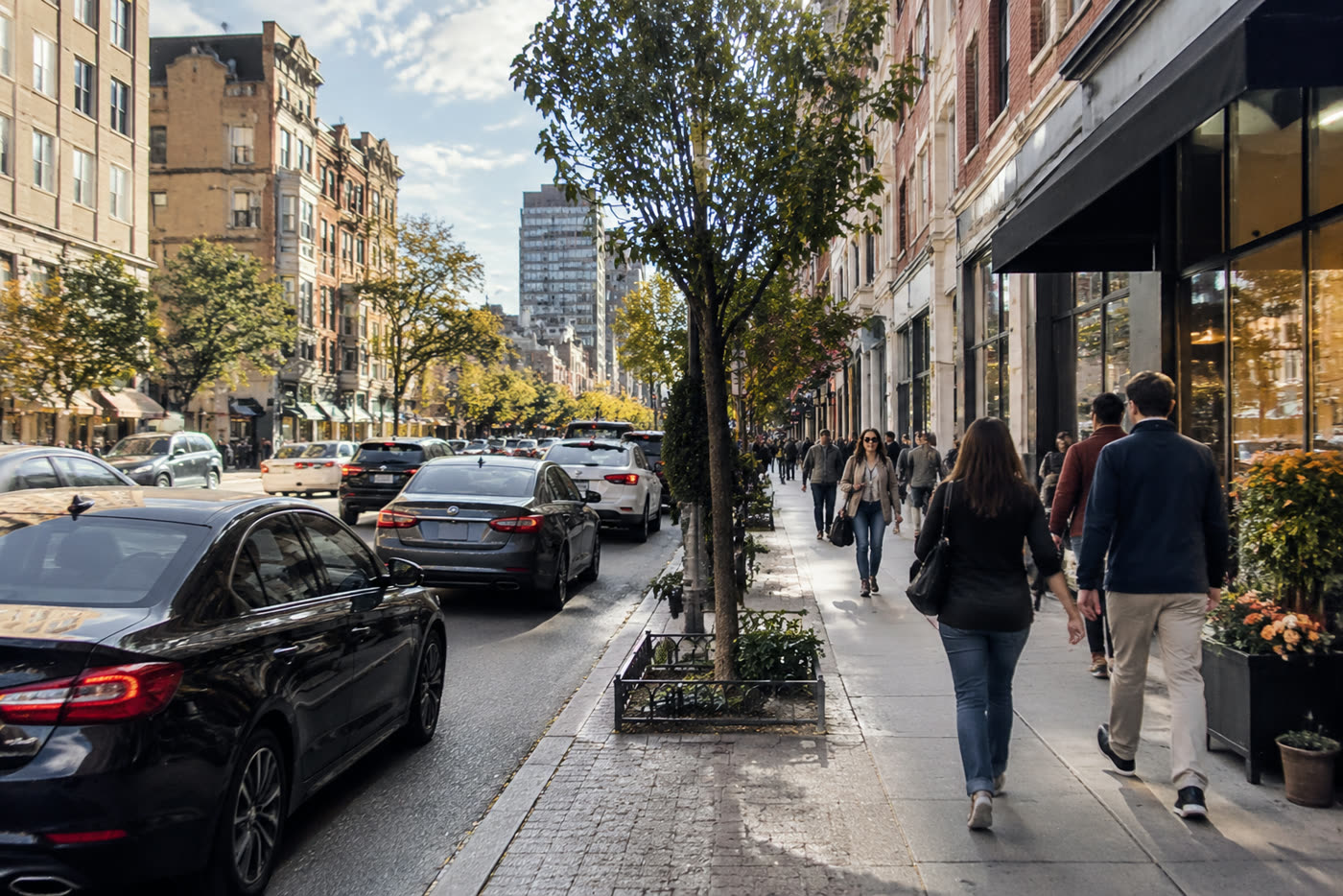
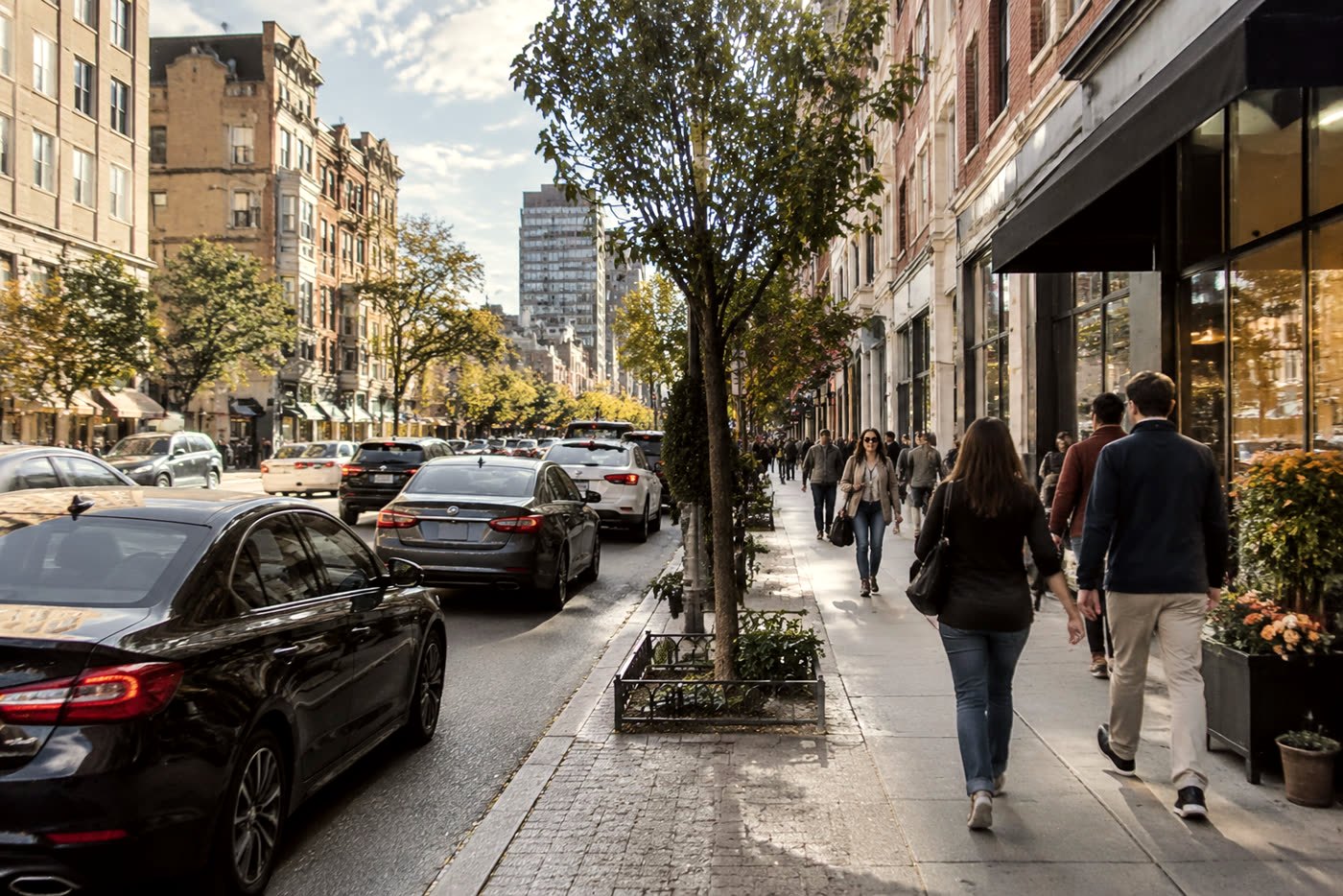 BeforeAfter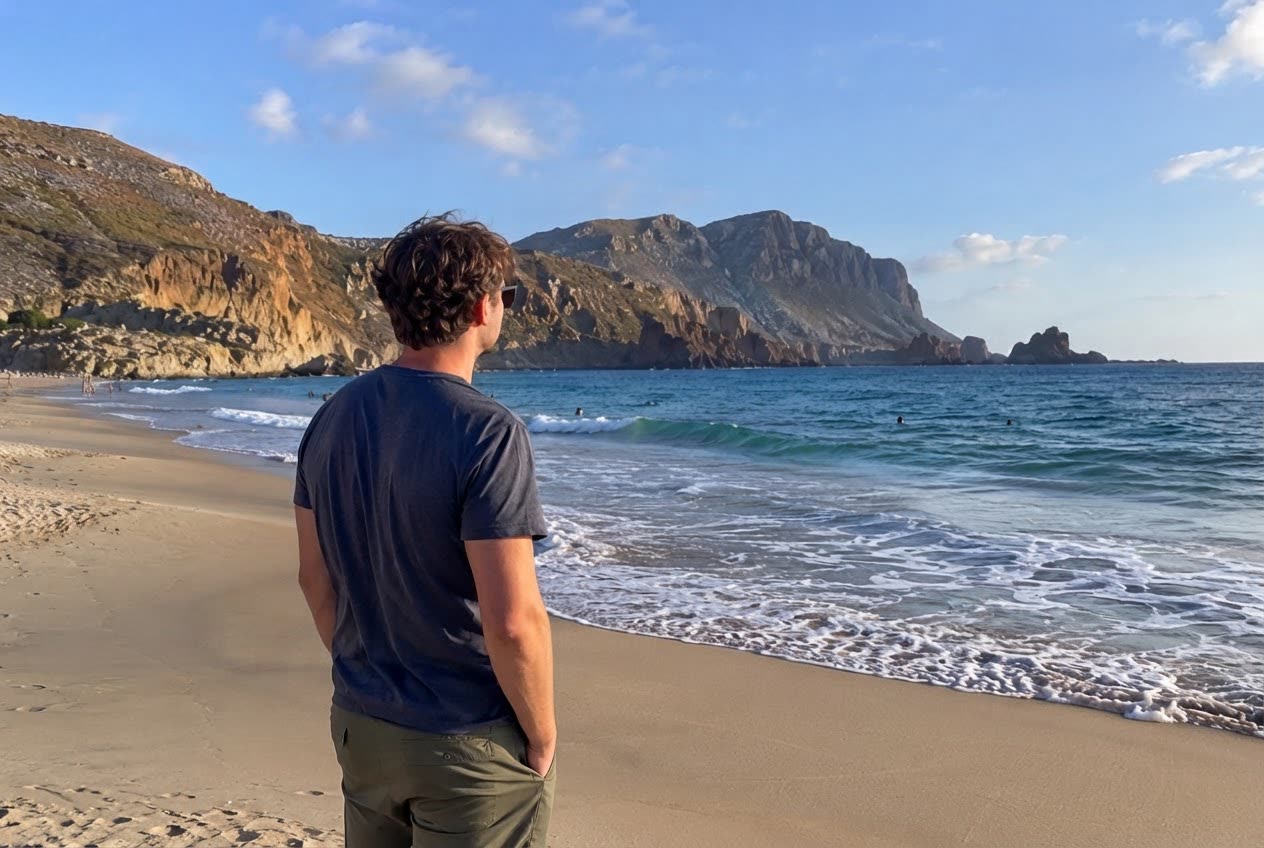
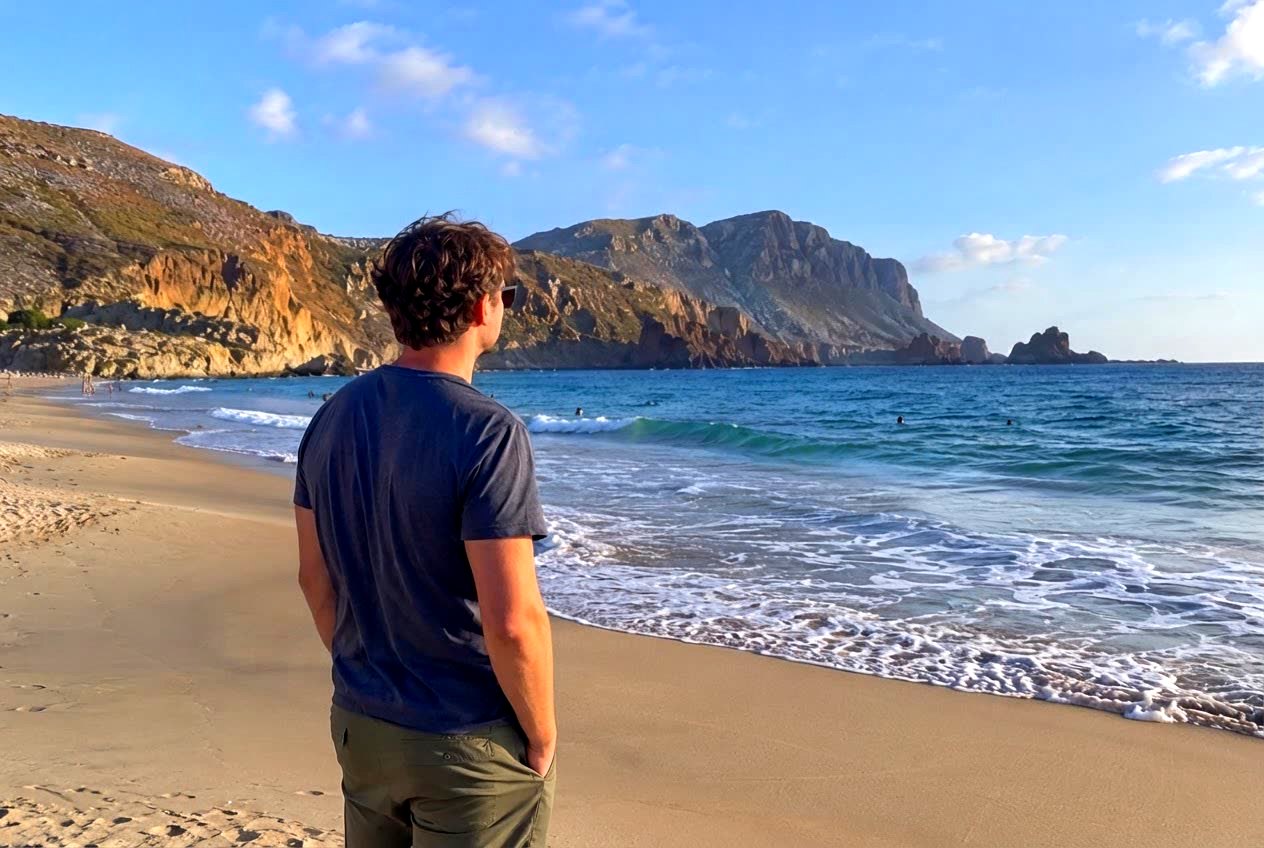 BeforeAfter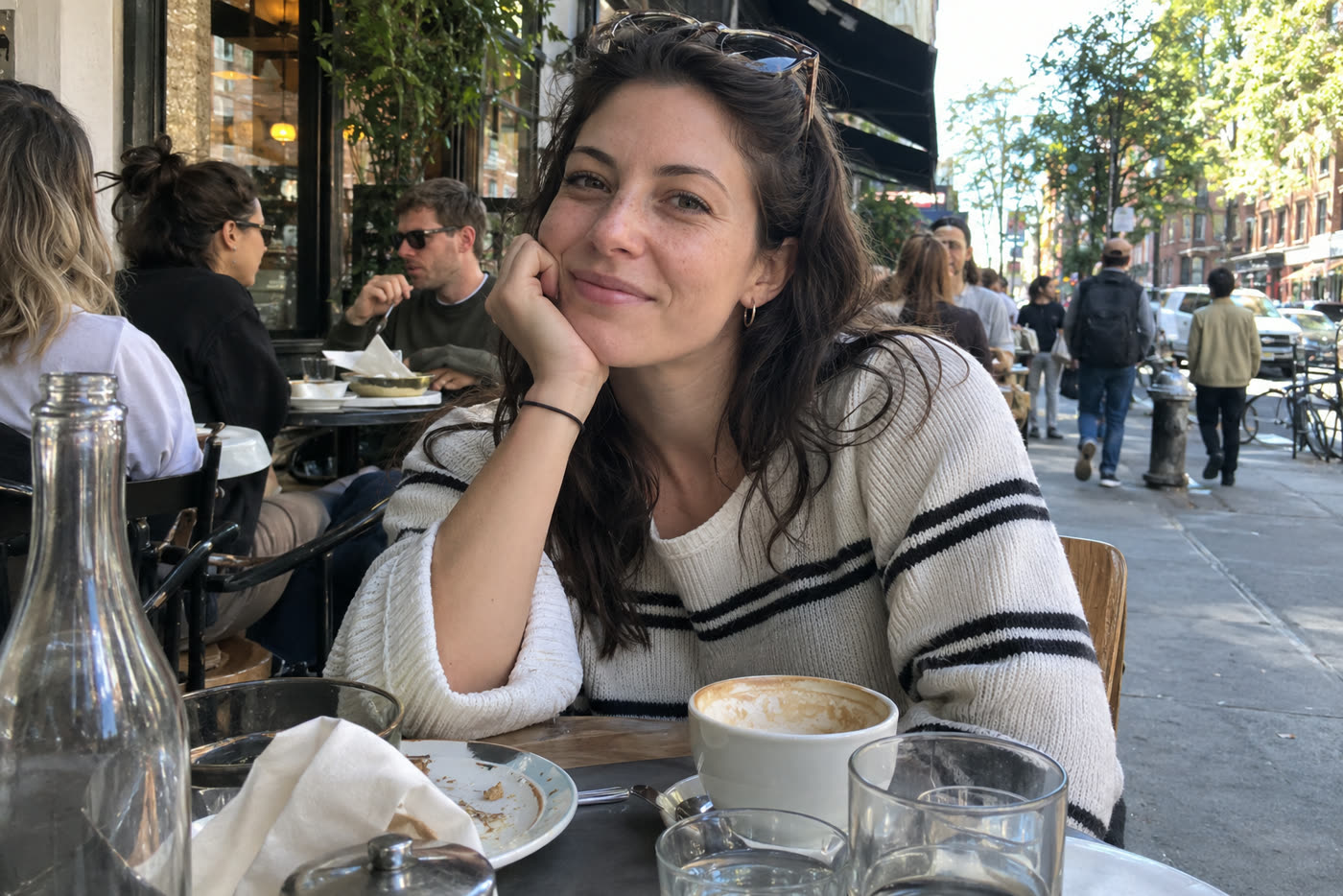
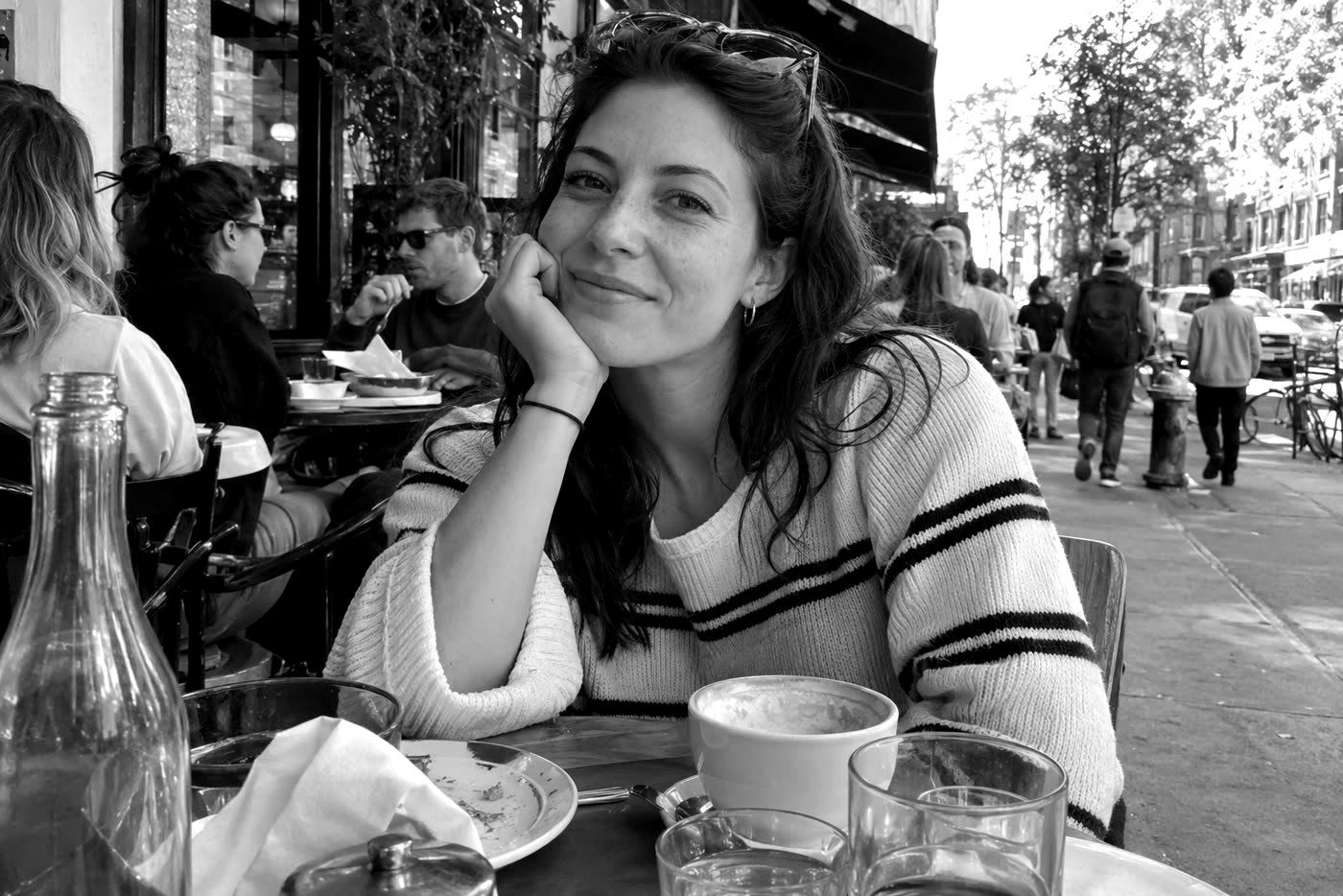 BeforeAfter
Sample photos are AI-generated and show fictional people. Edits made in this tool, unretouched.
How to
Three steps
- Upload or paste a photo.
- Tap a filter, then adjust brightness, contrast, saturation, warmth or fade to taste.
- Download in full resolution.
What each filter does
| Filter | Effect |
|---|---|
| Vivid | More saturation and contrast — punchy colour |
| Warm | Golden tint, like late-afternoon light |
| Cool | Blue tint, crisp and calm |
| B&W | Black and white with extra contrast |
| Film | Lifted blacks, warm and slightly muted — analogue look |
| Fade | Soft, low-contrast, pastel |
When a filter isn’t enough
Filters change colour and tone across the whole photo. If the photo is too dark, blurry or noisy, the AI editor’s Enhance and Fix lighting edits rebuild detail and light instead — the first edit is free.
Frequently asked questions
Is it really free and unlimited?
Yes. The free tools (add text, crop and rotate, filters and background removal) need no account, add no watermark and have no daily limit, because they run on your own device and cost us nothing. Only the AI edits use credits after your free one.
Is my photo uploaded?
No. The free tools run entirely in your browser, so the photo never leaves your device. Only if you choose an AI edit is the photo sent to the AI model — and even then it is never stored.
Can I combine a filter with text or a crop?
Yes. All free tools work on the same photo: apply a filter, switch to Add text or Crop & rotate, and download once at the end.
Does it work on phones?
Yes, in Safari and Chrome on iPhone and Android.
More free tools
Free, in your browser
AI edits