AI Photo Editor / AI photo enhancer
Sharper · cleaner · better light
AI Photo Enhancer
Enhance photos with AI: sharpen blur, reduce noise, fix dark or flat lighting and correct colour in one tap. First edit free, no sign-up.
- 1 free edit, no account
- ≈8 s per edit
- Photos never stored
Sharper, cleaner, better light and colour.
In short
An AI photo enhancer improves a photo’s overall quality in one step: it sharpens soft detail, removes noise from dark shots, corrects exposure and white balance, and brings back shadows and highlights — without changing faces or composition. Upload a photo, tap Enhance (or Fix lighting for very dark shots) and compare before and after.
Before and after
Results from this editor
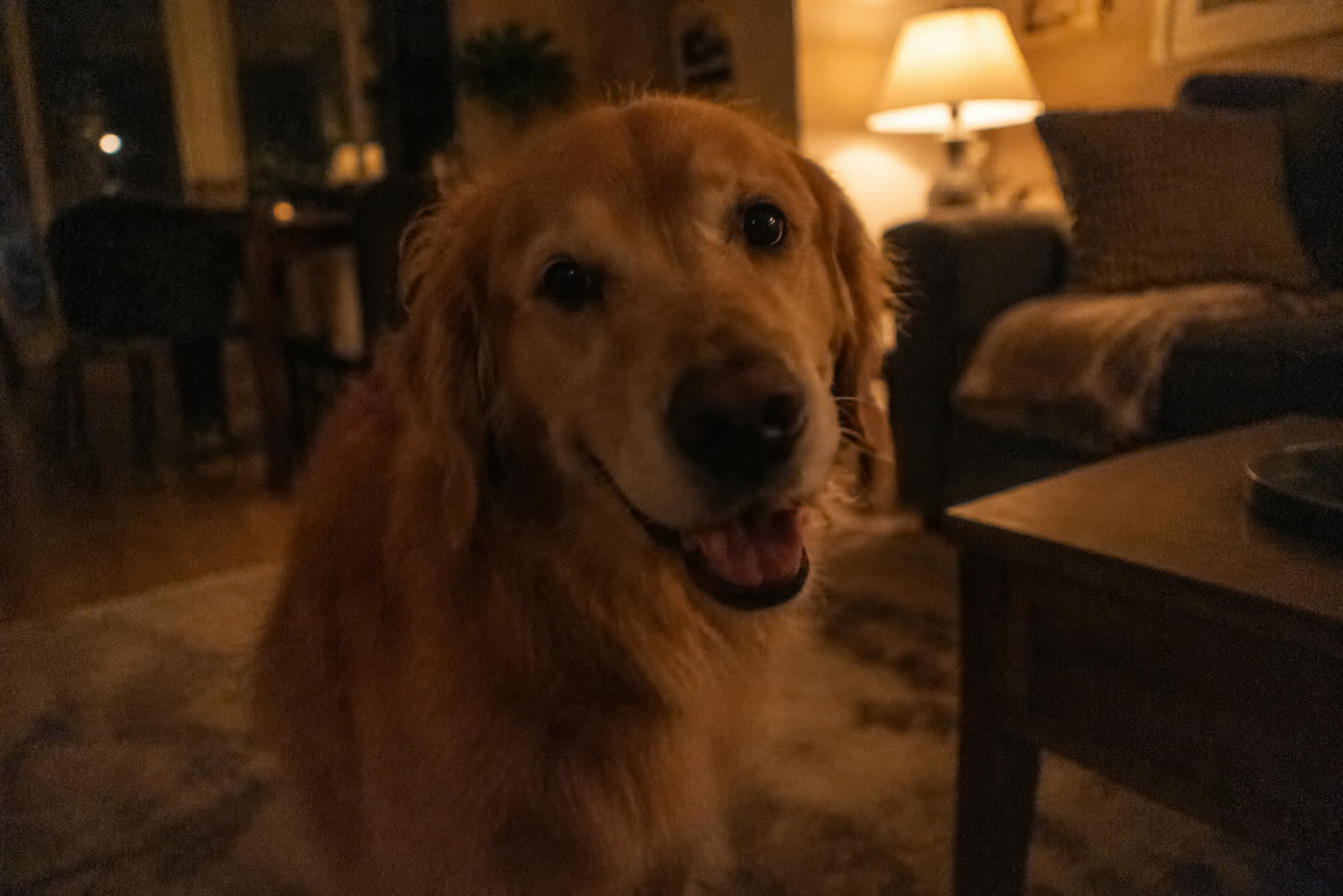
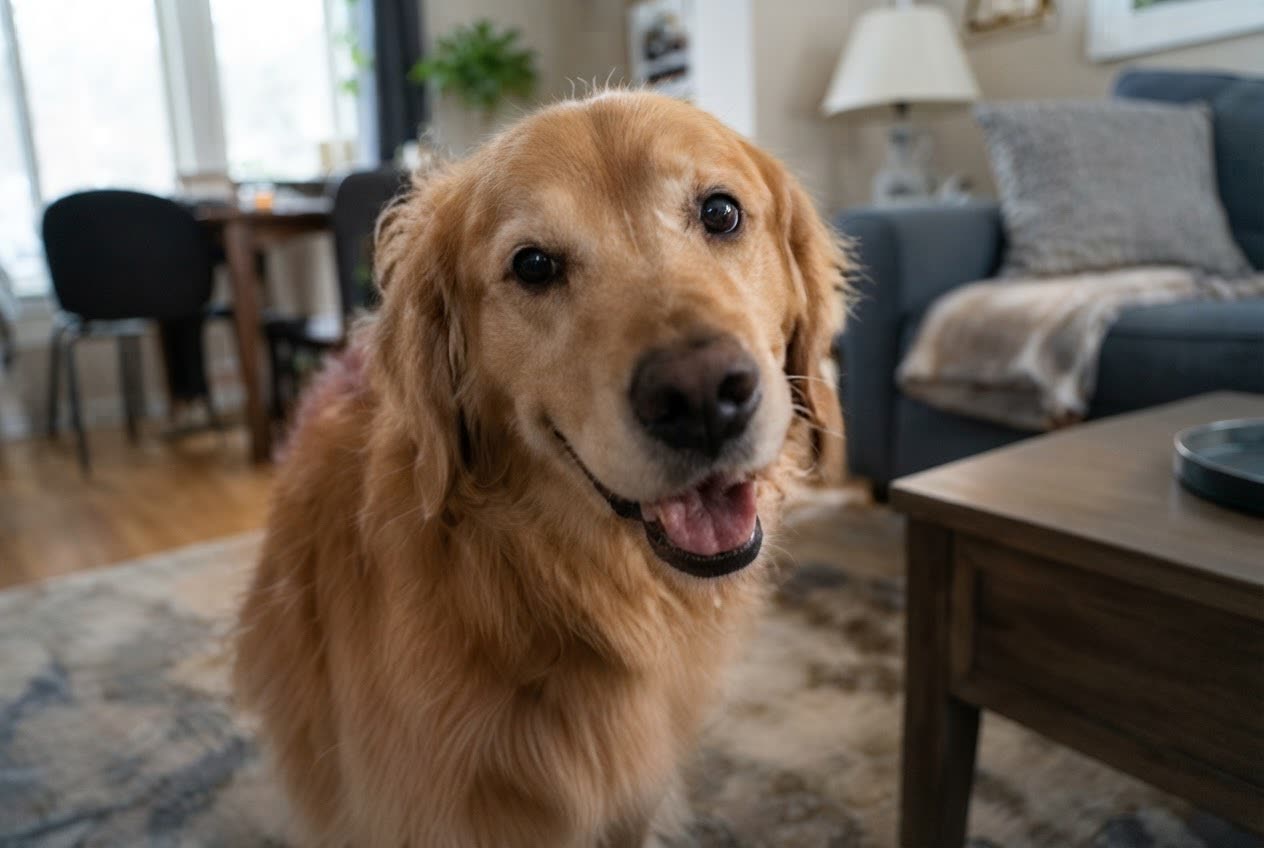 BeforeAfter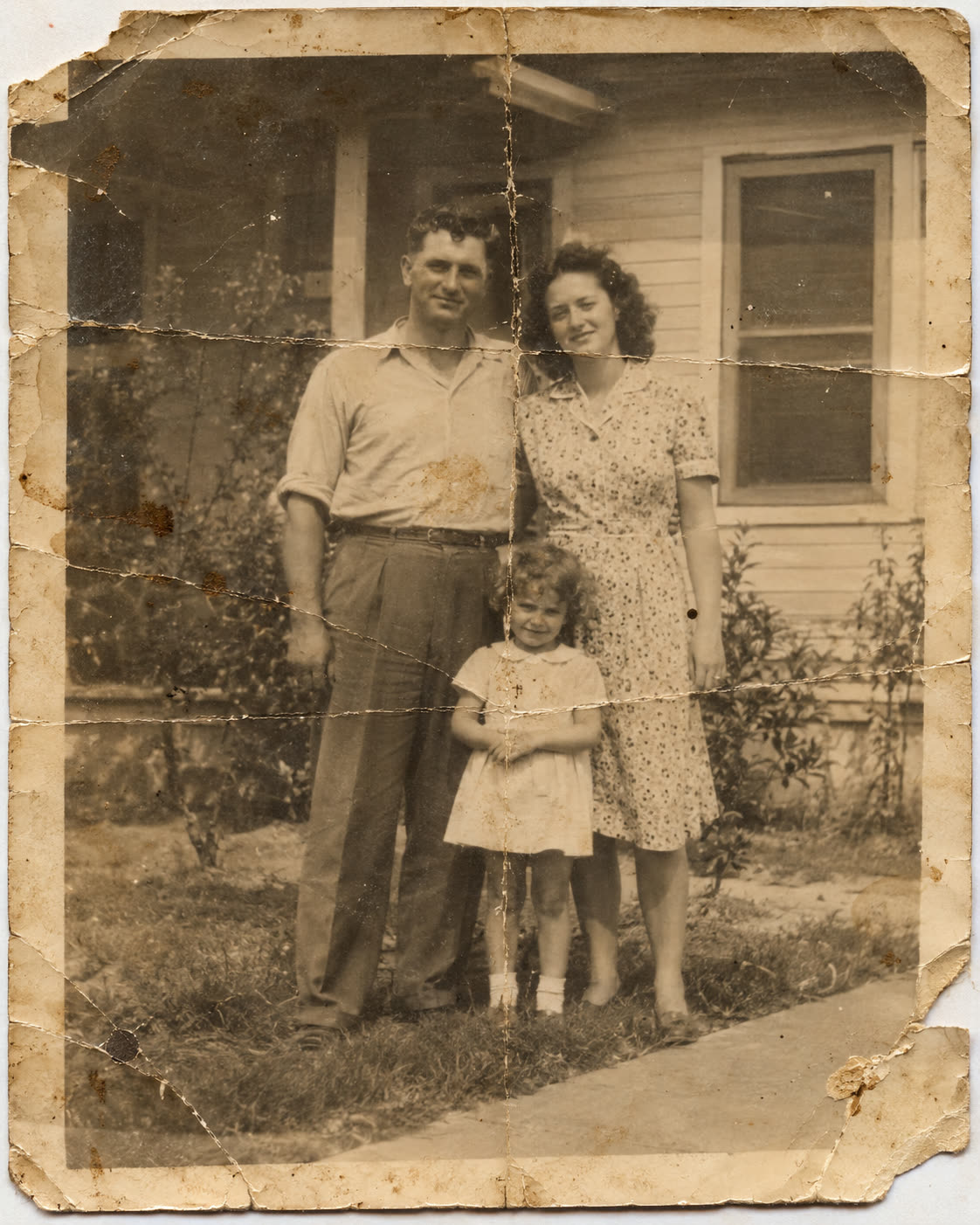
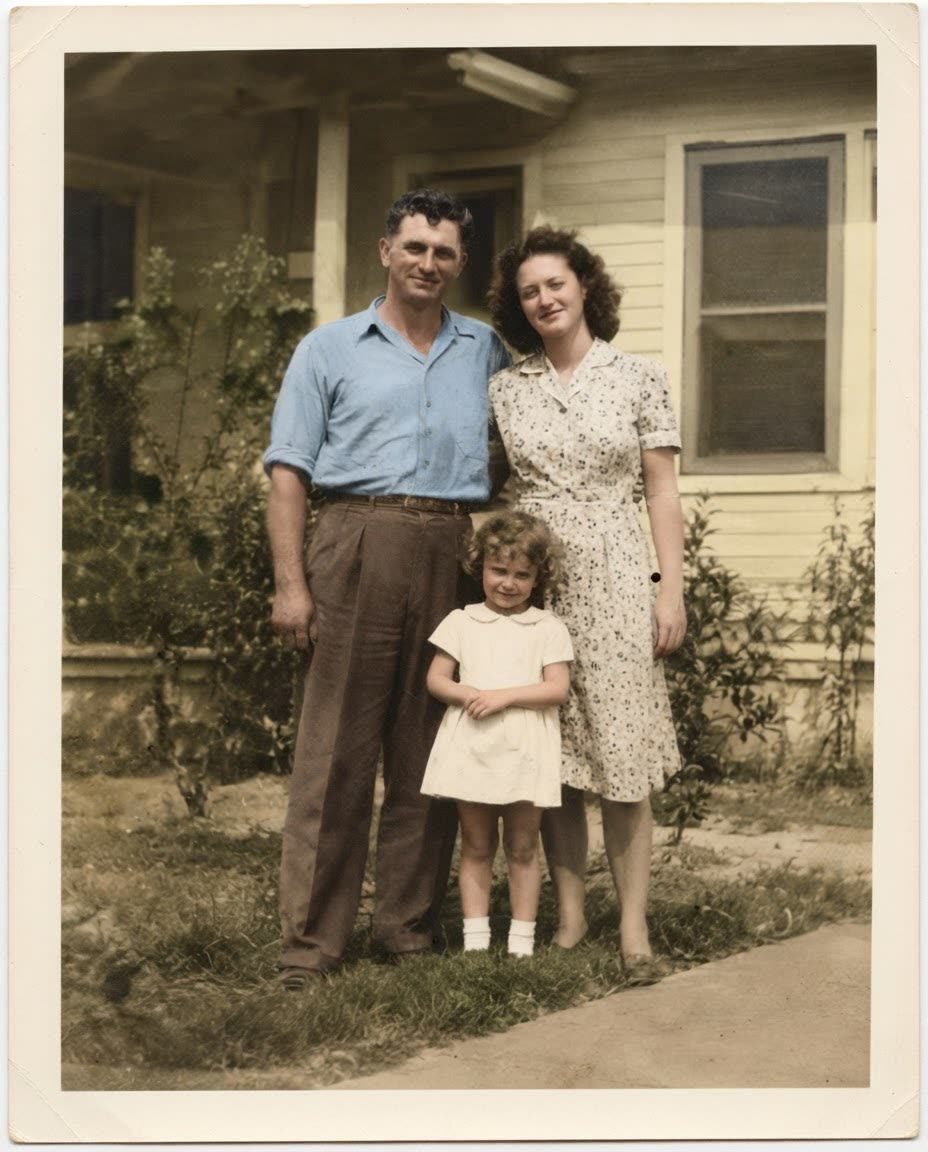 BeforeAfter
 BeforeAfter
Sample photos are AI-generated and show fictional people. Results are unretouched output from the editor.
How to
Three steps
- Upload the photo you want to improve.
- Tap Enhance for overall quality, or Fix lighting for dark photos.
- Compare with the slider and download. Use High quality for 2K output.
Which edit to use
| Problem | Edit | Tip |
|---|---|---|
| Soft or slightly blurry | Enhance | High quality recovers more fine detail |
| Too dark, grainy | Fix lighting | Describe the light: “soft daylight” |
| Old, faded, scratched | Restore old photo | Also adds natural colour |
| Flat phone portrait | Portrait blur | Adds camera-like background blur |
What an enhancer can’t do
AI can rebuild plausible detail, but it can’t recover information that was never captured — tiny unreadable text or a face that is a few pixels wide will be reinterpreted, not revealed. For evidence or documents, keep the original.
Frequently asked questions
Does enhancing change how people look?
The enhance edit is instructed to keep faces, identity and composition the same and only improve sharpness, noise, exposure and colour.
Can it upscale?
High quality returns up to 2K images, which works as a 1.5–2× upscale for most phone and web photos.
Is it really free without sign-up?
Yes. Every visitor gets one free standard edit per day with no account, email or card. More edits use credits: packs start at $9.90 for 120 credits (about 8¢ an edit), and a standard edit costs 1 credit.
Do you keep my photos?
No. Your photo is sent to the AI model only to make the edit, then discarded. We never store the photo or the result on our servers, and we never use them for training. The edited photo is returned straight to your browser.