AI Photo Editor / AI background changer
New place · matched light
AI Background Changer
Change any photo background with one sentence: beach, studio, city or plain white. Lighting is matched to the new scene. First edit free, no sign-up.
- 1 free edit, no account
- ≈8 s per edit
- Photos never stored
Put the subject somewhere else.
In short
An AI background changer replaces everything behind your subject with a new scene you describe, and matches the light, colour and depth of field so it looks photographed there. Upload a photo, choose New background and type a place such as “a quiet Paris street at golden hour”; use Remove background for a plain white backdrop.
Before and after
Results from this editor
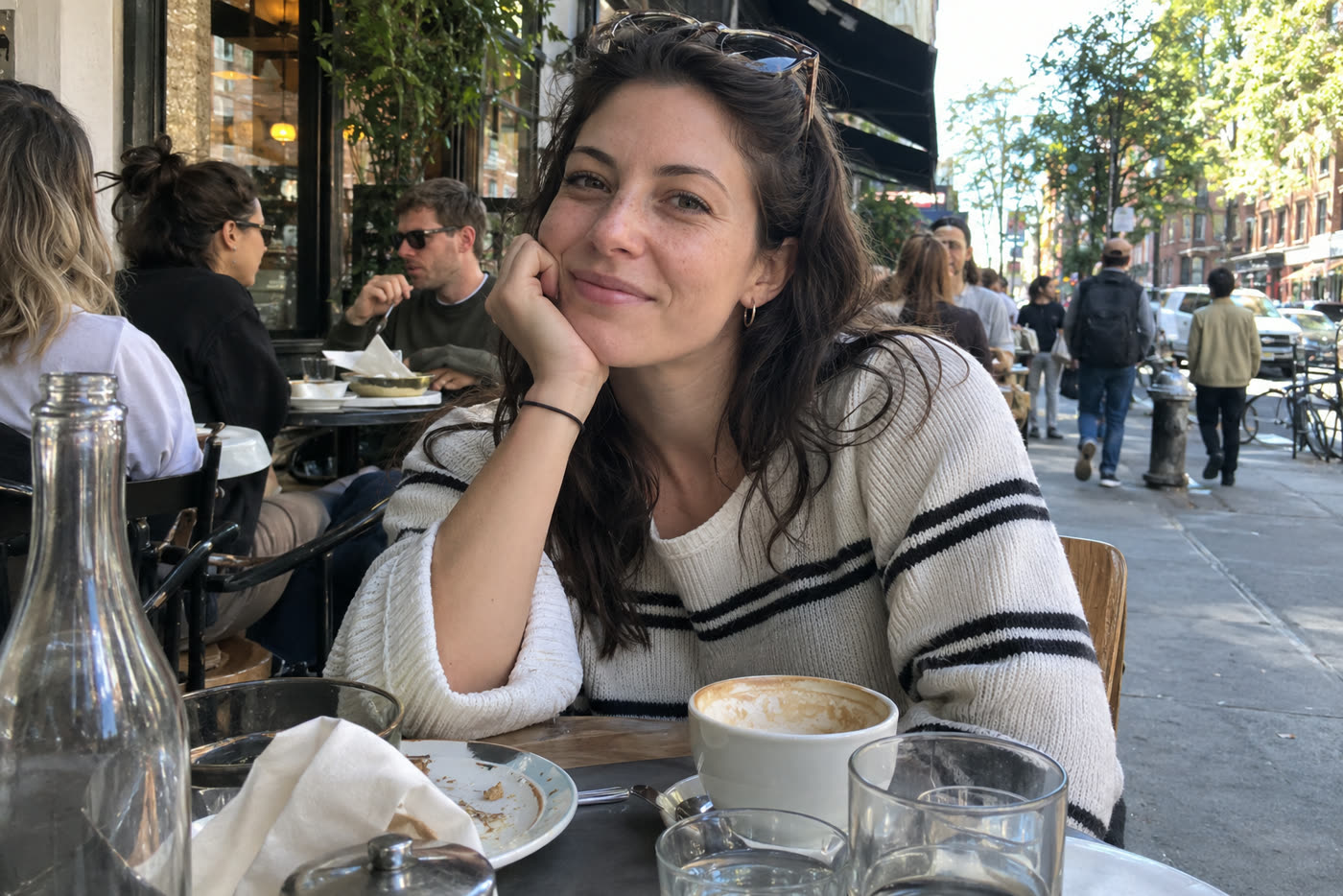
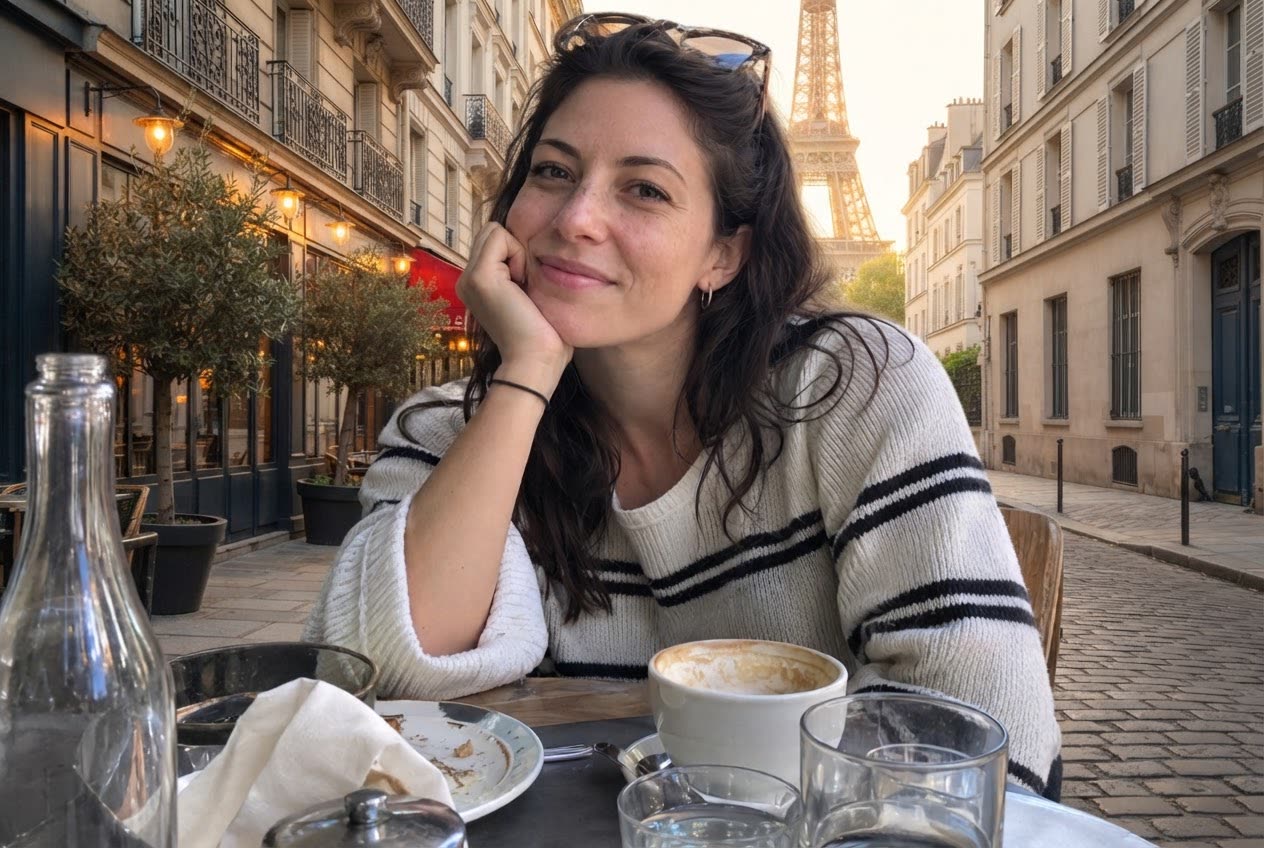 BeforeAfter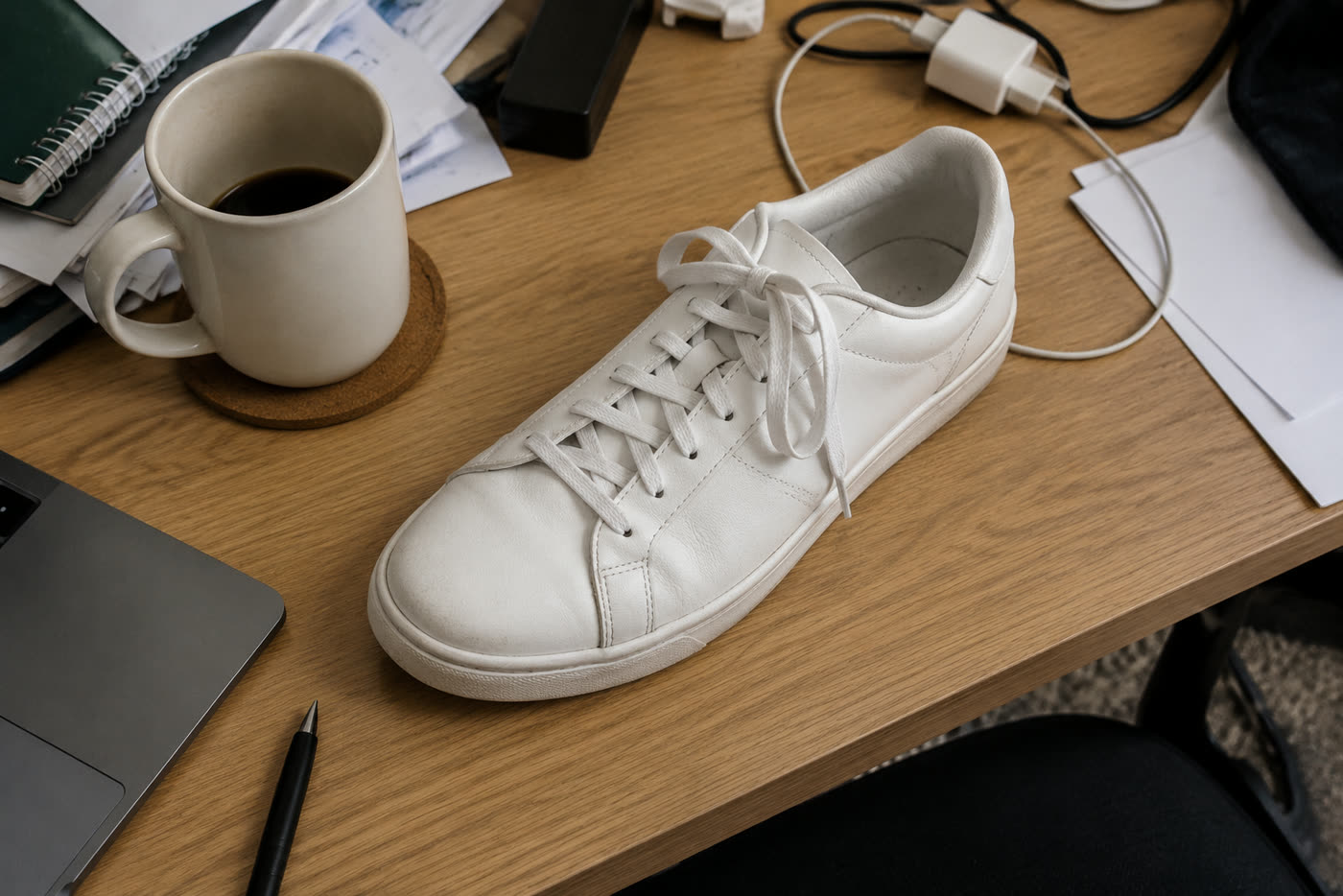
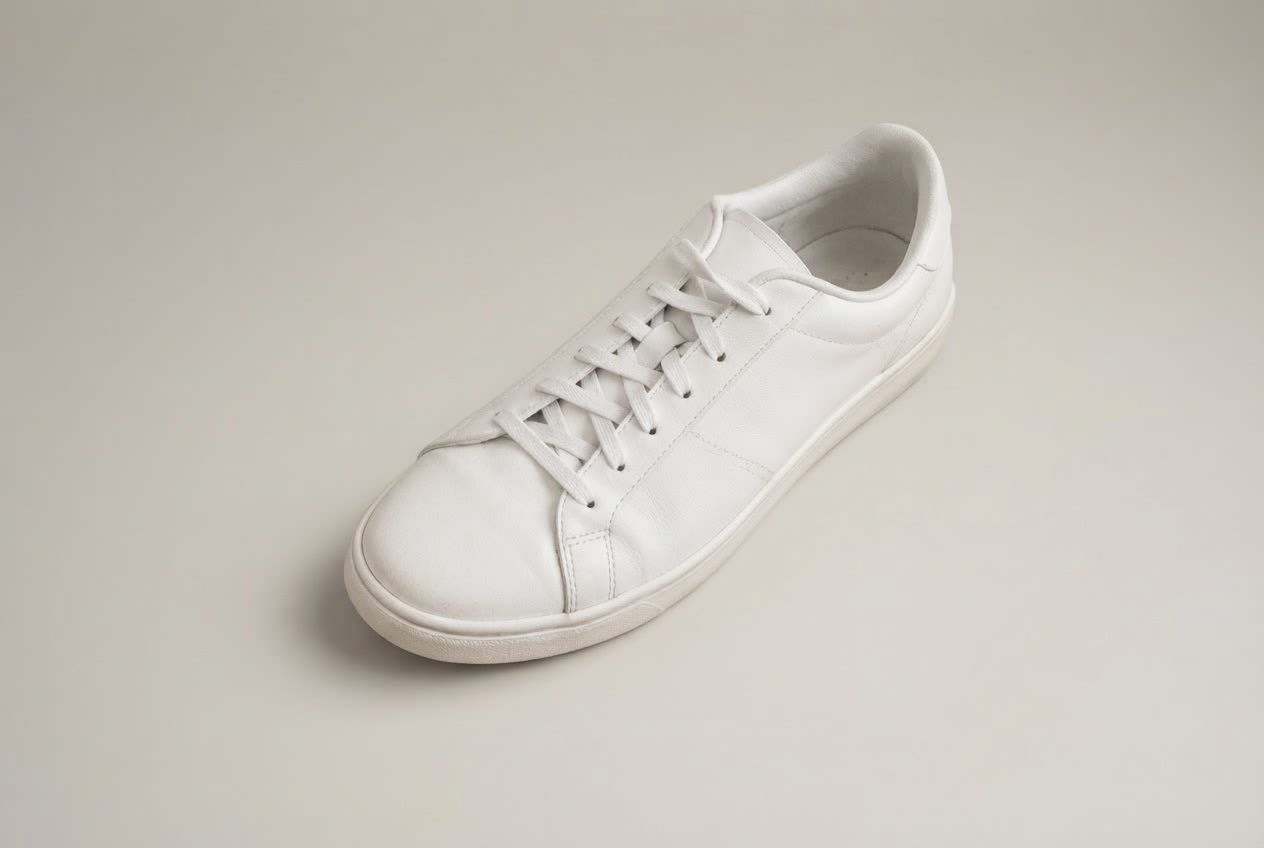 BeforeAfter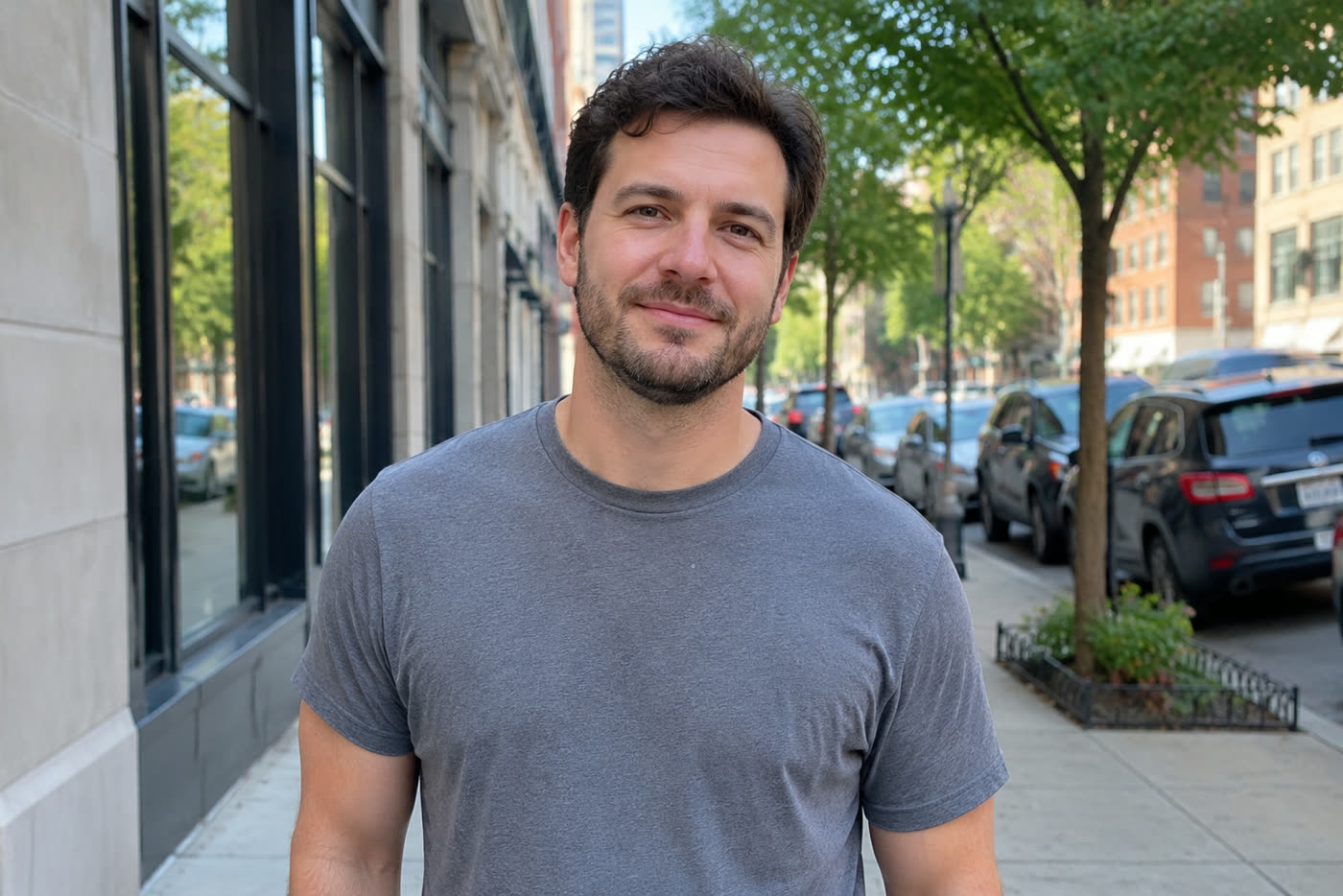
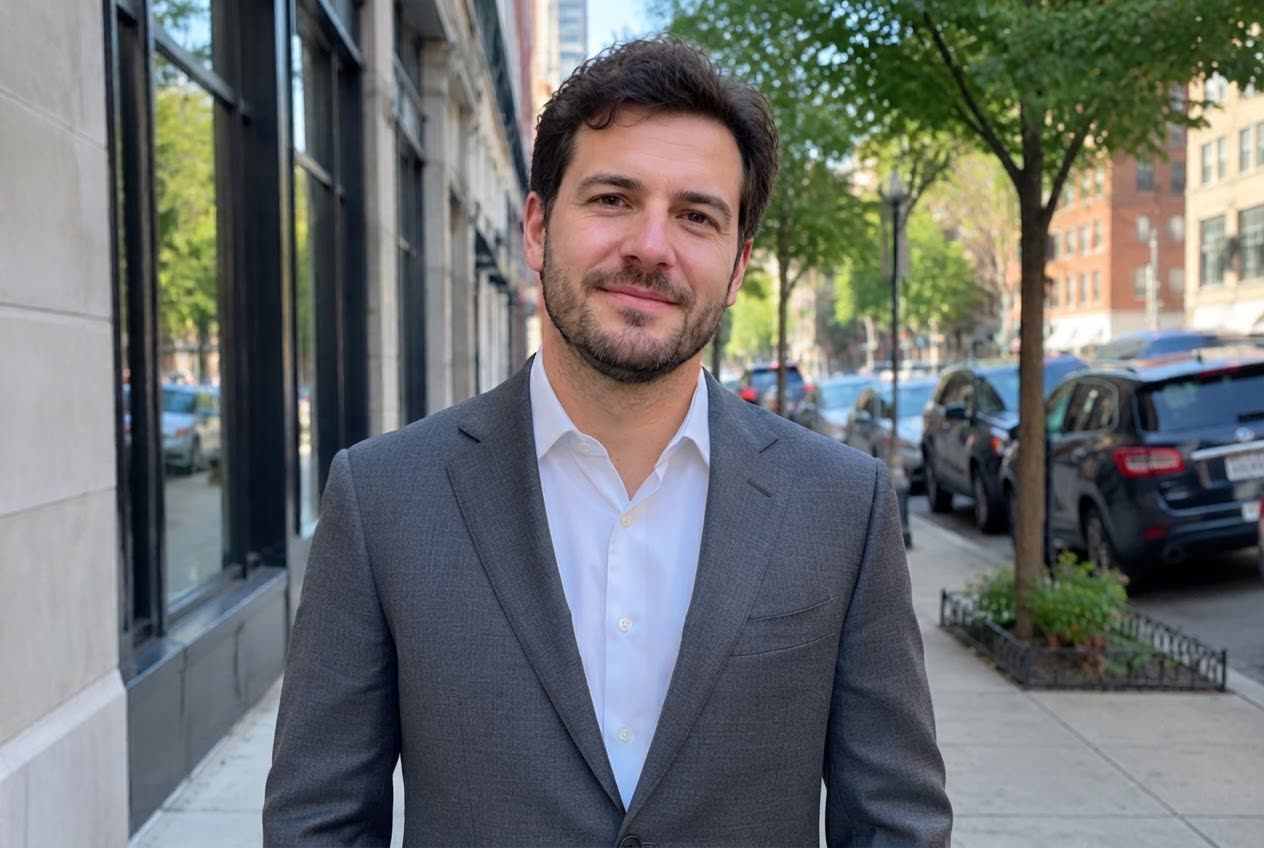 BeforeAfter
Sample photos are AI-generated and show fictional people. Results are unretouched output from the editor.
How to
Three steps
- Upload a photo with a clear subject.
- Choose New background and describe the place (or Remove background for white).
- Develop and compare; try another place with Keep editing.
Background ideas
| Use | Try typing |
|---|---|
| Profile photo | a softly blurred modern office with daylight |
| Travel | a beach in Santorini at sunset |
| Product | a light grey seamless studio background |
| Holiday card | a cosy living room with a fireplace and lights |
| ID-style | Remove background (plain white) |
Frequently asked questions
Will the person still look like me?
The edit keeps the subject’s face, hair, clothes and pose and only replaces the background, then matches the light.
Can I get a transparent PNG?
Remove background returns a clean pure-white background. Transparent PNG export is on our list.
Is it really free without sign-up?
Yes. Every visitor gets one free standard edit per day with no account, email or card. More edits use credits: packs start at $9.90 for 120 credits (about 8¢ an edit), and a standard edit costs 1 credit.
Do you keep my photos?
No. Your photo is sent to the AI model only to make the edit, then discarded. We never store the photo or the result on our servers, and we never use them for training. The edited photo is returned straight to your browser.