AI Photo Editor / AI image editor
Describe it · see it · download it
AI Image Editor
Edit images by describing the change: swap backgrounds, remove objects, change outfits or art style. Free first edit, no sign-up, results in about 6–10 seconds.
- 1 free edit, no account
- ≈8 s per edit
- Photos never stored
Put the subject somewhere else.
In short
An AI image editor changes an existing image from a plain-English instruction instead of brushes and layers. Upload an image, pick one of 12 ready-made edits or type your own (for example “replace the background with a beach at sunset”), and the AI returns the edited image in about 6–10 seconds while keeping the rest of the picture the same.
Before and after
Results from this editor
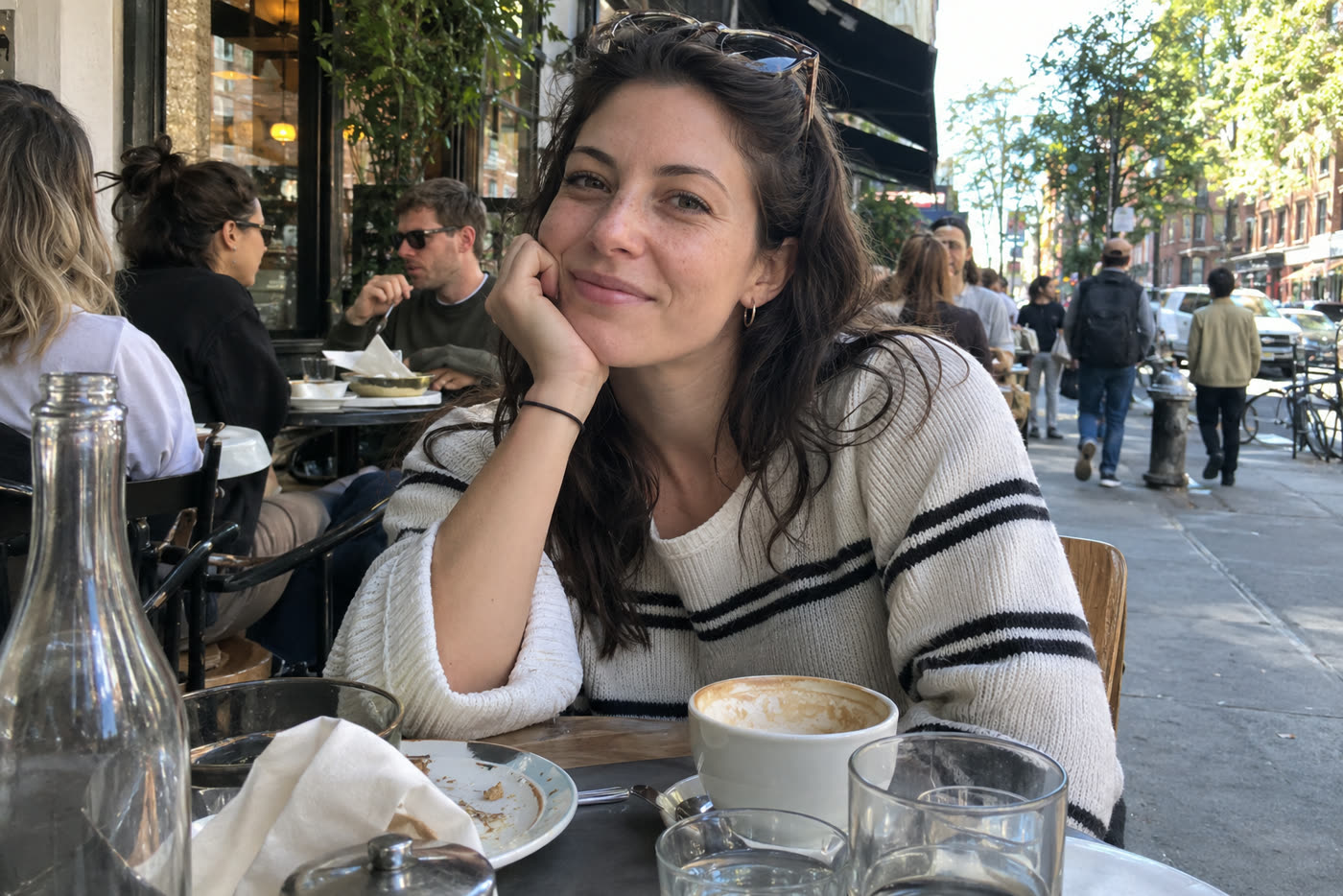
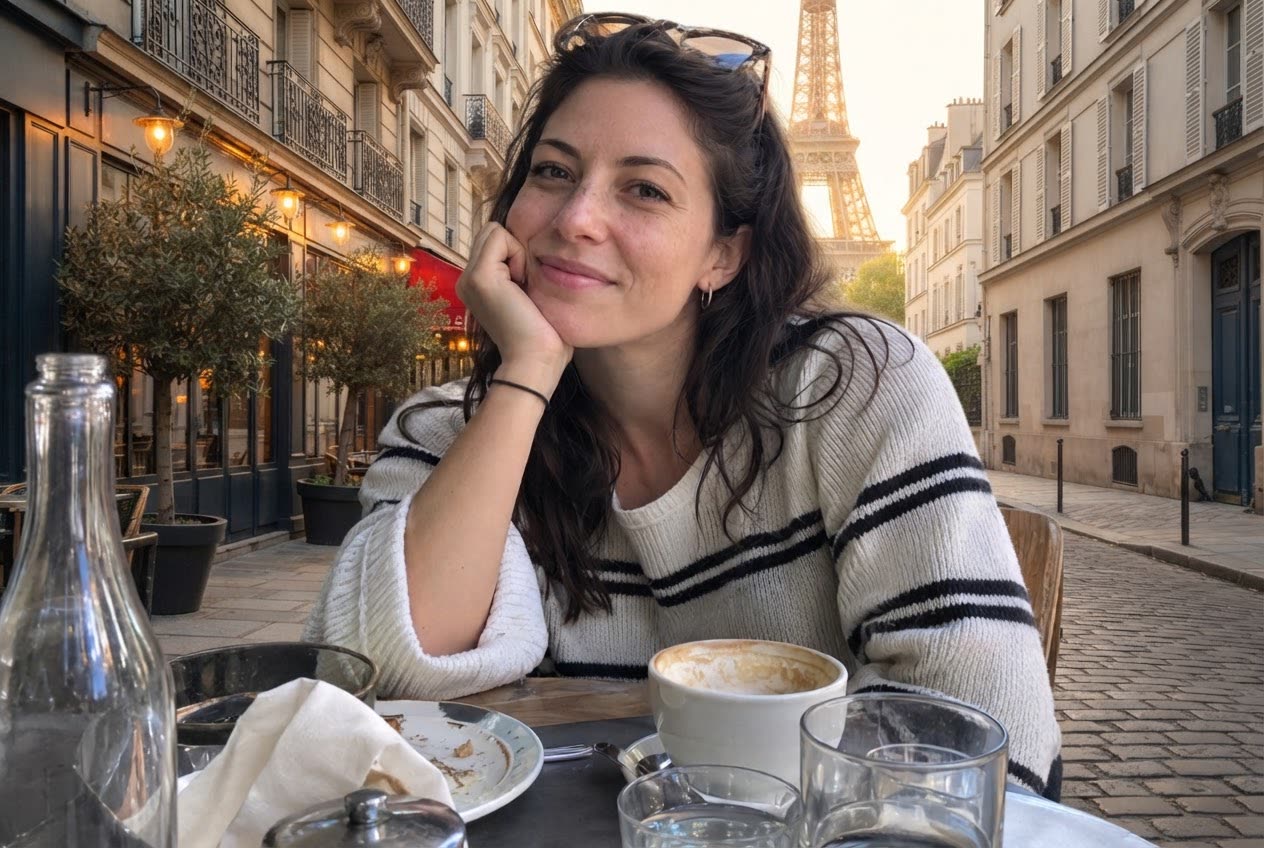 BeforeAfter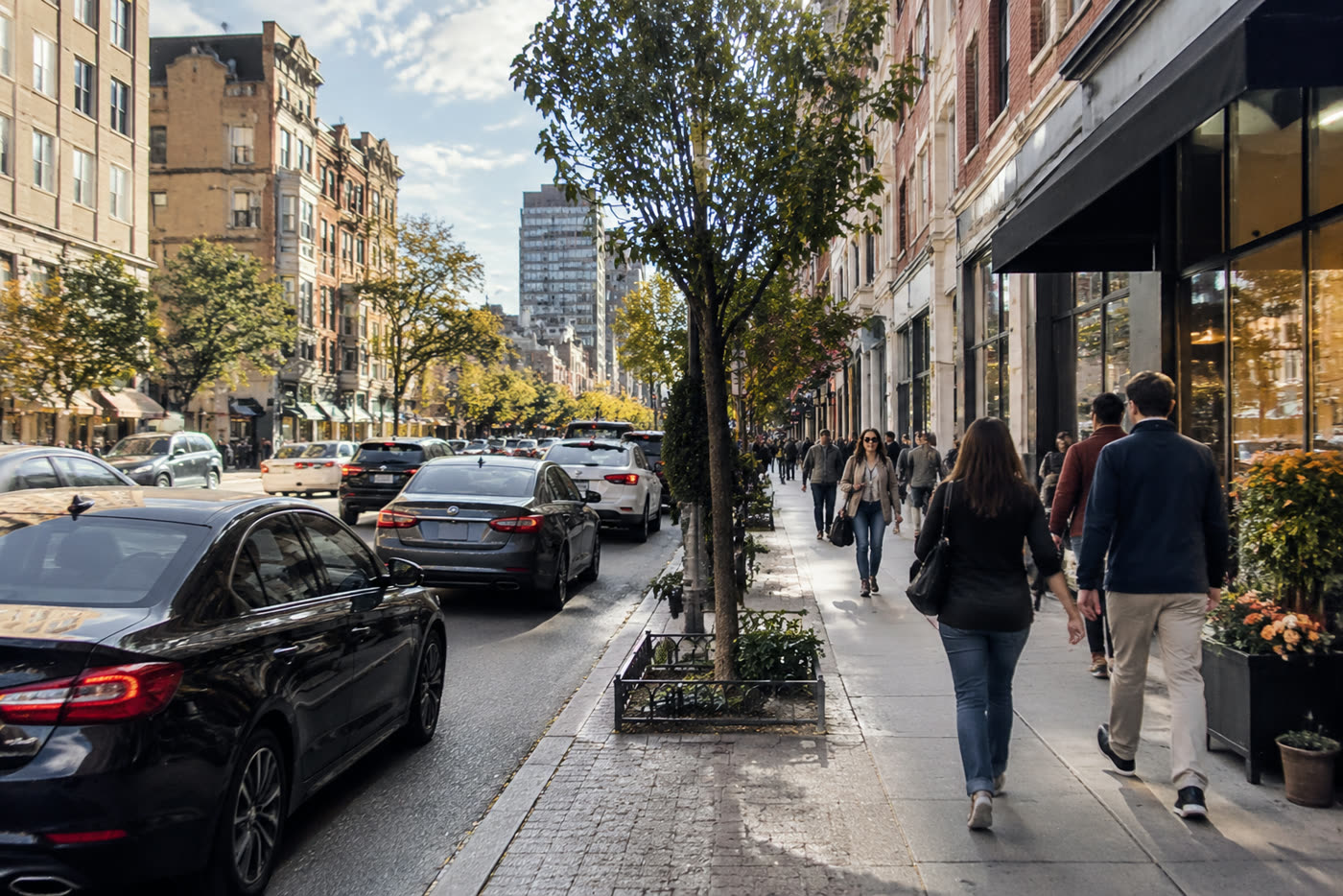
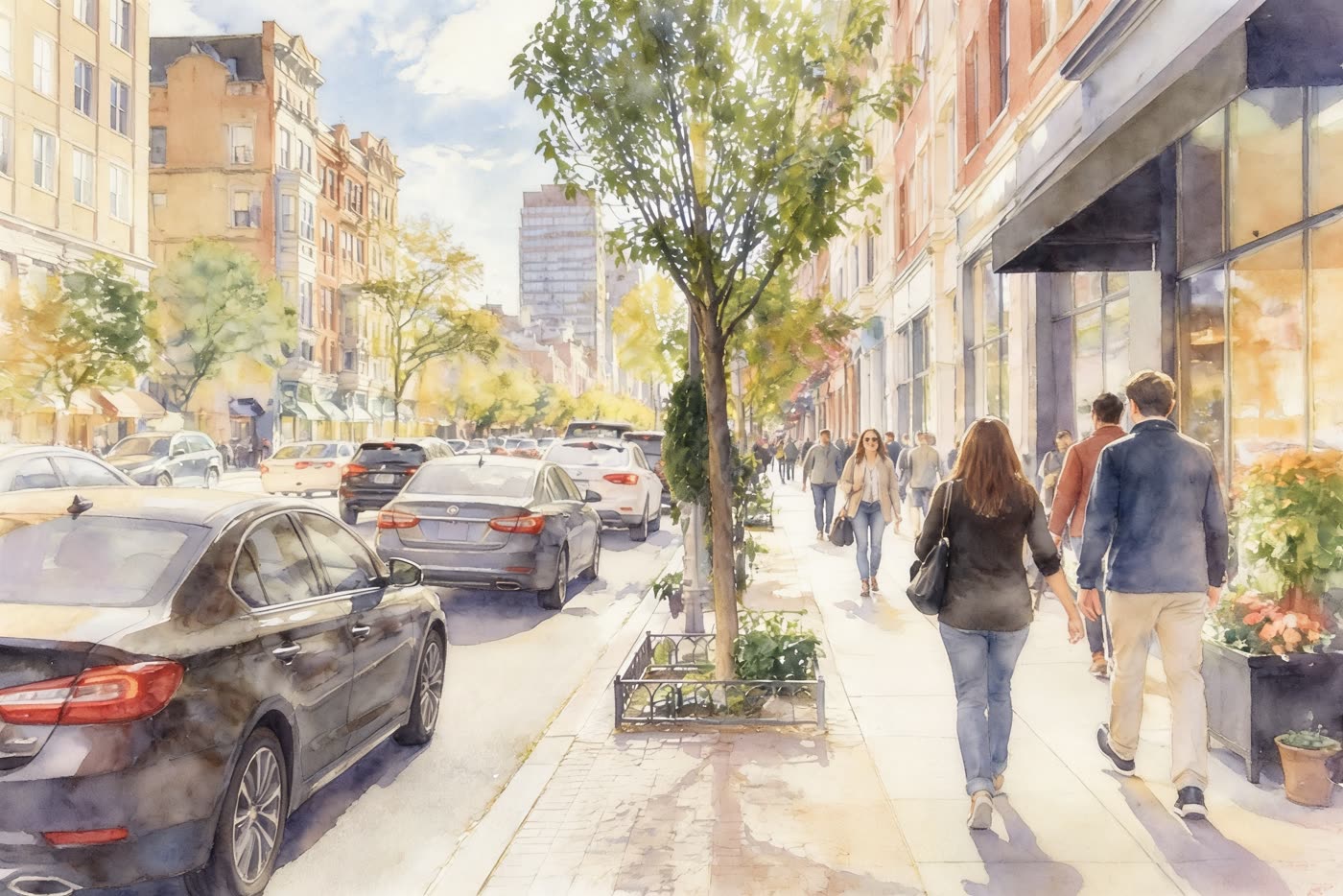 BeforeAfter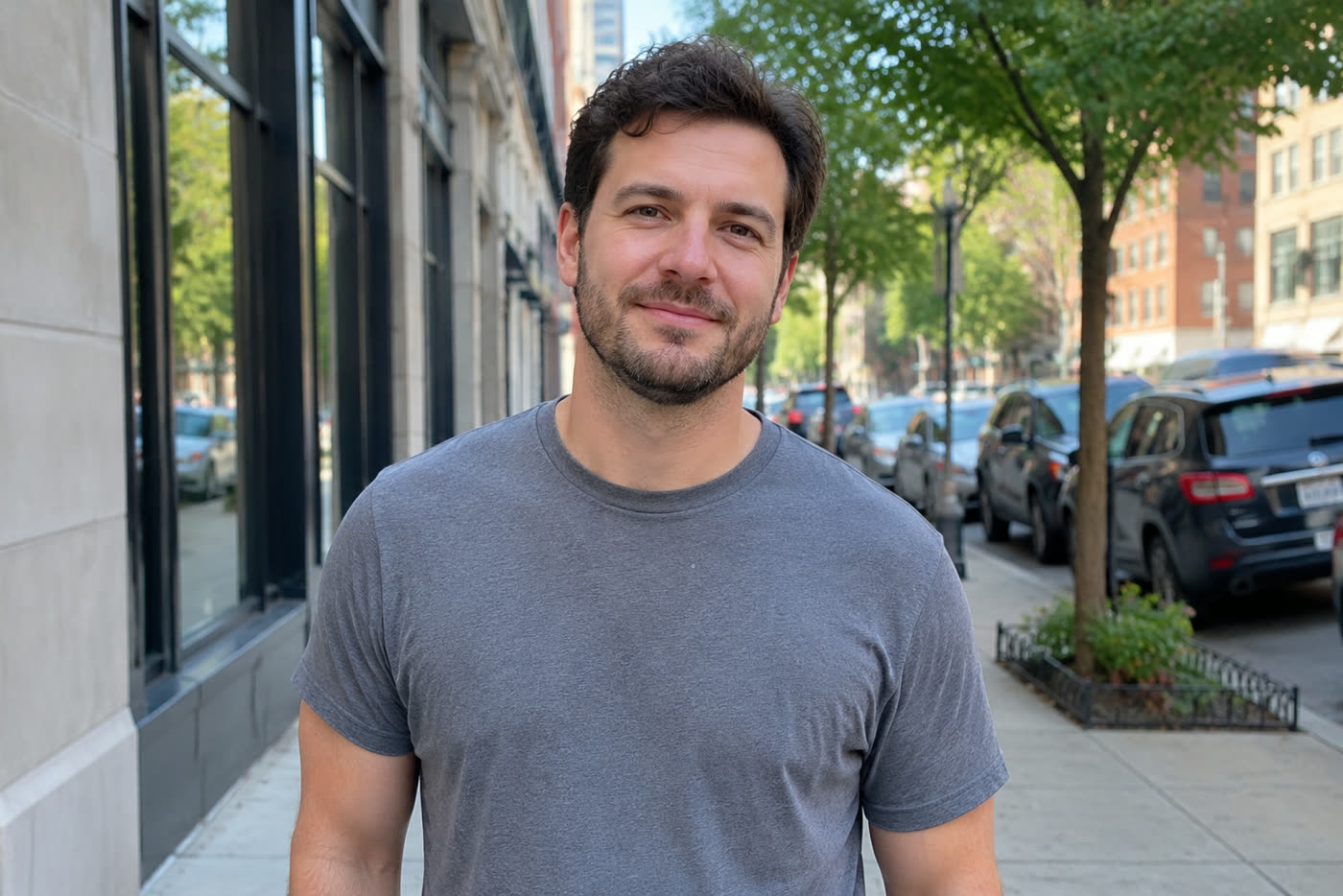
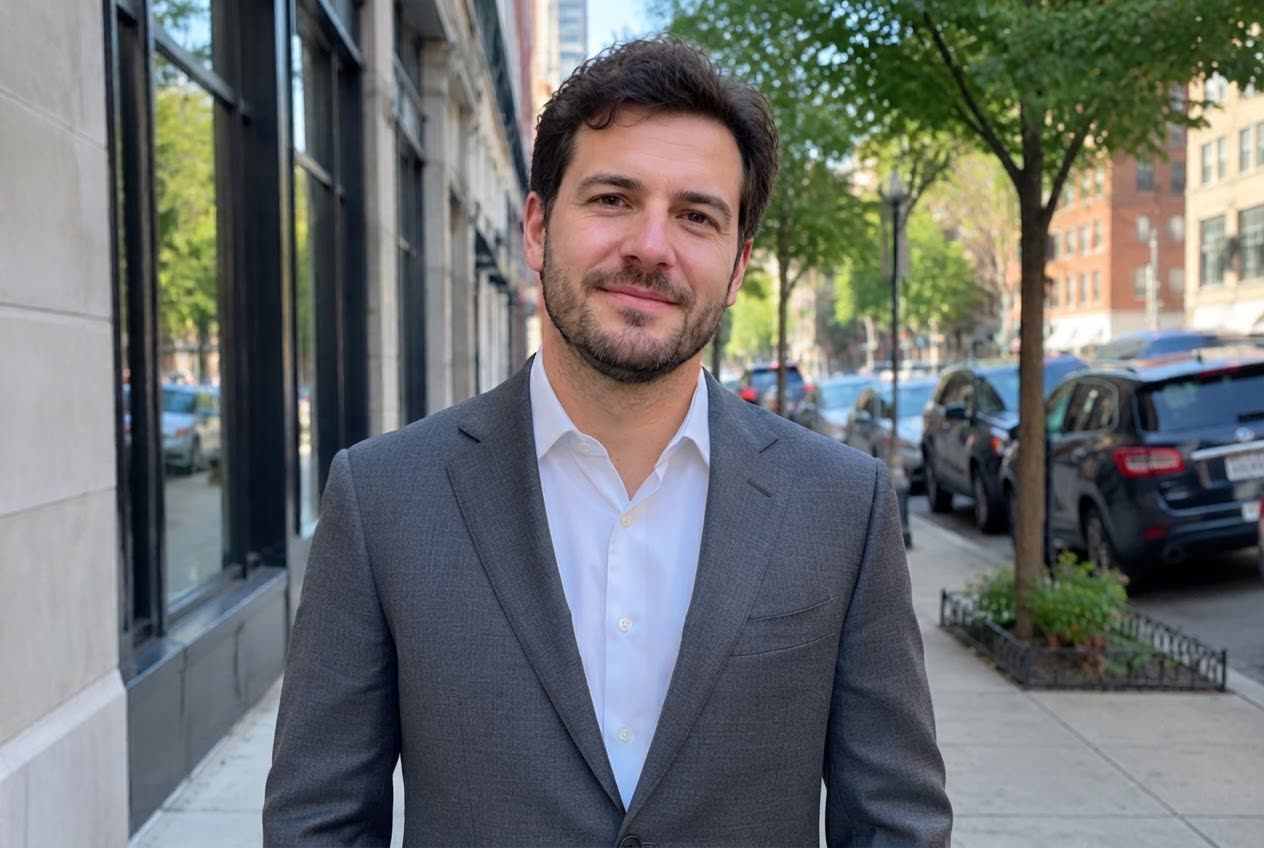 BeforeAfter
Sample photos are AI-generated and show fictional people. Results are unretouched output from the editor.
How to
Three steps
- Upload a JPG, PNG or WebP image (or try a sample).
- Pick an edit like New background or Art style, or type your own instruction.
- Press Develop, compare before and after with the slider, then download or keep editing.
What you can ask for
- Background: “put her in a snowy forest”, “plain white background”.
- Remove: “remove the people behind him”, “erase the power lines”.
- Clothing: “change the hoodie to a navy suit”.
- Light and colour: “make it golden hour”, “fix the dark photo”.
- Style: “turn it into a watercolour”, “make it look like 35 mm film”.
- Text: “add ‘Summer 2026’ at the top in white”.
Prompt tips that work
- Say what to change and what to keep: “change the sky only, keep the people the same”.
- Name the place and the light: “a quiet Paris street at golden hour” beats “Paris”.
- One change per edit gives the cleanest result; chain edits with Keep editing.
- For big or detailed photos, switch to High quality (2K output, 2 credits).
Standard vs High quality
| Standard | High quality | |
|---|---|---|
| Credits per edit | 1 | 2 |
| Typical time | 6–10 s | 10–20 s |
| Output size | up to ~1.5K | up to 2K |
| Best for | quick fixes, social posts | prints, product photos, detail |
Frequently asked questions
How is this different from Photoshop?
Photoshop gives you manual tools; an AI image editor takes a sentence and does the selection, masking and filling for you. It is faster for common edits (backgrounds, object removal, relighting), while Photoshop is still better for pixel-exact layout work.
Will the AI change faces?
Every edit is told to keep people, faces and identity the same and change only what you asked. If a face drifts, run the edit again or use High quality, which follows detail more closely.
Is it really free without sign-up?
Yes. Every visitor gets one free standard edit per day with no account, email or card. More edits use credits: packs start at $9.90 for 120 credits (about 8¢ an edit), and a standard edit costs 1 credit.
Do you keep my photos?
No. Your photo is sent to the AI model only to make the edit, then discarded. We never store the photo or the result on our servers, and we never use them for training. The edited photo is returned straight to your browser.