AI Photo Editor / Canva alternative (edit text)
No design file · no subscription
Canva Edit Text in Image Alternative
Edit text in a flat image without Canva Pro: type the old and new text and get the same font back in about 10 seconds. Honest comparison of when Canva is the better choice.
- 1 free edit, no account
- ≈8 s per edit
- Photos never stored
Change words, dates or prices — same font, same background.
In short
If you want to change the text in a flat image (a JPG or PNG, not a Canva design), this editor is a quick alternative to Canva: upload the image, type the old and new text, and the words are rewritten in the same font and colour in about 10 seconds, with the first edit each day free and no subscription. Canva is still better when you have the original Canva design — there you can simply click the text box and retype it — or when you are designing from scratch.
Before and after
Results from this editor
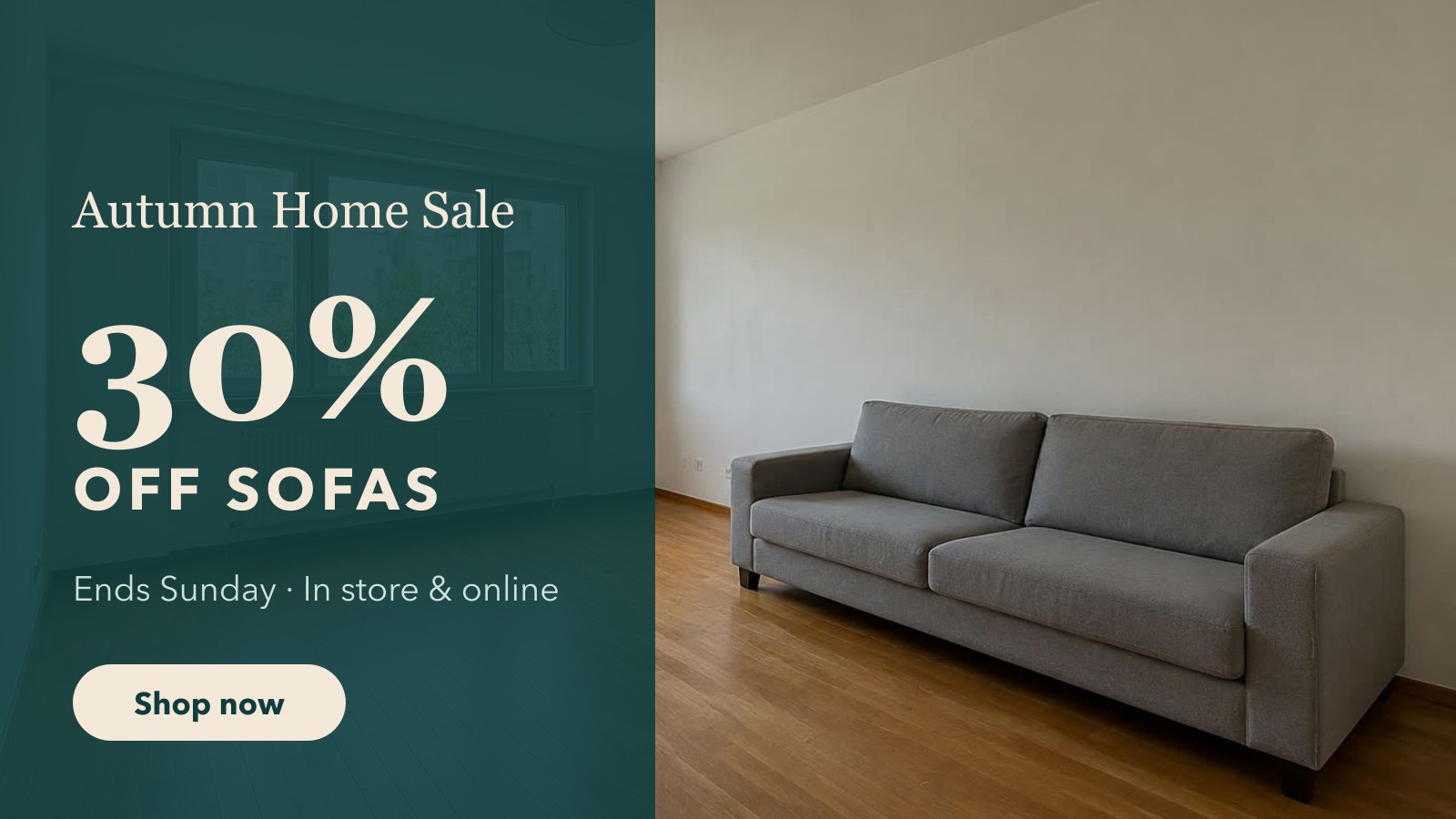
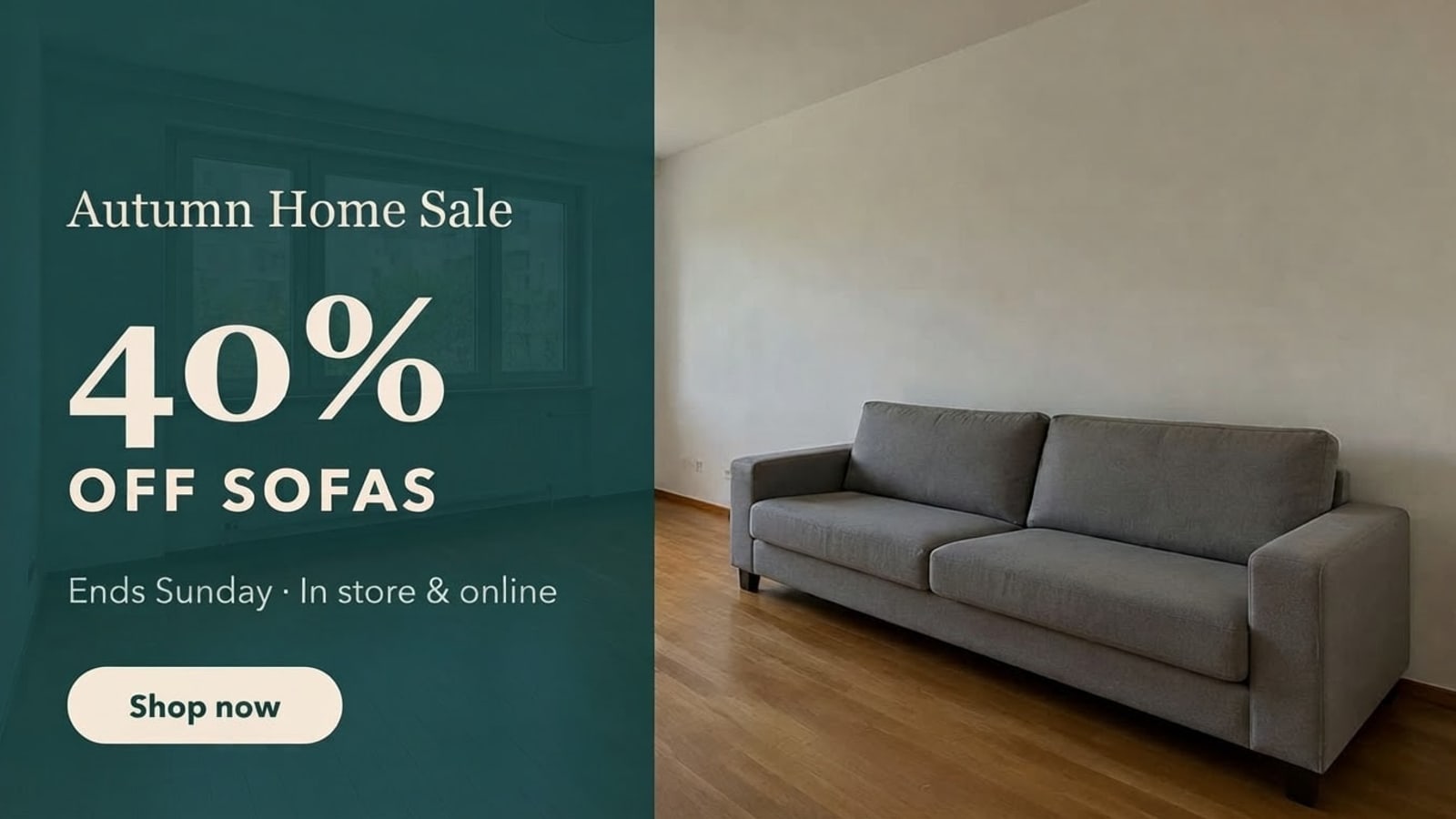 BeforeAfter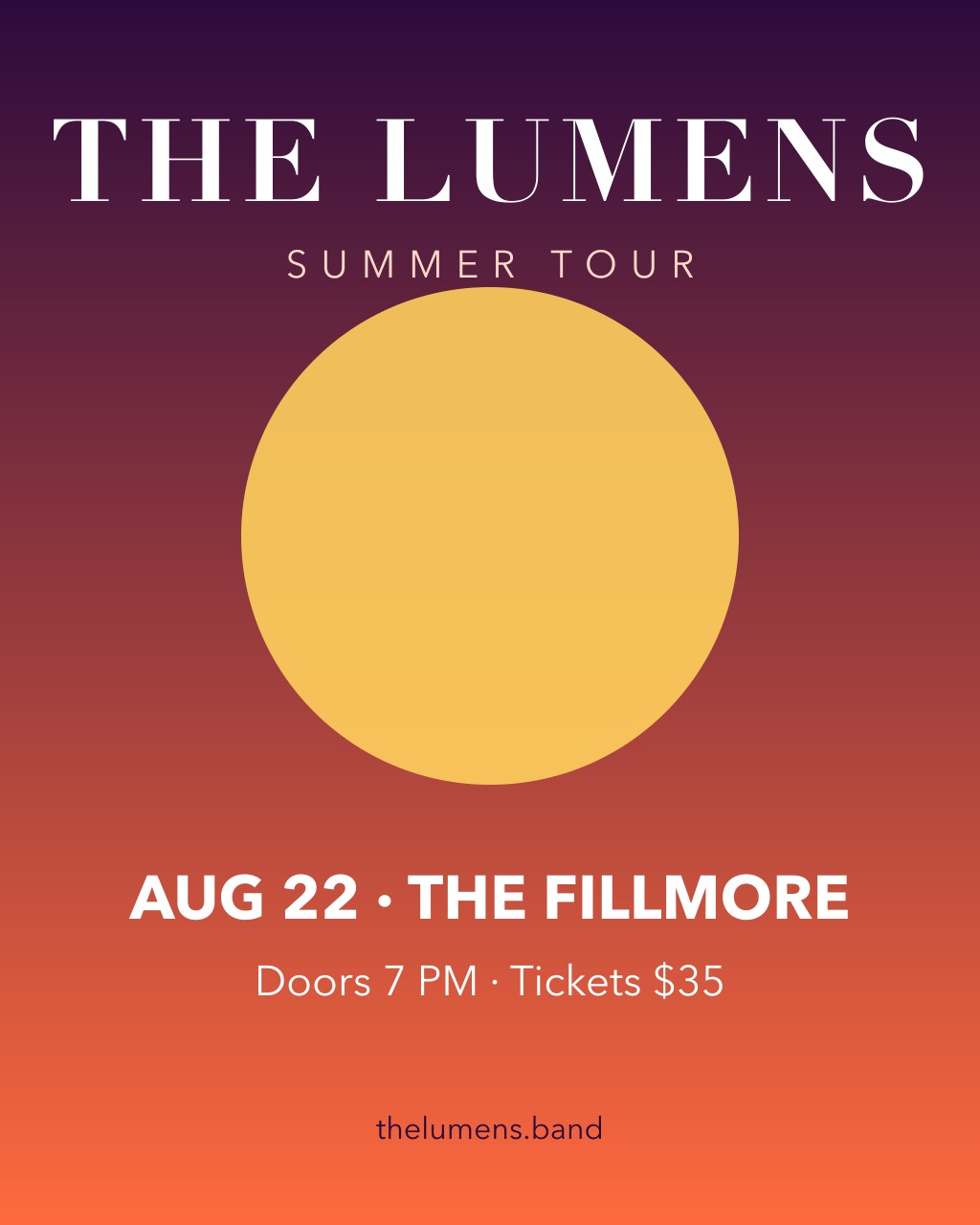
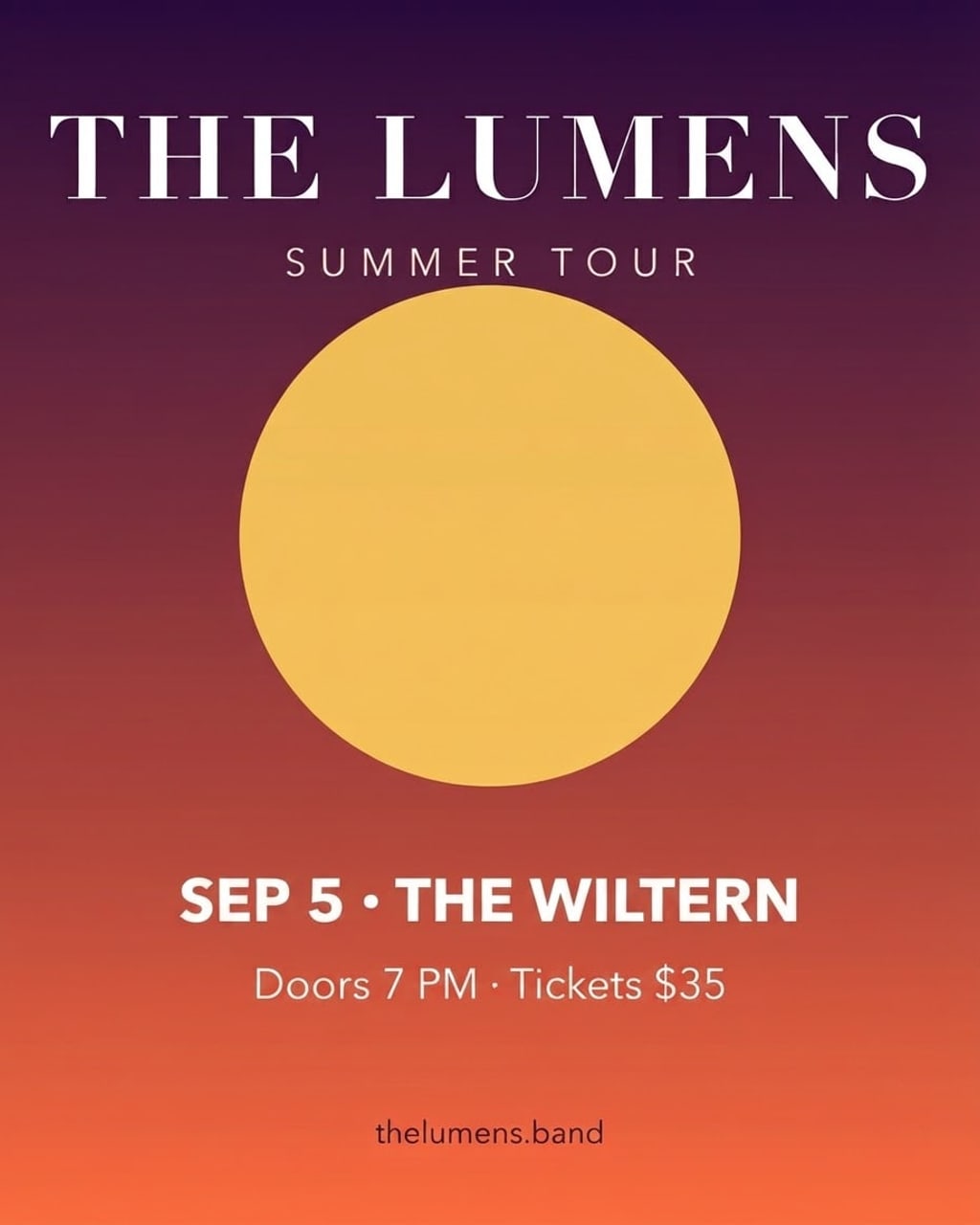 BeforeAfter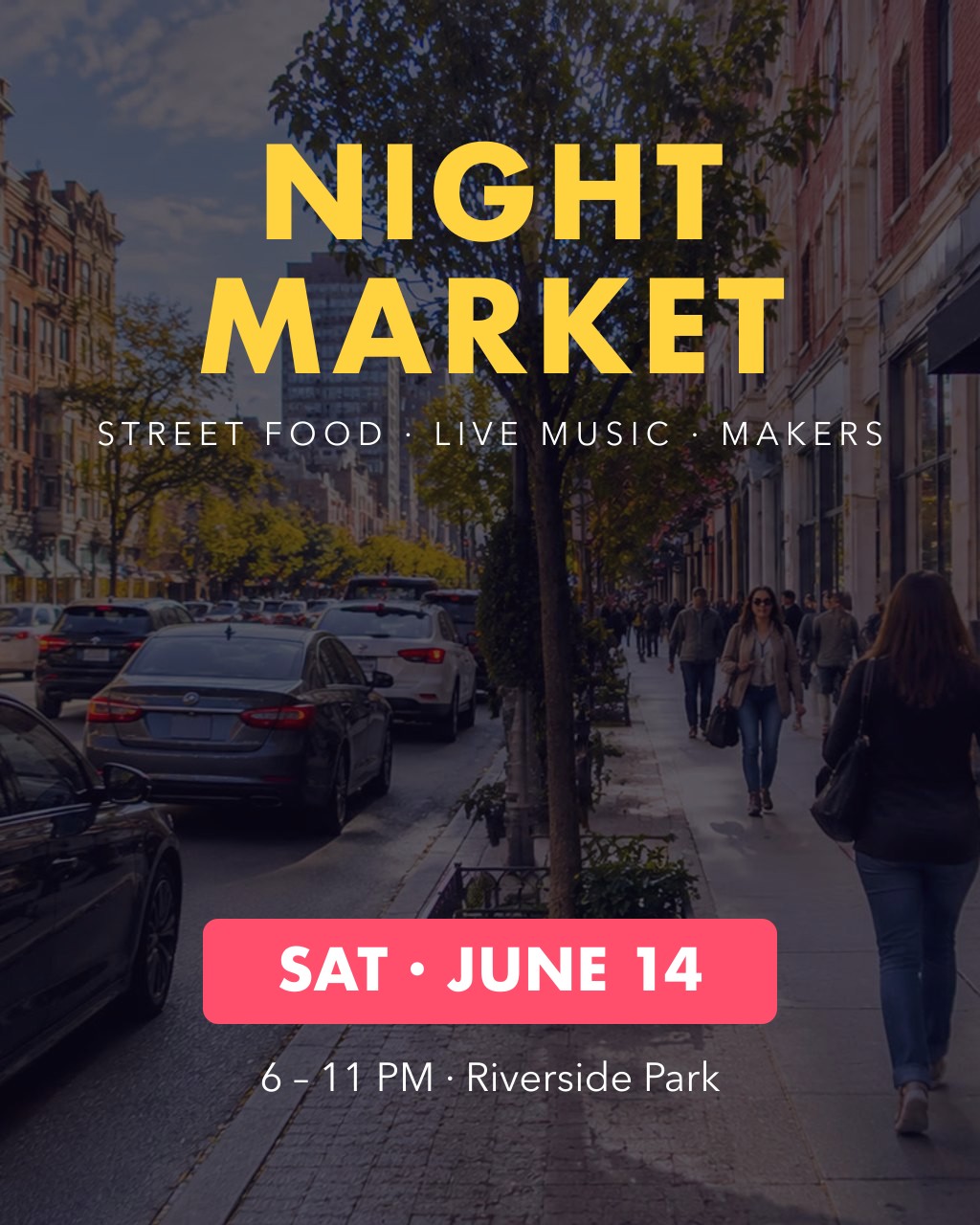
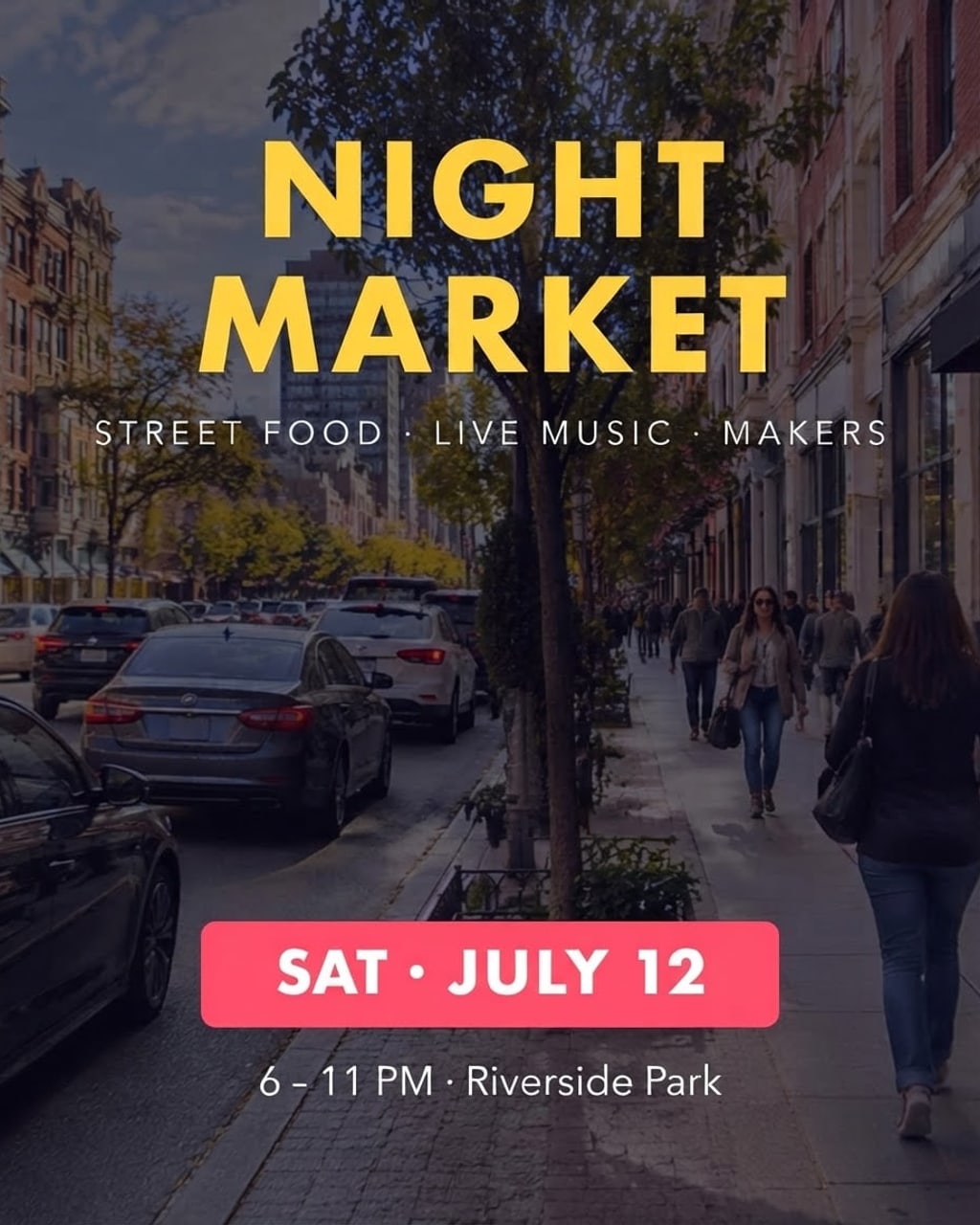 BeforeAfter
Sample photos are AI-generated and show fictional people. Results are unretouched output from the editor.
How to
Three steps
- Upload the image you would otherwise rebuild in Canva.
- Type the old text and the new text.
- Develop and download.
Canva vs this editor for changing text in an image
| Canva | AI Photo Editor | |
|---|---|---|
| Original Canva design available | Best choice — retype the text box | Not needed |
| Only a flat JPG/PNG | Grab Text in Magic Studio (Canva Pro), or rebuild by hand | Type old and new text |
| Matches the original font | Grab Text separates text into an editable box; you pick the font | Redraws the words in the same look automatically |
| Free option | Free plan; Grab Text needs Pro | 1 edit a day, no account |
| Paid | Monthly or yearly subscription | $9.90 one-off for 120 credits |
Canva feature details come from Canva’s own help pages; plans change, so check canva.com for current prices.
When to use which
- You made it in Canva and still have the design → use Canva.
- You only have a screenshot, a photo of a flyer or an exported PNG → edit the text here.
- You need a new design from scratch → Canva.
- You need the same image in Spanish or German → Translate text in image.
Frequently asked questions
Can Canva edit text in an image?
Yes, with Grab Text (part of Canva Pro’s Magic Studio), which turns text in an image into an editable text box. You then choose the font yourself. On the free plan you would cover the old text and add a new text box.
Is this free?
Your first edit each day is free with no account. After that credits cost about 8¢ an edit with no subscription.
What if the text comes out wrong?
Failed edits are refunded automatically, and a standard text edit costs 1 credit (about 8¢), so a retry is cheap. In our tests most edits come out right first time; when one doesn’t, it is usually a much longer new text — keep it close to the original length, or change one line at a time.
Do you keep my photos?
No. Your photo is sent to the AI model only to make the edit, then discarded. We never store the photo or the result on our servers, and we never use them for training. The edited photo is returned straight to your browser.
More tools