AI Photo Editor / Edit screenshot text
Docs · mockups · app store images
Edit Text in a Screenshot
Change a button label, price or heading in a screenshot for docs, mockups or App Store images — same UI font, no re-shooting. Free first edit, no sign-up.
- 1 free edit, no account
- ≈8 s per edit
- Photos never stored
Change words, dates or prices — same font, same background.
In short
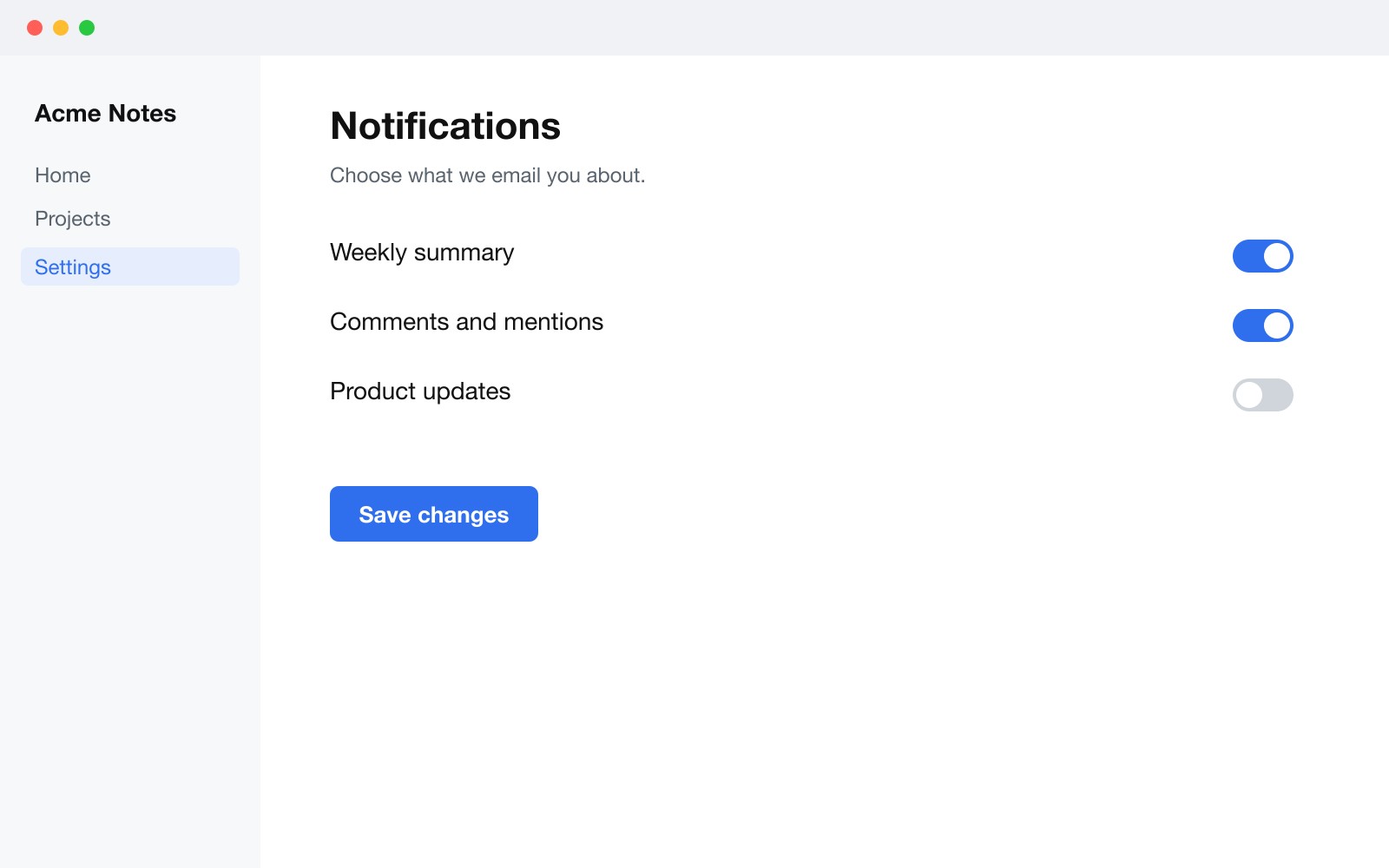
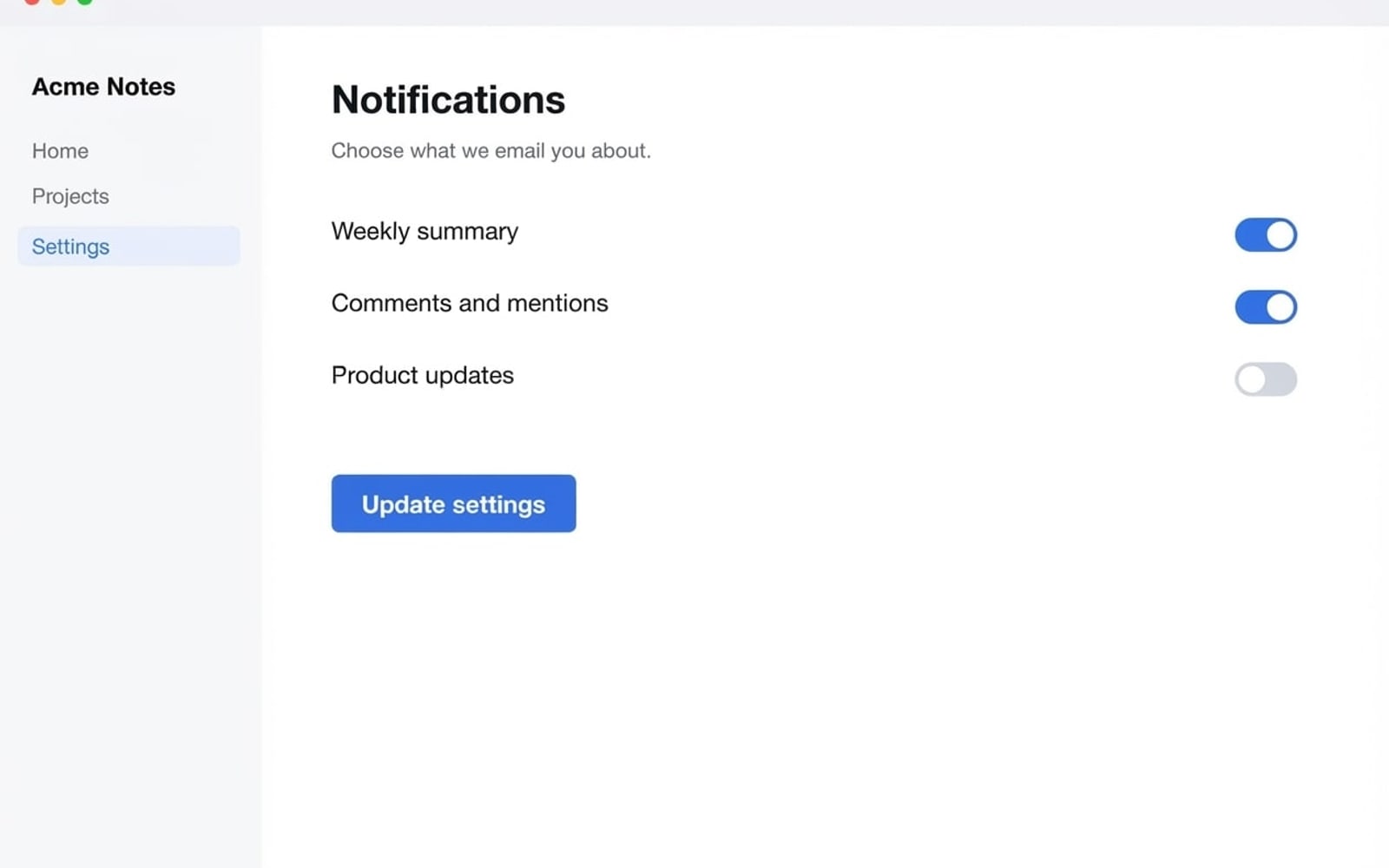
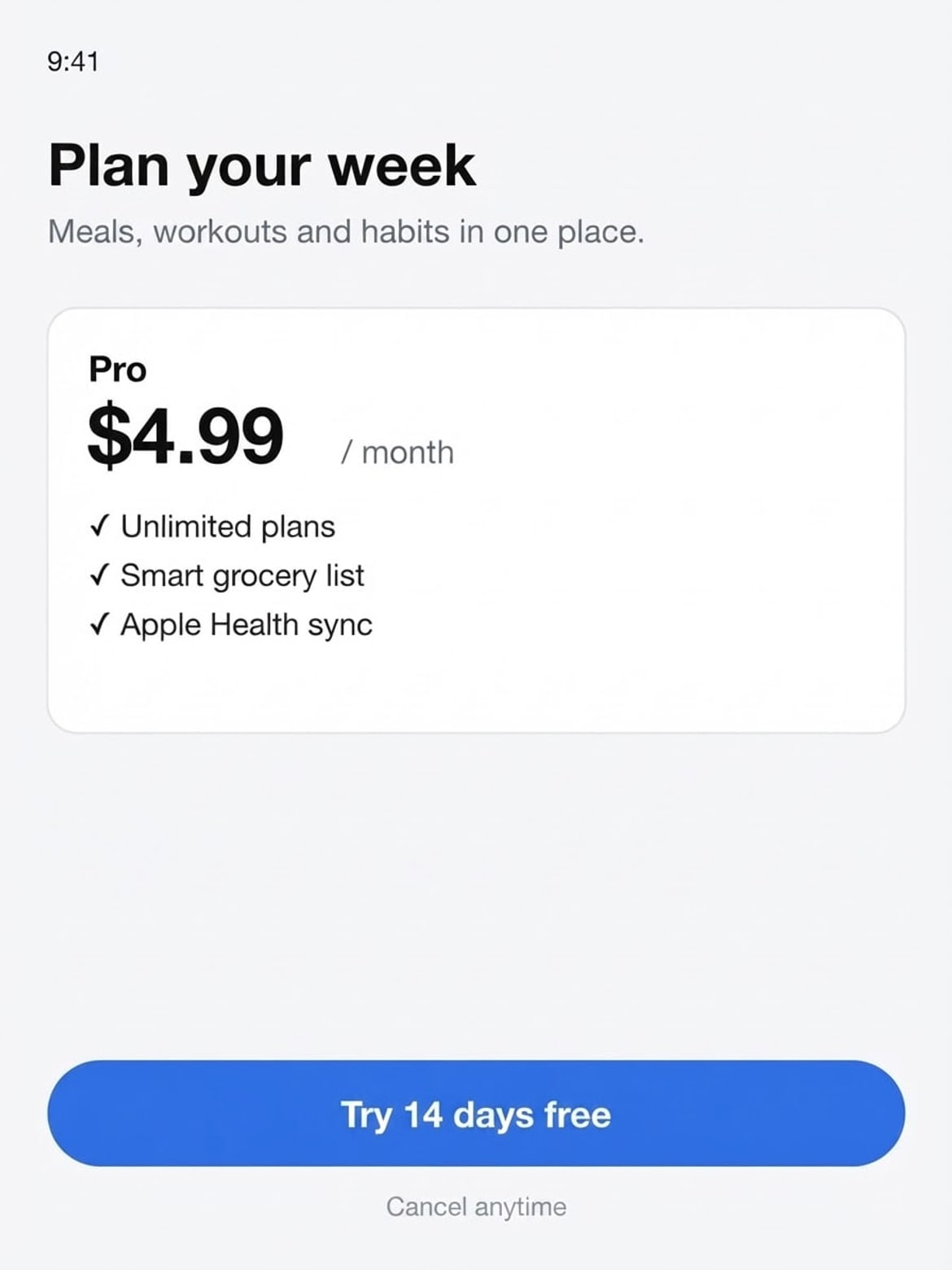
To edit text in a screenshot, upload it, type the current label (for example “Save changes”) and the new one (“Update settings”), and press Develop. The new text is drawn in the same UI font, size and colour, inside the same button or card, and every other part of the screenshot stays as it was — handy when the product copy changed and you don’t want to re-shoot every help-doc or store image.
Before and after
Results from this editor
 BeforeAfter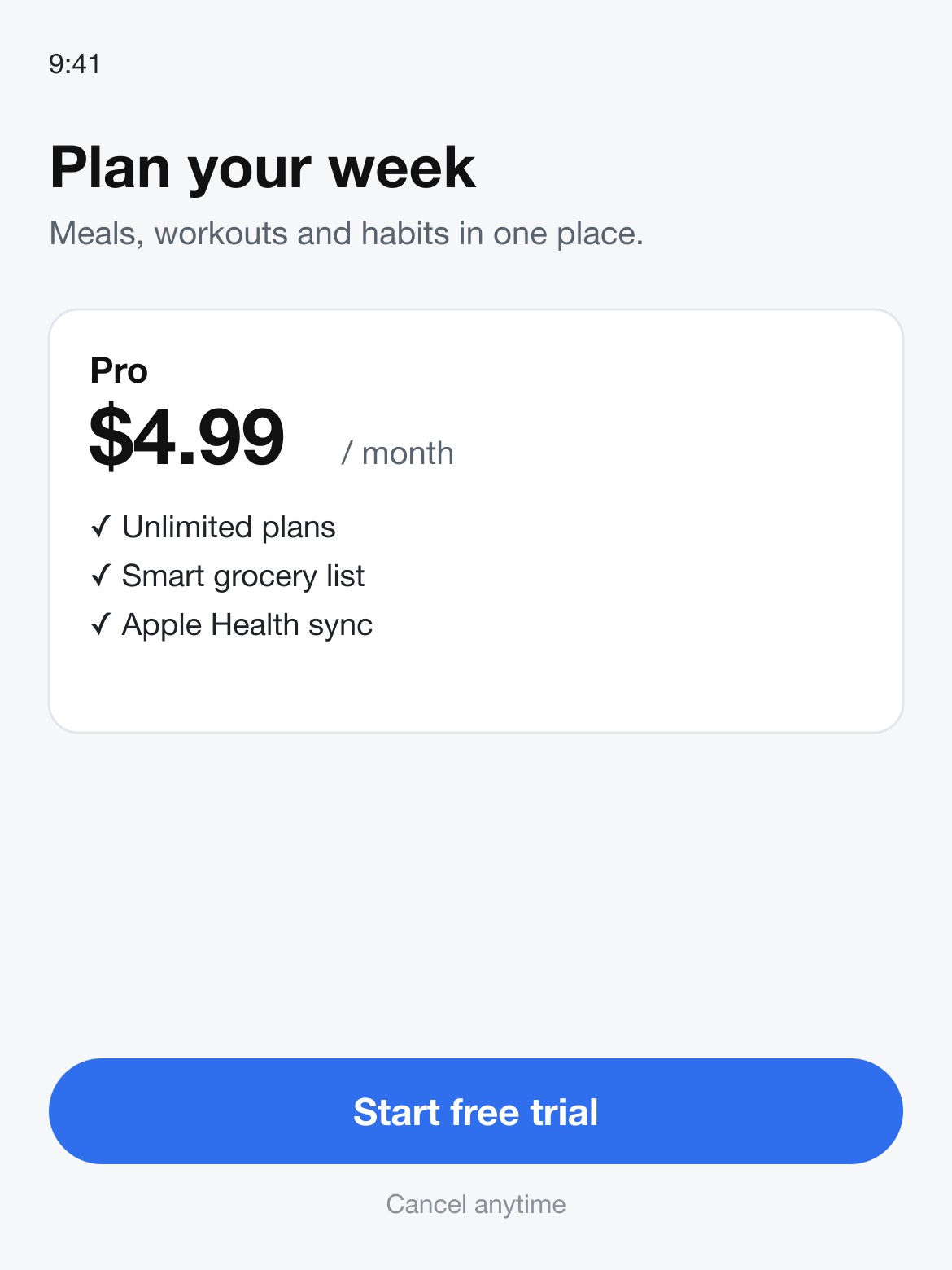
 BeforeAfter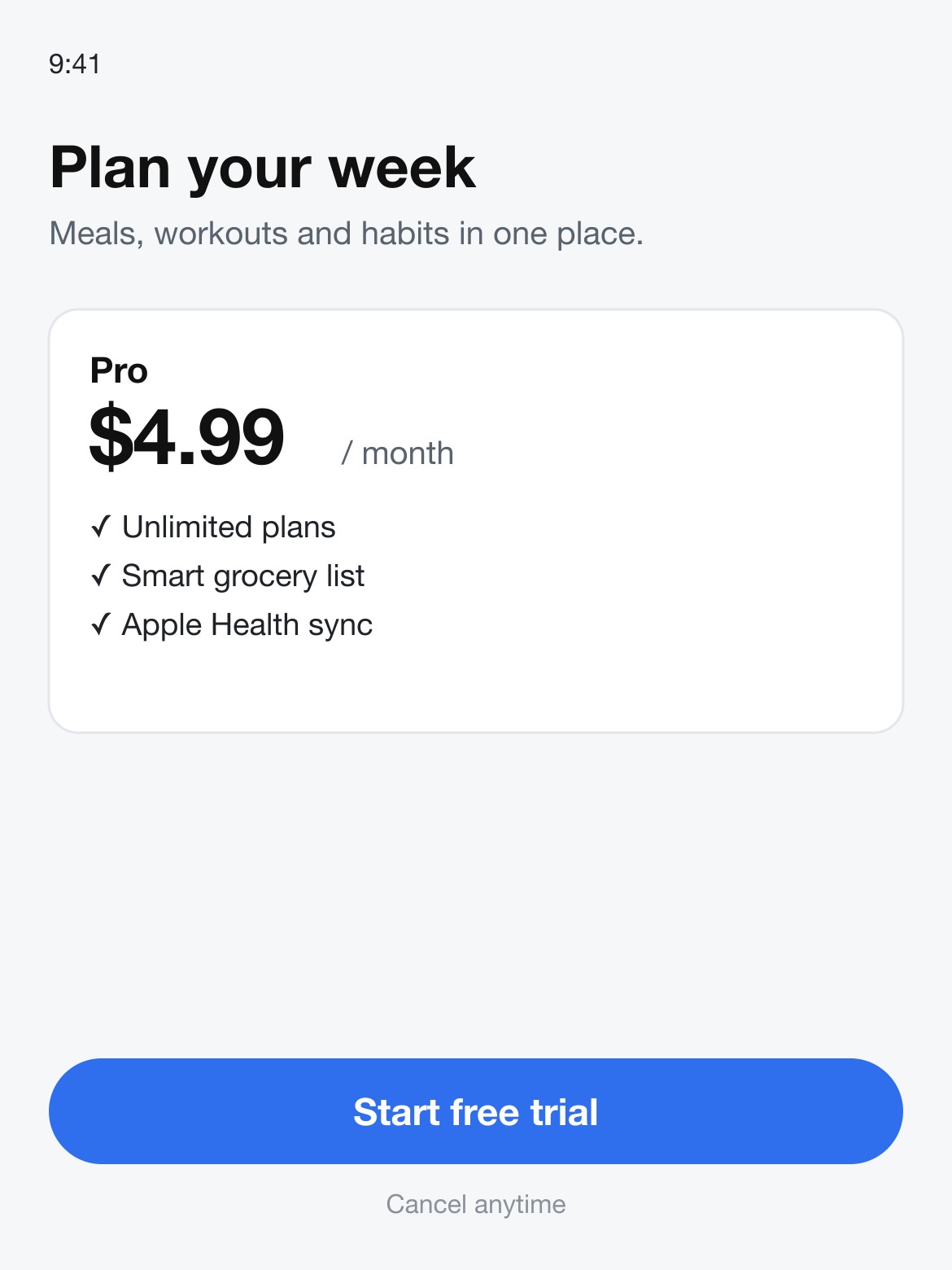
 BeforeAfter
Sample photos are AI-generated and show fictional people. Results are unretouched output from the editor.
How to
Three steps
- Upload a PNG or JPG screenshot.
- Type the label as it appears and the new label.
- Develop, compare, download; repeat for other labels.
Common screenshot edits
| Screenshot | Change | Why |
|---|---|---|
| Settings page in a help doc | Save changes → Update settings | The button was renamed in the product |
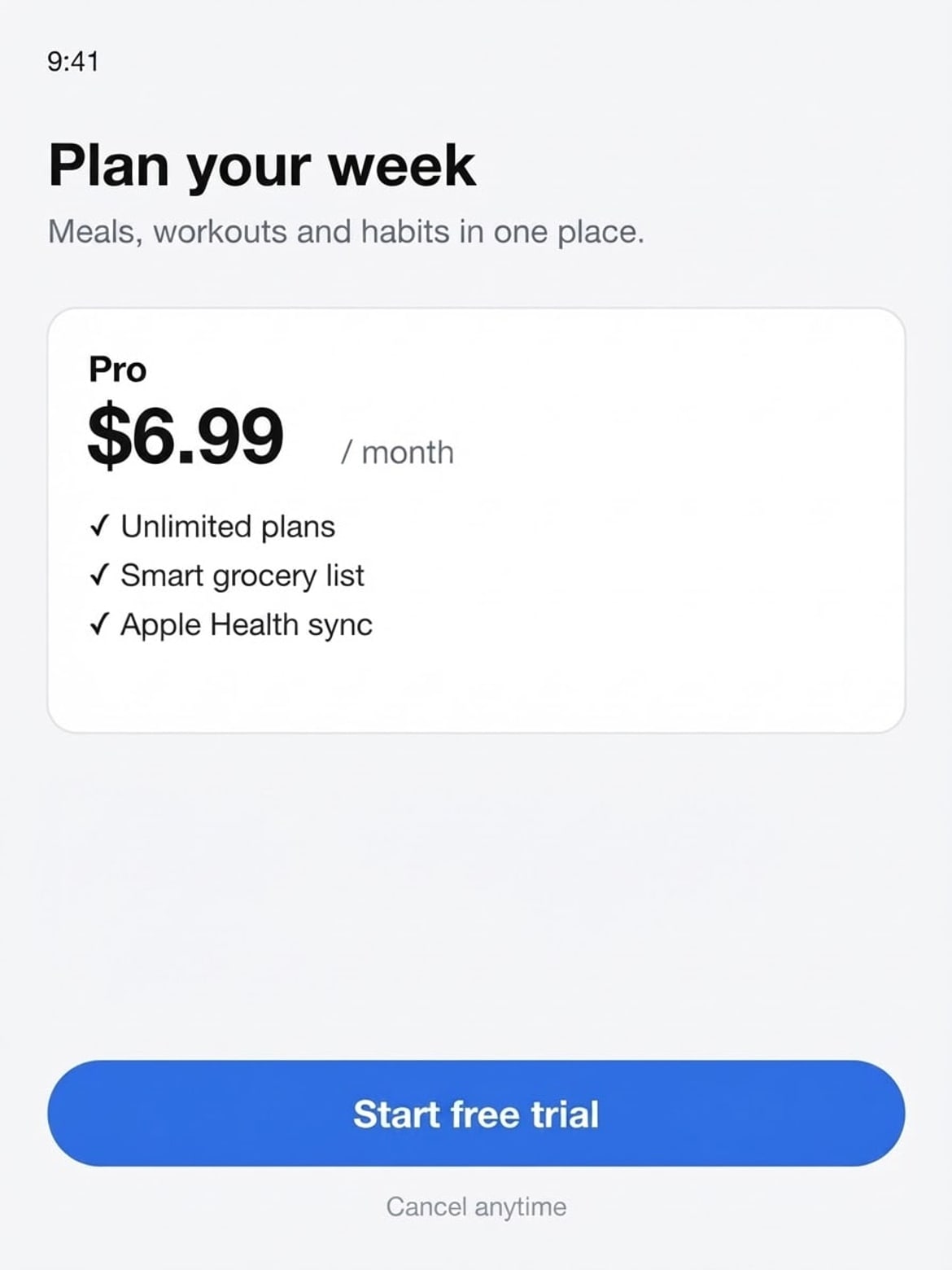
| Pricing screen | $4.99 → $6.99 | Price changed; store screenshots must match |
| Paywall / onboarding | Start free trial → Try 14 days free | Testing new copy before building it |
Screenshots for real, not for fakes
Use this for your own product: docs, changelogs, mockups and marketing images. Don’t use it to alter receipts, bank balances, messages or other records to mislead someone — our terms forbid it and such requests are blocked.
What works best
- Upload at full resolution (Retina screenshots work best).
- Name the exact label, including capitals.
- Change one label per edit, then Keep editing for the next.
- For a whole screen in another language, use Translate text in image.
Frequently asked questions
Will it change other text on the screen?
No. The edit is told to keep every other word, number and UI element the same. Check the result before you publish it.
Can I localise App Store screenshots?
Yes, one at a time with Translate text in image: it rewrites every line in the language you type and keeps brand names, prices and the layout.
What if the text comes out wrong?
Failed edits are refunded automatically, and a standard text edit costs 1 credit (about 8¢), so a retry is cheap. In our tests most edits come out right first time; when one doesn’t, it is usually a much longer new text — keep it close to the original length, or change one line at a time.
Is it free?
Your first edit each day is free with no account, email or watermark. After that a text edit costs 1 credit: packs start at $9.90 for 120 credits (about 8¢ an edit) and never expire.
Do you keep my photos?
No. Your photo is sent to the AI model only to make the edit, then discarded. We never store the photo or the result on our servers, and we never use them for training. The edited photo is returned straight to your browser.
More tools