AI Photo Editor / Replace text, same font
Script · neon · serif · display fonts
Replace Text in the Same Font
Replace words in an image and keep the exact look — calligraphy, neon, italic serif — without identifying or installing the font. Free first edit, no sign-up.
- 1 free edit, no account
- ≈8 s per edit
- Photos never stored
Change words, dates or prices — same font, same background.
In short
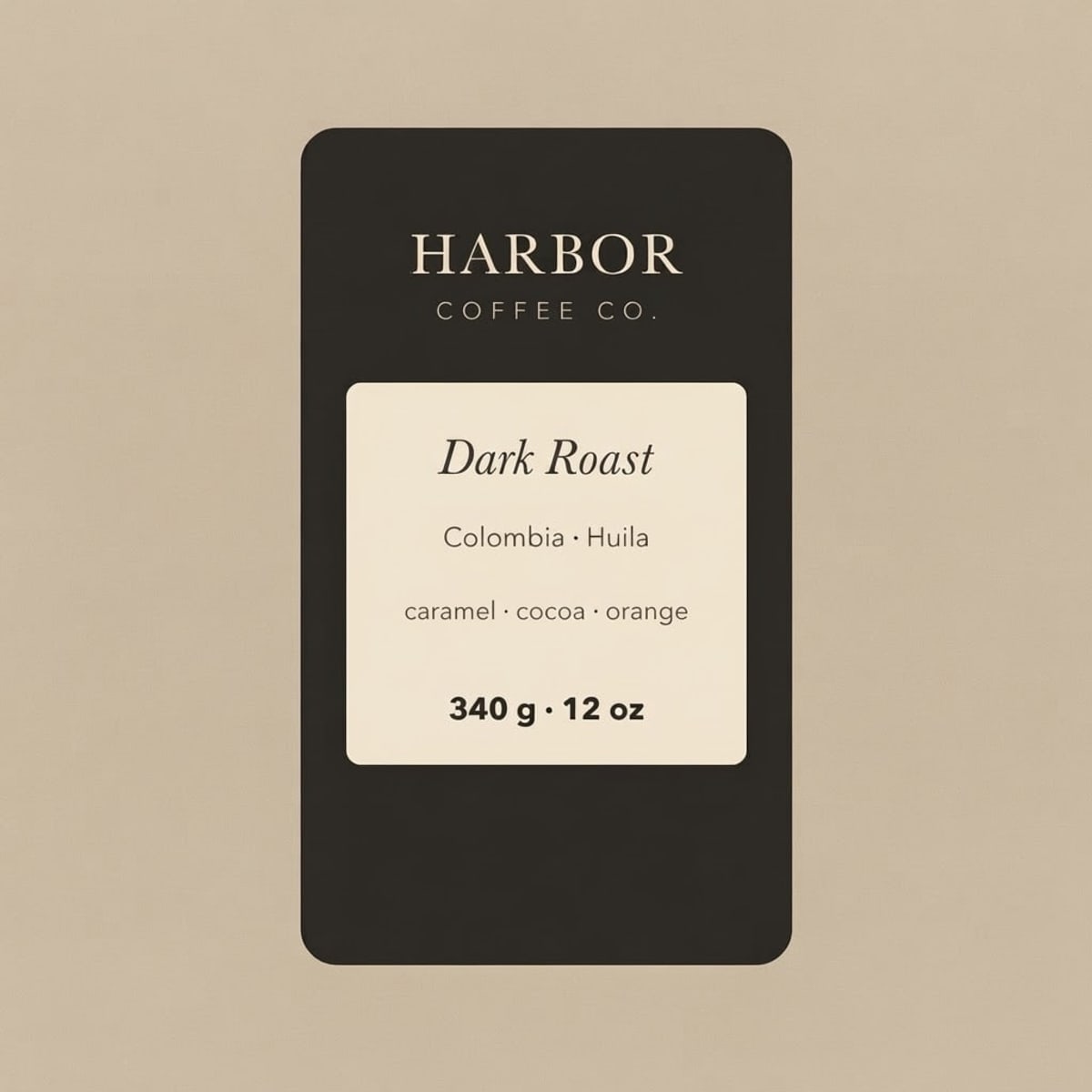
To replace text in an image in the same font, upload it, type the old words and the new words, and press Develop. You don’t need to know the font’s name: the AI copies the letterforms, weight, colour and effects (glow, outline, shadow) from the original text and draws the new words in that style. In our samples it rewrote calligraphy names on a wedding sign, a pink neon sign and an italic coffee label without changing anything else.
Before and after
Results from this editor
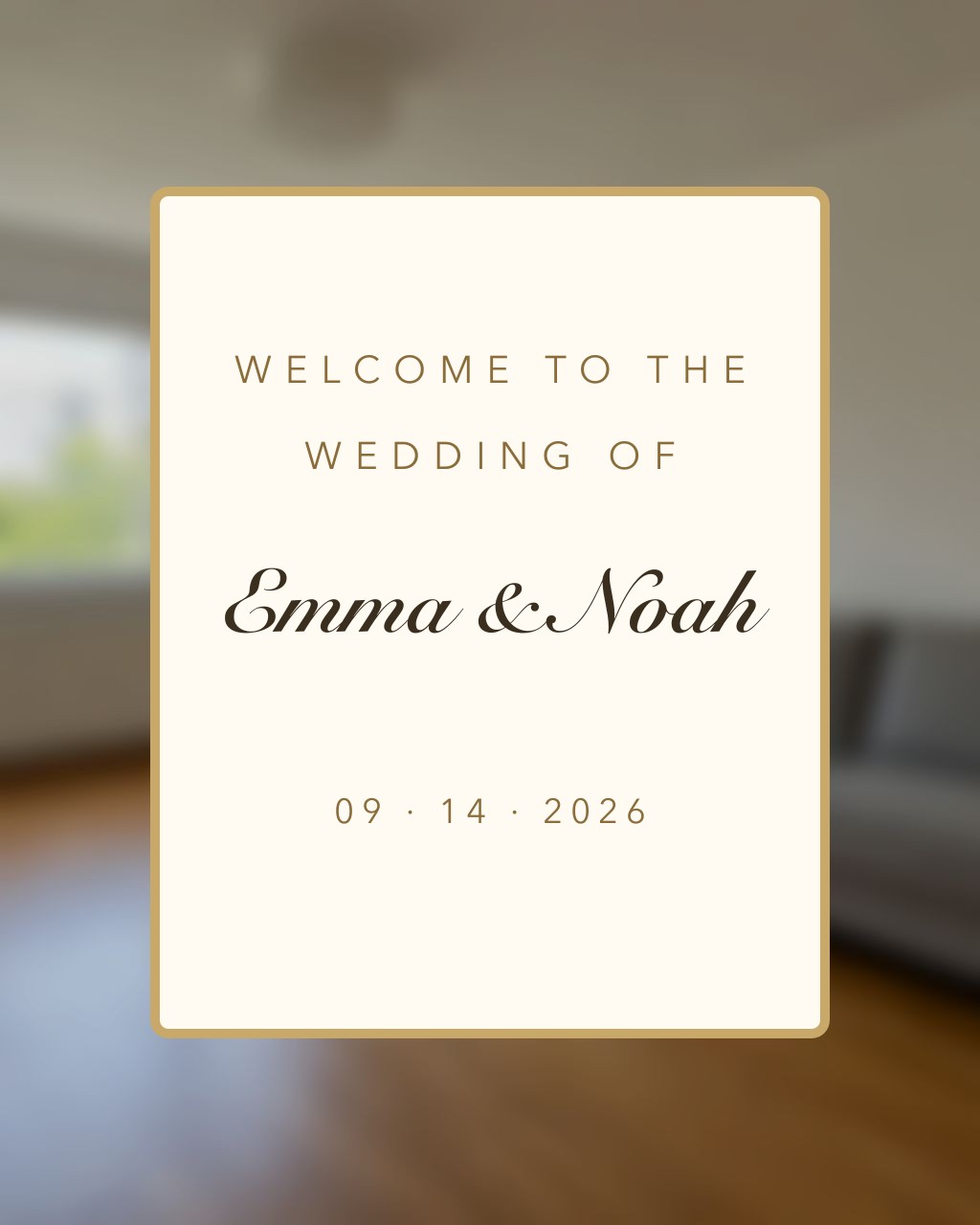
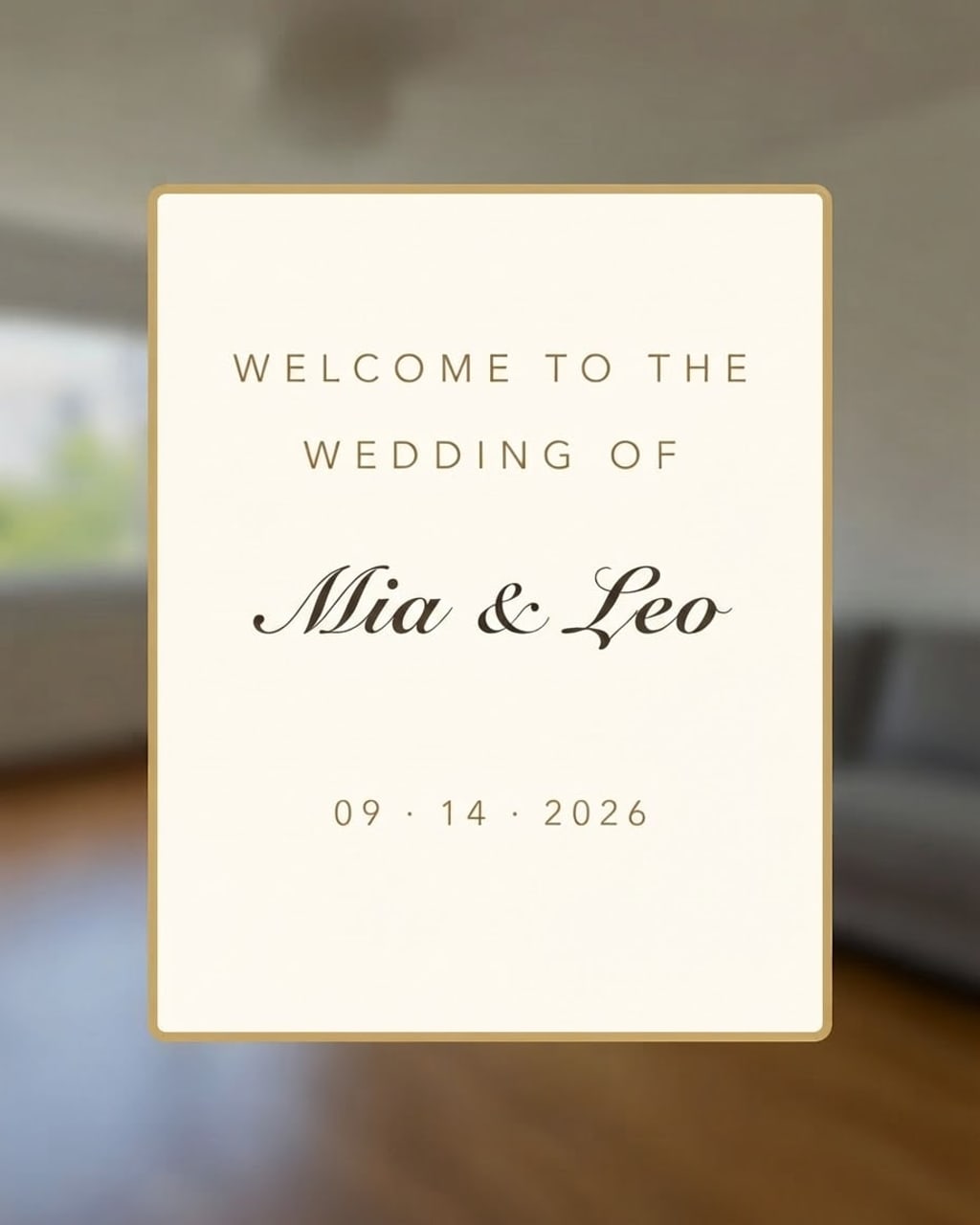 BeforeAfter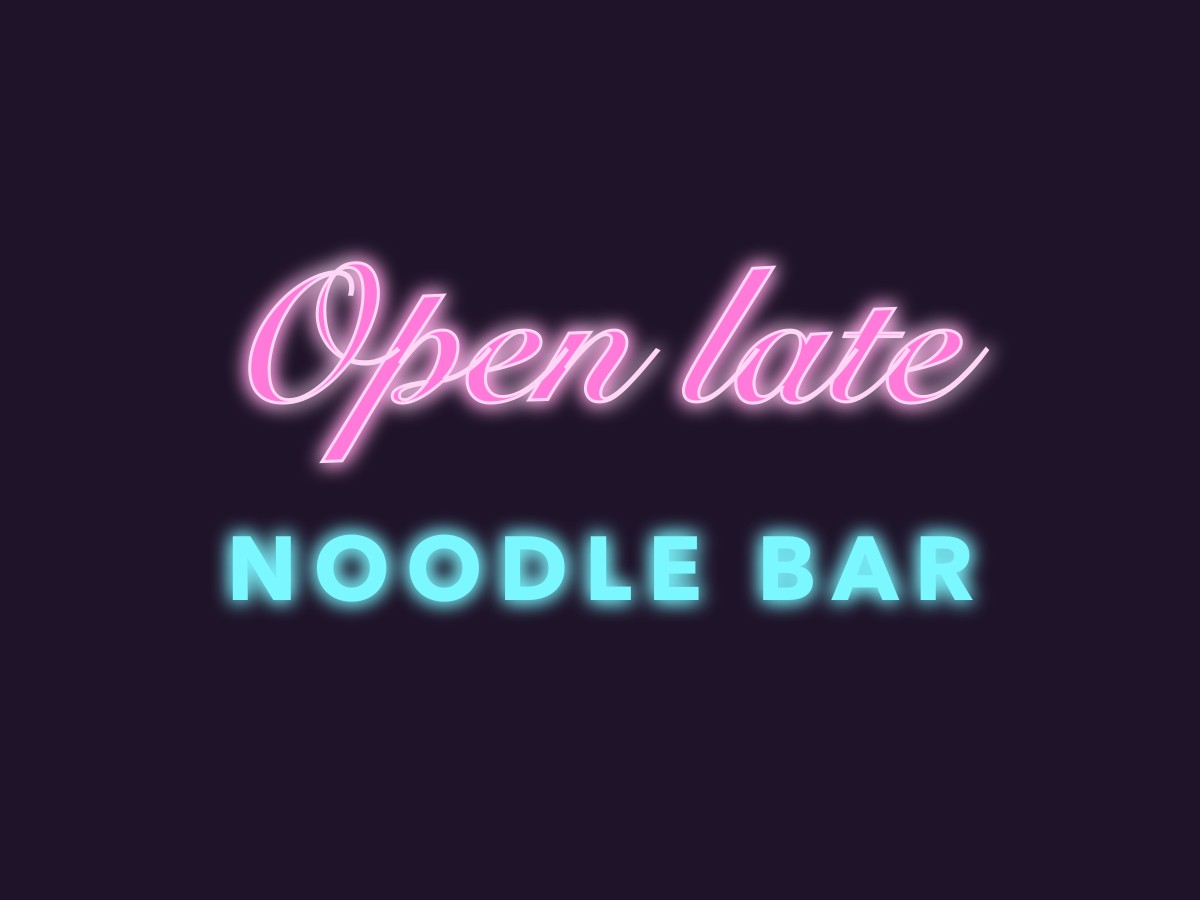
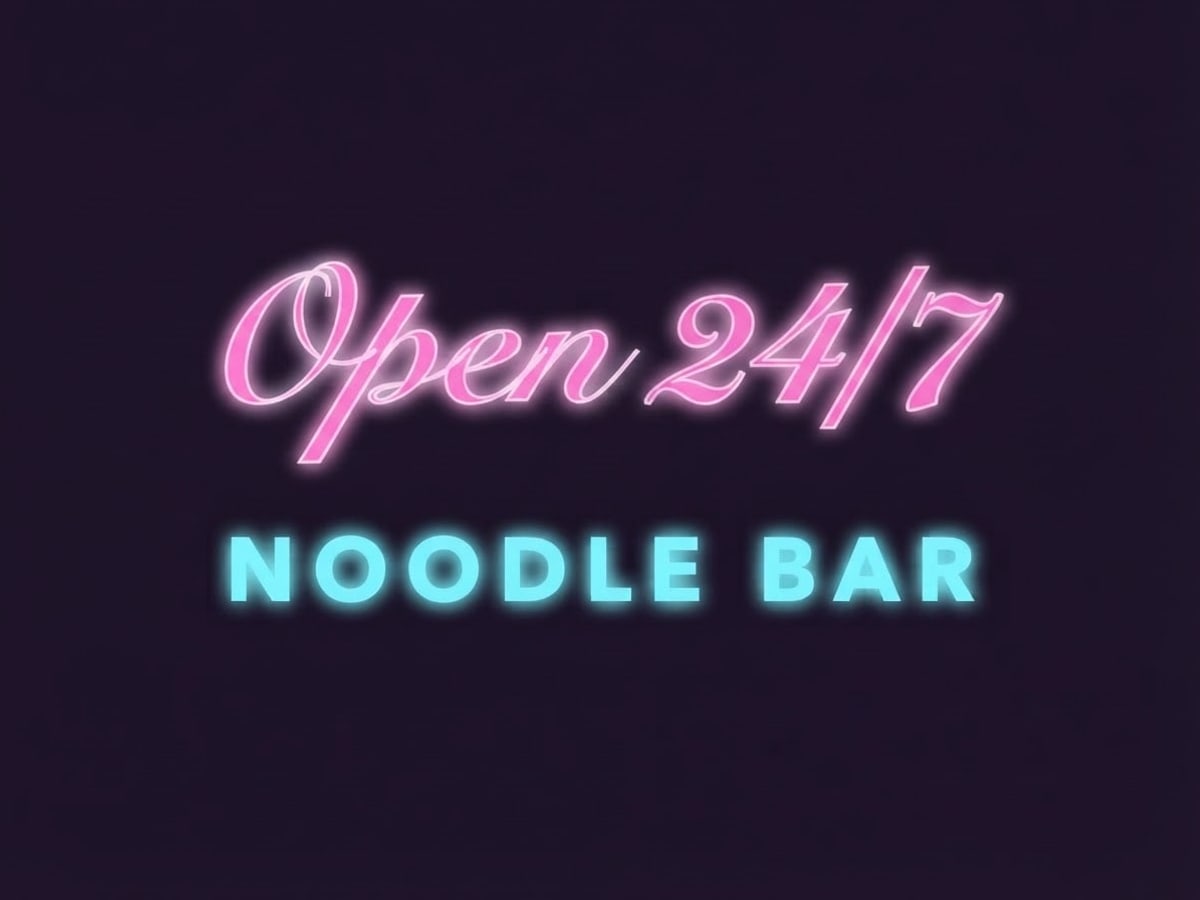 BeforeAfter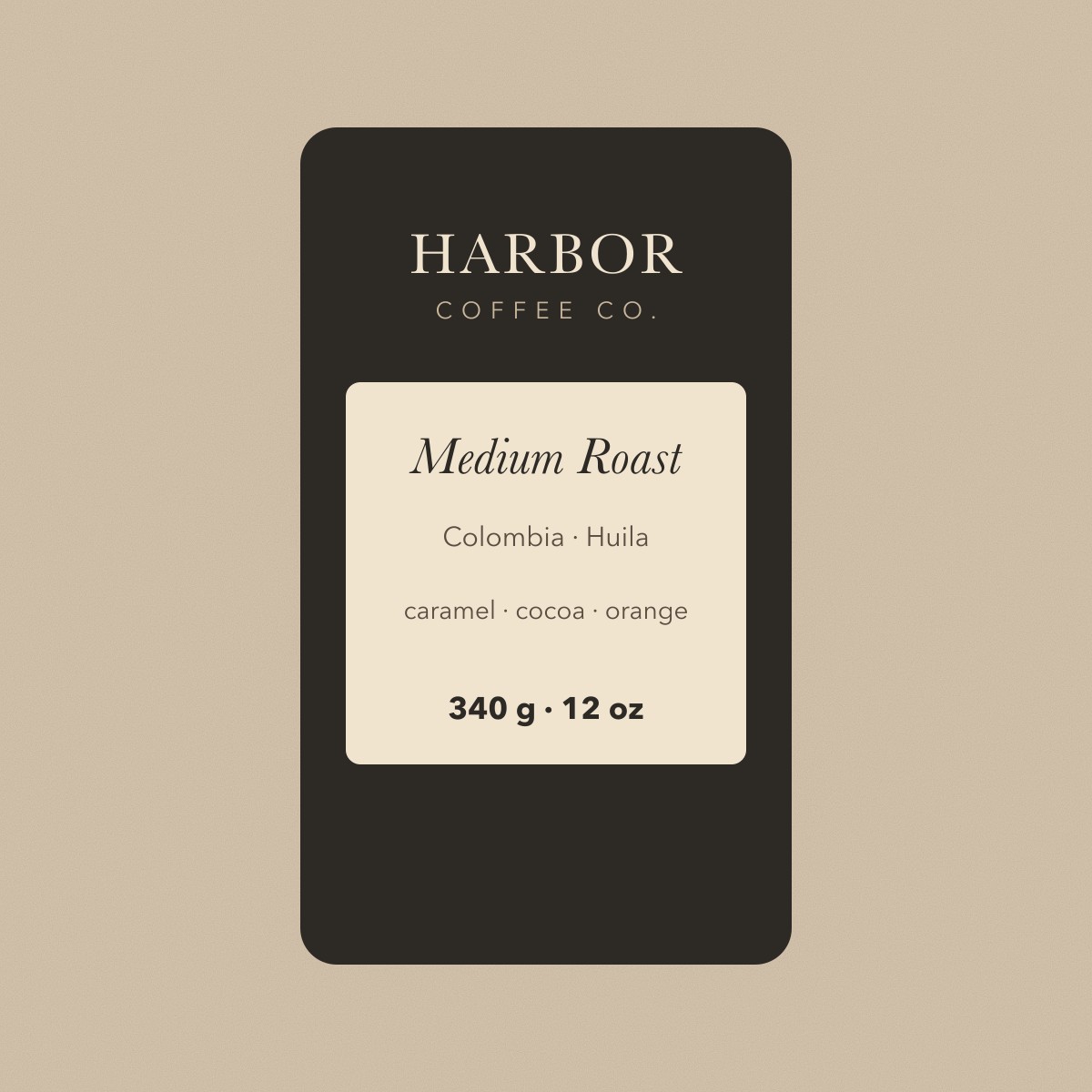
 BeforeAfter
Sample photos are AI-generated and show fictional people. Results are unretouched output from the editor.
How to
Three steps
- Upload the image.
- Type the old words and the new ones (similar length works best).
- Develop and compare.
Hard fonts it matches
| Style | Example | Usual way |
|---|---|---|
| Calligraphy / script | Emma & Noah → Mia & Leo | Identify the script font, buy it, re-letter by hand |
| Neon glow | Open late → Open 24/7 | Rebuild the glow with layer styles |
| Italic serif on a label | Medium Roast → Dark Roast | Find the serif, match size and kerning |
Why not just find the font?
Font finders (WhatTheFont, Font Squirrel matcher) help when the font is common and the text is flat. They can’t give you the glow, texture, curve or perspective, and many display fonts are paid. Redrawing the words in place skips all of that.
What works best
- Best on clear, printed text: headlines, dates, prices, buttons, labels, signs.
- Keep the new text close to the original length; very long replacements can crowd the layout.
- Tiny body text (a full paragraph of small print) is less reliable — change one line at a time.
- Always check numbers, names and accents in the result before you print or publish it.
Frequently asked questions
Do I need to know the font name?
No. The new words are drawn to match the original text’s look; you only type what to change.
Can I get the font file?
No — this changes the image, it doesn’t identify or supply fonts. Use a font identifier if you need the font itself.
What if the text comes out wrong?
Failed edits are refunded automatically, and a standard text edit costs 1 credit (about 8¢), so a retry is cheap. In our tests most edits come out right first time; when one doesn’t, it is usually a much longer new text — keep it close to the original length, or change one line at a time.
Is it free?
Your first edit each day is free with no account, email or watermark. After that a text edit costs 1 credit: packs start at $9.90 for 120 credits (about 8¢ an edit) and never expire.
Do you keep my photos?
No. Your photo is sent to the AI model only to make the edit, then discarded. We never store the photo or the result on our servers, and we never use them for training. The edited photo is returned straight to your browser.
More tools