AI Photo Editor / Product image text
Price badges · sale banners · packaging
Change Text on a Product Image
Update the price badge, sale percentage or label on product photos and ad banners without opening Photoshop. Same font and colours. Free first edit.
- 1 free edit, no account
- ≈8 s per edit
- Photos never stored
Change words, dates or prices — same font, same background.
In short
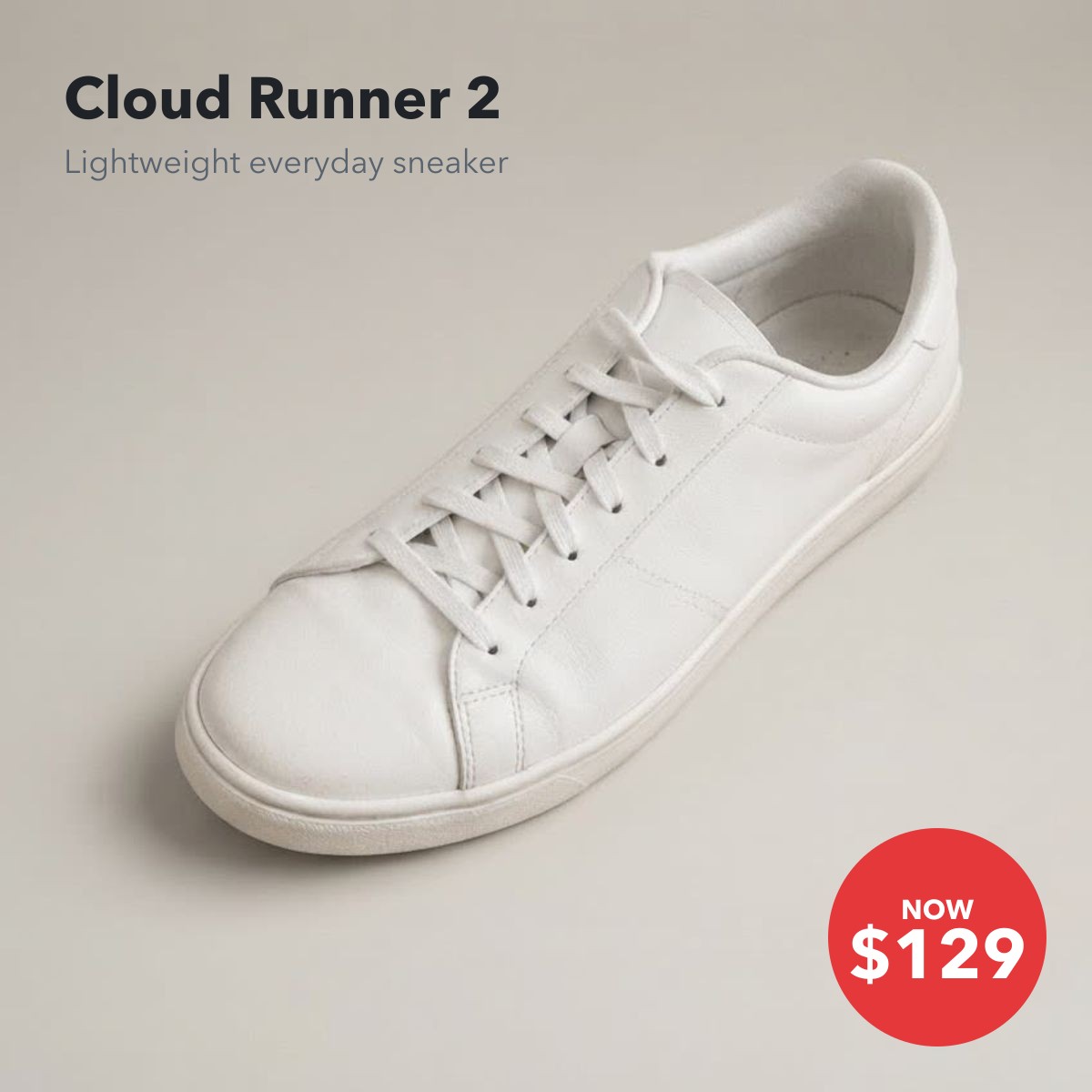
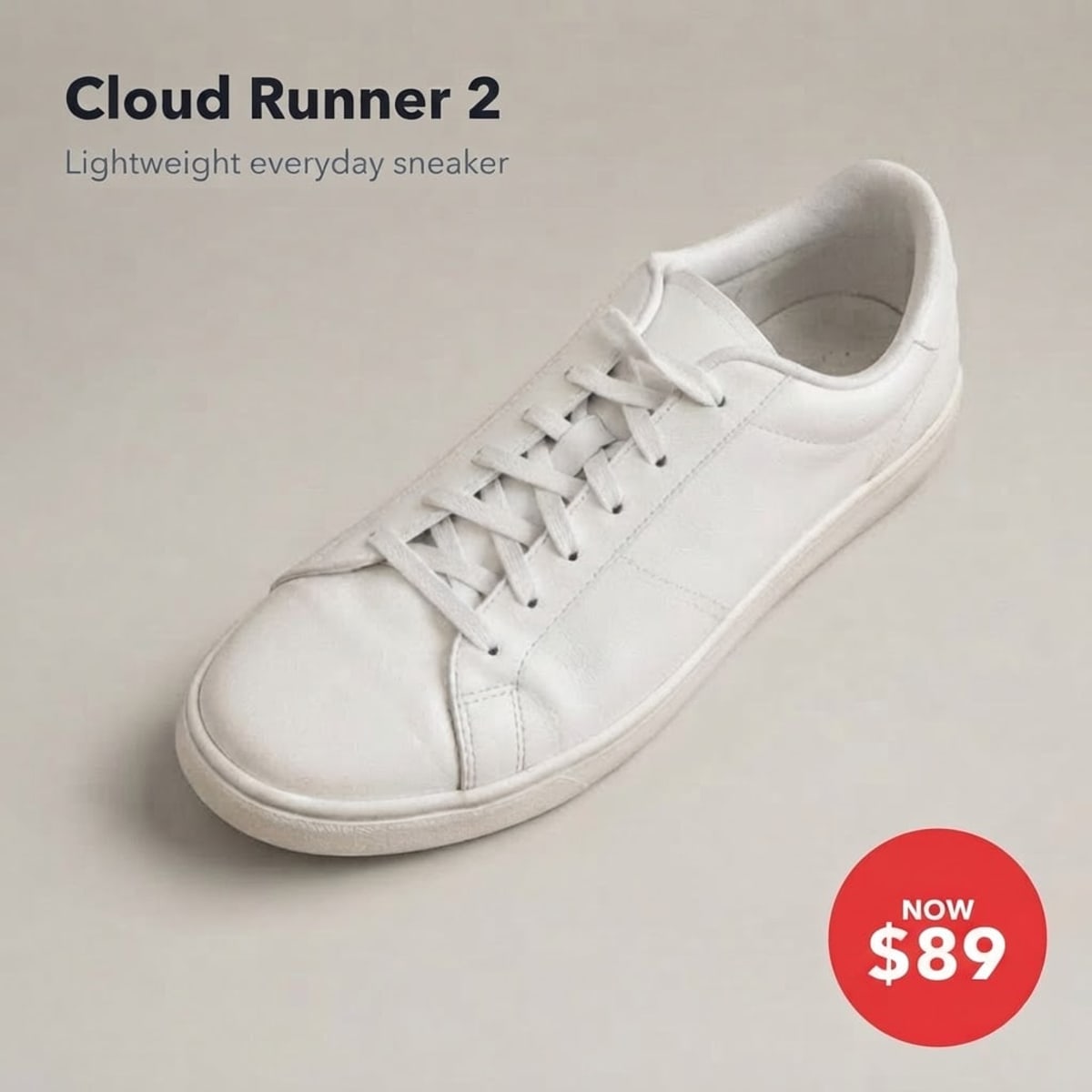
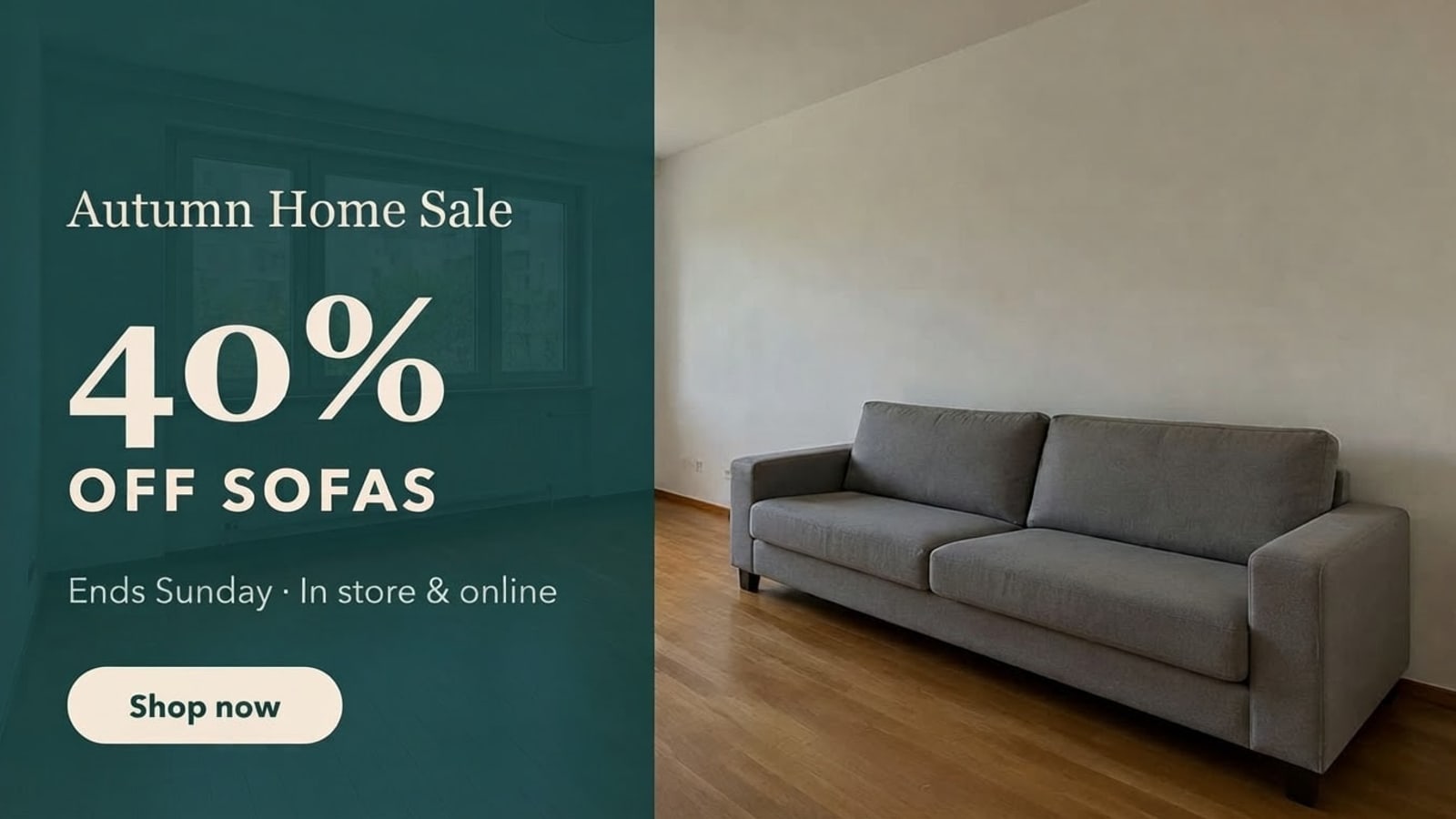
To change a price or text on a product image, upload it, type the current text (for example “$129” or “30%”) and the new text (“$89”, “40%”), and press Develop. The badge, banner or label keeps its font, colour and position, and the product itself is not touched — so you can refresh listings and ads for a new sale or a new variant in seconds.
Before and after
Results from this editor
 BeforeAfter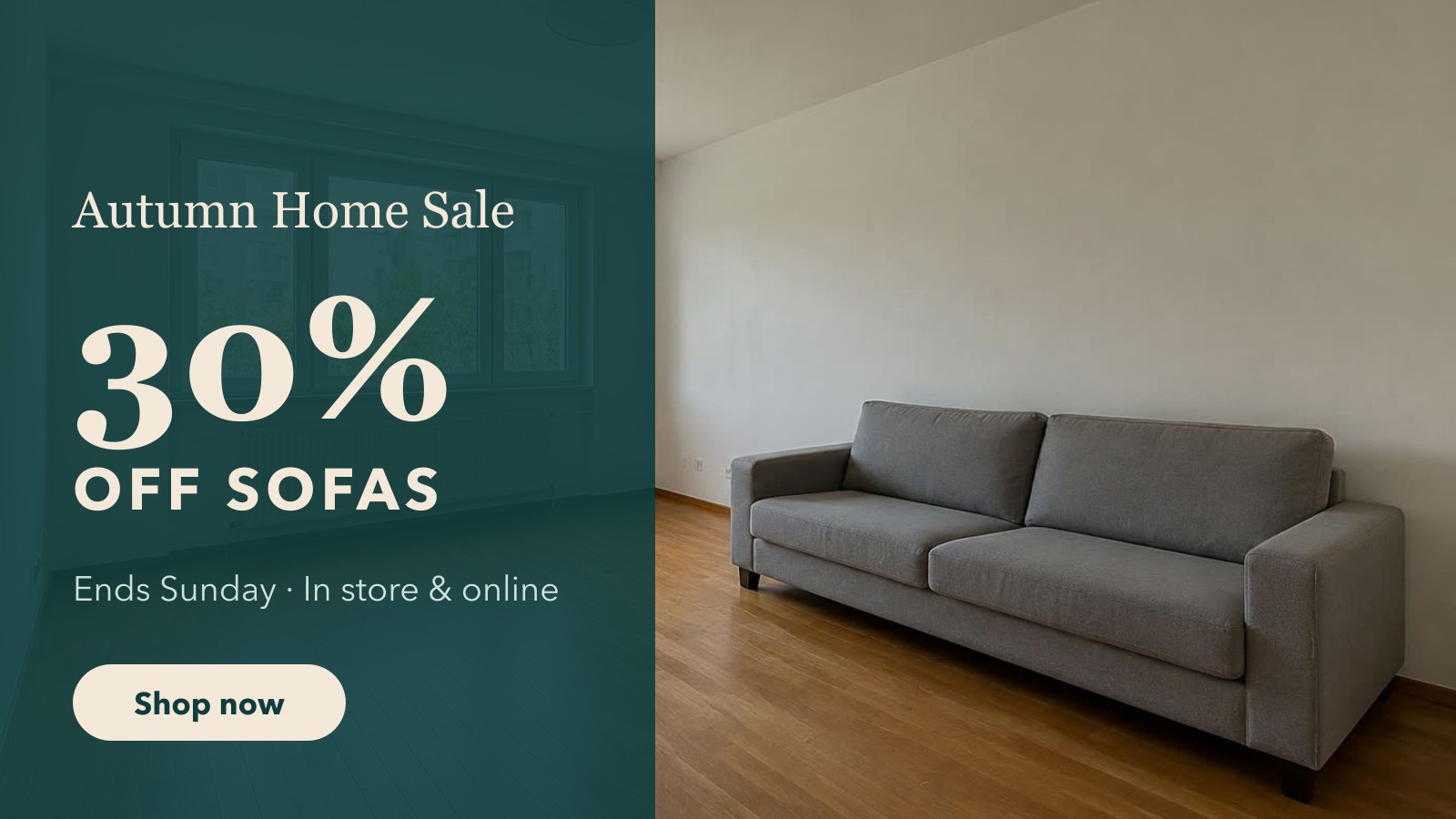
 BeforeAfter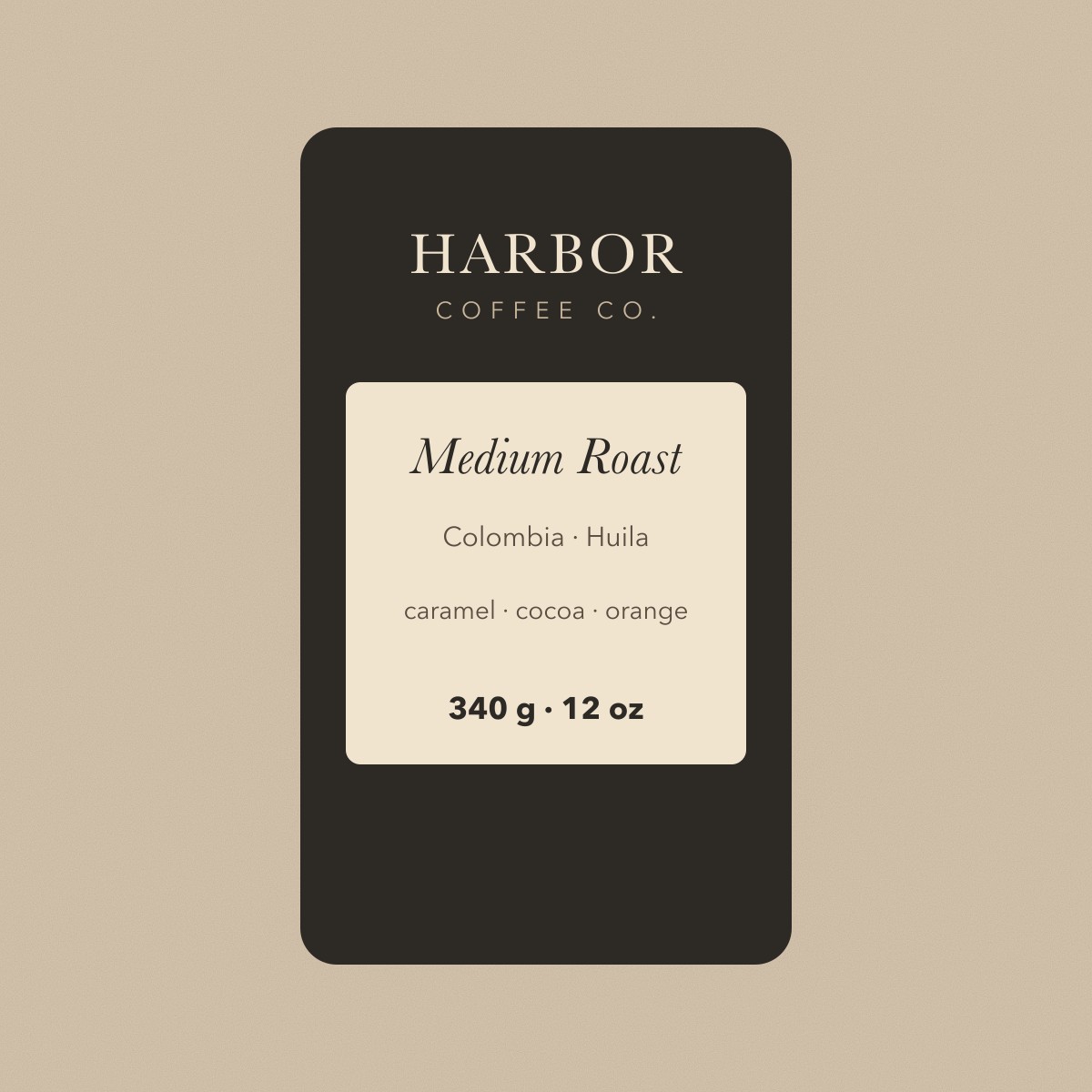
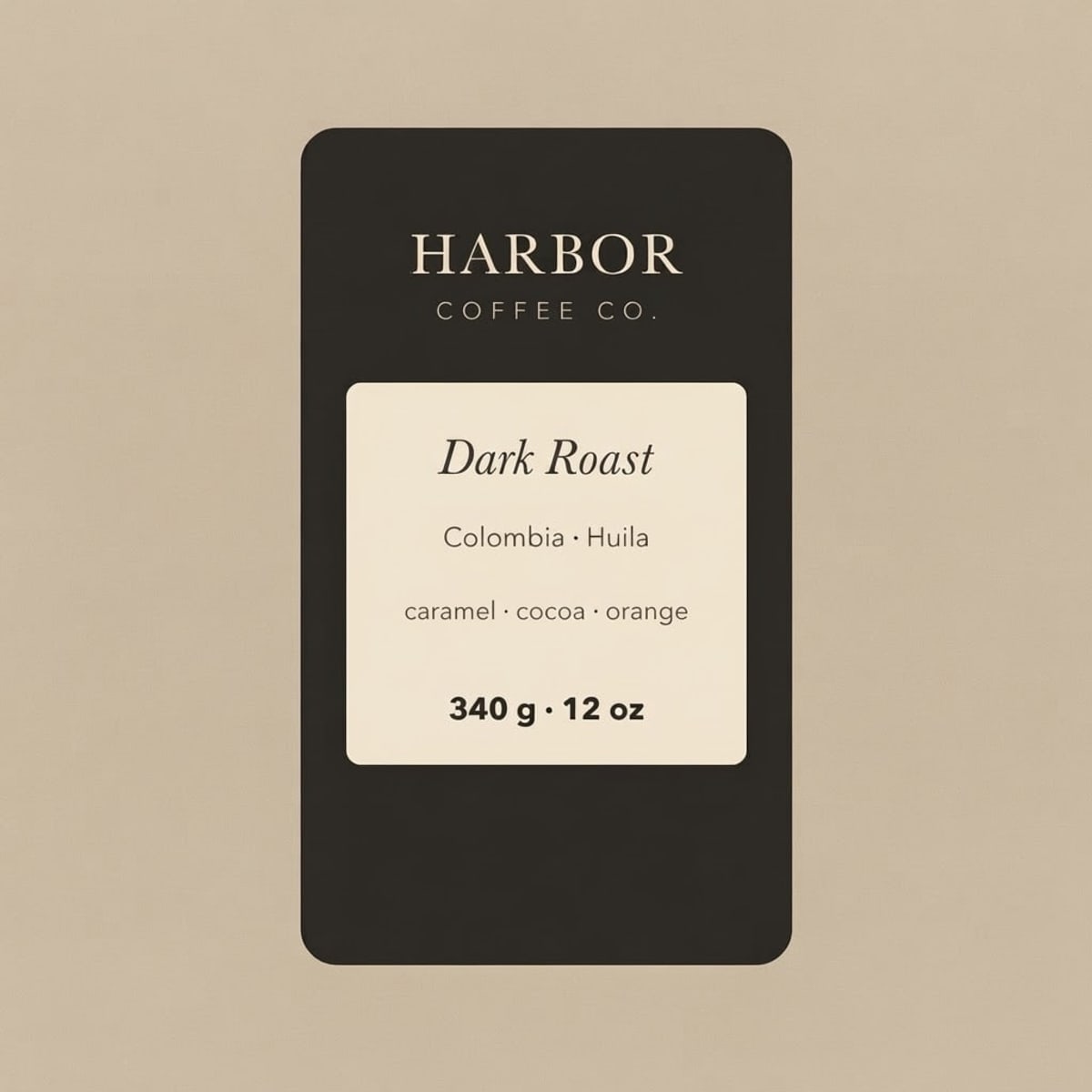 BeforeAfter
Sample photos are AI-generated and show fictional people. Results are unretouched output from the editor.
How to
Three steps
- Upload the product photo or ad banner.
- Type the current price or label and the new one.
- Develop, check, download for your store or ad.
Product image edits
| Image | Change | Use |
|---|---|---|
| Product shot with badge | $129 → $89 | Price drop on a listing |
| Ad banner | 30% → 40% OFF SOFAS | New sale week, same creative |
| Packaging label | Medium Roast → Dark Roast | Mock up a new variant before printing |
Keep your listings honest
Only change prices to what you actually charge, and don’t alter other brands’ packaging or logos. The edit keeps brand names and logos unchanged by default.
What works best
- Best on clear, printed text: headlines, dates, prices, buttons, labels, signs.
- Keep the new text close to the original length; very long replacements can crowd the layout.
- Tiny body text (a full paragraph of small print) is less reliable — change one line at a time.
- Always check numbers, names and accents in the result before you print or publish it.
Frequently asked questions
Does it change the product?
No. Only the text you name is rewritten; the product, background and other text stay the same. For a cleaner product background, use the Product photo edit.
Can I make a version for each variant?
Yes — edit the label once per variant (Dark Roast, Light Roast…) and download each result.
What if the text comes out wrong?
Failed edits are refunded automatically, and a standard text edit costs 1 credit (about 8¢), so a retry is cheap. In our tests most edits come out right first time; when one doesn’t, it is usually a much longer new text — keep it close to the original length, or change one line at a time.
Is it free?
Your first edit each day is free with no account, email or watermark. After that a text edit costs 1 credit: packs start at $9.90 for 120 credits (about 8¢ an edit) and never expire.
Do you keep my photos?
No. Your photo is sent to the AI model only to make the edit, then discarded. We never store the photo or the result on our servers, and we never use them for training. The edited photo is returned straight to your browser.
More tools