AI Photo Editor / Edit text in image
Posters · products · screenshots
Edit Text in Image
Edit or change text in an image online — words, dates and prices: type the original text and the new text, and the AI rewrites it in the same font, colour and position. Free first edit, no sign-up.
- 1 free edit, no account
- ≈8 s per edit
- Photos never stored
Change words, dates or prices — same font, same background.
In short
To edit or change text in an image, upload it, type the words you want to change (for example “JUNE 14”) and the new words (“JULY 12”), then press Develop. The AI rewrites only that text in the same font, weight, colour, size and position, keeps everything else in the image the same, and returns the result in about 10 seconds. It works on posters, flyers, product photos, banners, menus and screenshots; your first edit each day is free with no account, and failed edits are refunded.
Before and after
Results from this editor
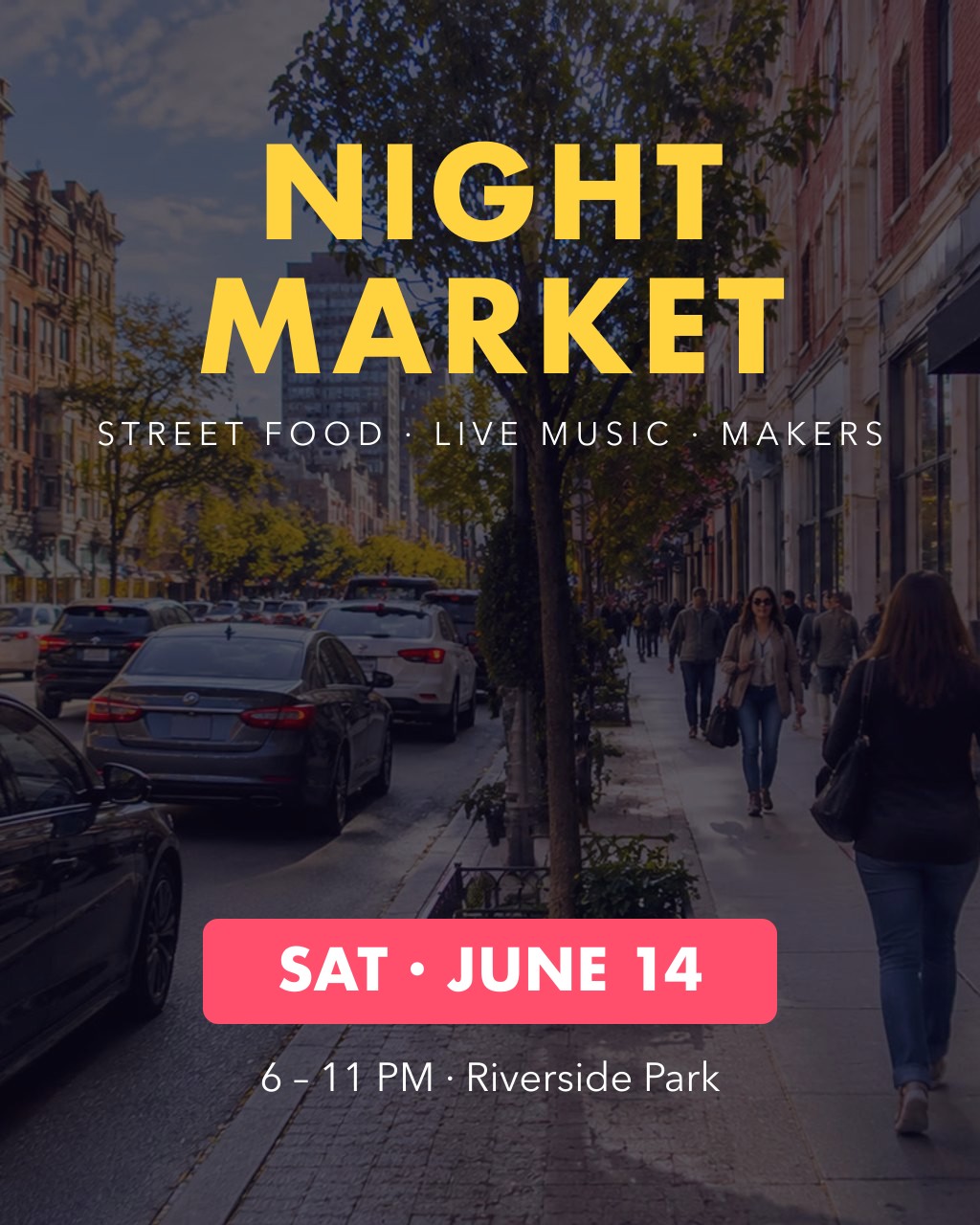
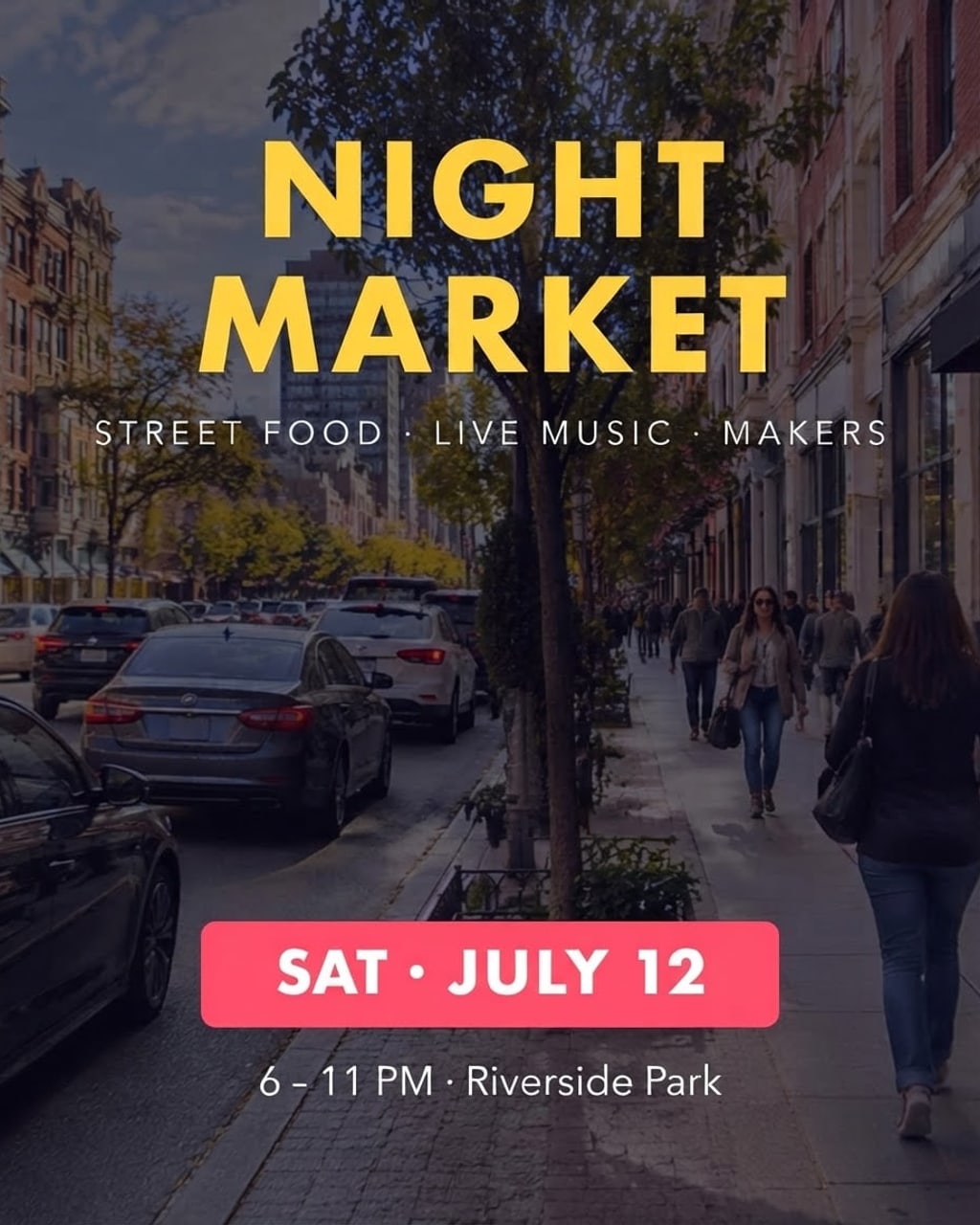 BeforeAfter
 BeforeAfter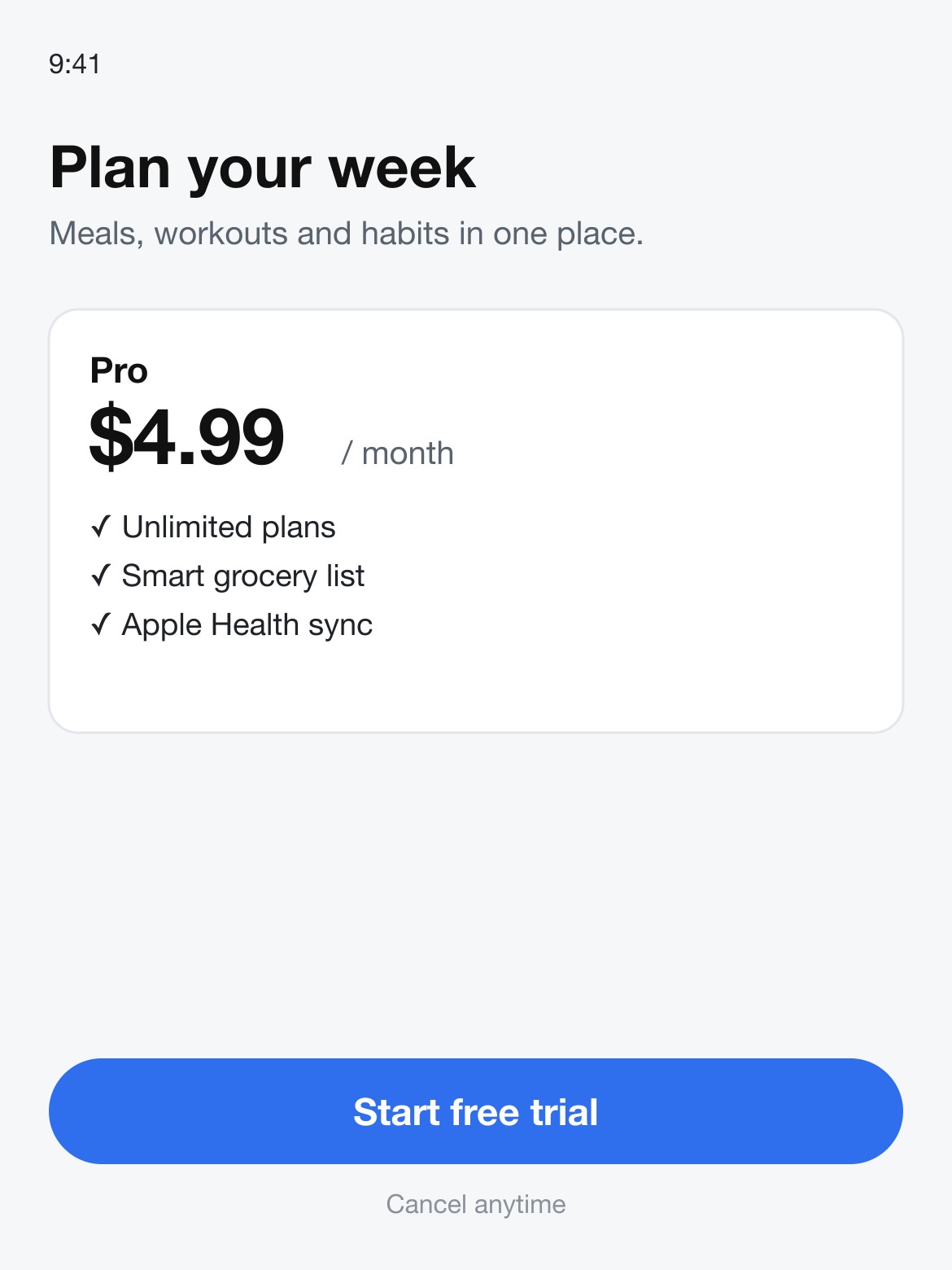
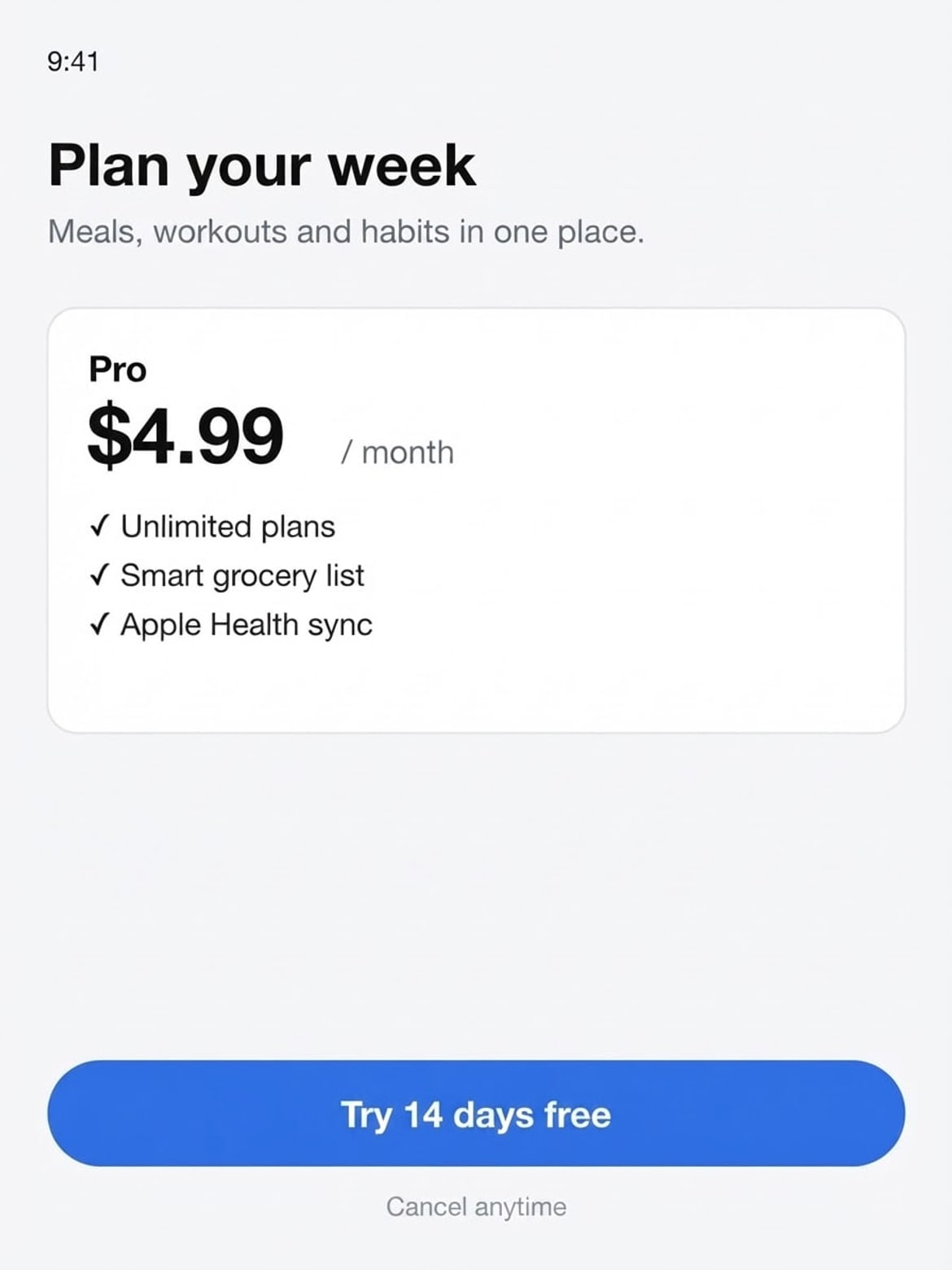 BeforeAfter
Sample photos are AI-generated and show fictional people. Results are unretouched output from the editor.
How to
Three steps
- Upload a JPG, PNG or WebP image (or tap a sample).
- Type the original text exactly as it appears, then the new text.
- Develop, compare with the slider, download — or change the next line.
What you can change
| Image | Original | New | Kept the same |
|---|---|---|---|
| Event poster | SAT · JUNE 14 | SAT · JULY 12 | Font, pink box, photo, every other line |
| Product shot | $129 | $89 | Badge, sneaker, title and background |
| App screenshot | Start free trial | Try 14 days free | Button shape, colour, layout, price |
All three results above come from this page’s own pipeline — no retouching. Tap a sample in the editor to see the stored before and after.
Why it keeps the same font
Instead of pasting new text on top, the model redraws only the words you name and is told to match the original letterforms, weight, colour, letter spacing, alignment and effects such as outline or shadow. If the new text is longer or shorter, it re-centres it the way the original was aligned. Other words, numbers, logos and the background are left alone.
Text edits always run on the standard model: in our tests the 2K model redrew fonts and layout, so we don’t offer it here.
What works best
- Best on clear, printed text: headlines, dates, prices, buttons, labels, signs.
- Keep the new text close to the original length; very long replacements can crowd the layout.
- Tiny body text (a full paragraph of small print) is less reliable — change one line at a time.
- Always check numbers, names and accents in the result before you print or publish it.
Edit text in image: this tool vs. the usual ways
| This editor | Photoshop | Canva | Paint over + type | |
|---|---|---|---|---|
| How | Type old and new text | Remove text, find font, retype | Grab text (paid) or rebuild the design | Cover old text, add new text box |
| Matches font automatically | Yes | Match Font helps; manual | Only with the original design file | No |
| Time | ≈10 s | 5–20 min | Minutes | Minutes |
| Cost | 1 free a day, then ≈8¢ | Subscription | Pro subscription for Grab Text | Free |
Frequently asked questions
How do I change text in a picture without changing the font?
Type the original text and the new text, and press Develop. The edit is told to keep the same font, weight, size, colour, spacing and position, and to leave the rest of the picture untouched.
Can I change two pieces of text at once?
Yes — you can write the instruction for two changes, but one change per edit is the most reliable. Make the first edit, then press Keep editing and change the next line.
Does it work on handwritten or curved text?
Often, yes: script lettering, neon signs and curved labels work in our samples. Messy handwriting and very small text are less reliable.
What if the text comes out wrong?
Failed edits are refunded automatically, and a standard text edit costs 1 credit (about 8¢), so a retry is cheap. In our tests most edits come out right first time; when one doesn’t, it is usually a much longer new text — keep it close to the original length, or change one line at a time.
Is it free?
Your first edit each day is free with no account, email or watermark. After that a text edit costs 1 credit: packs start at $9.90 for 120 credits (about 8¢ an edit) and never expire.
Do you keep my photos?
No. Your photo is sent to the AI model only to make the edit, then discarded. We never store the photo or the result on our servers, and we never use them for training. The edited photo is returned straight to your browser.
More tools