AI Photo Editor / Photoshop alternative (replace text)
No layers · no font matching
Replace Text Without Photoshop
Skip content-aware fill, Match Font and retyping: replace text in an image online in the same style in about 10 seconds. When Photoshop is still the better tool, explained.
- 1 free edit, no account
- ≈8 s per edit
- Photos never stored
Change words, dates or prices — same font, same background.
In short
To replace text in an image without Photoshop, upload it here, type the old and new text, and press Develop: the old words are removed and the new ones drawn in the same font, colour and position in about 10 seconds, with no layers, selections or font matching. Photoshop is still the better tool when you need pixel-exact control, editable type layers or print-ready files for a big campaign.
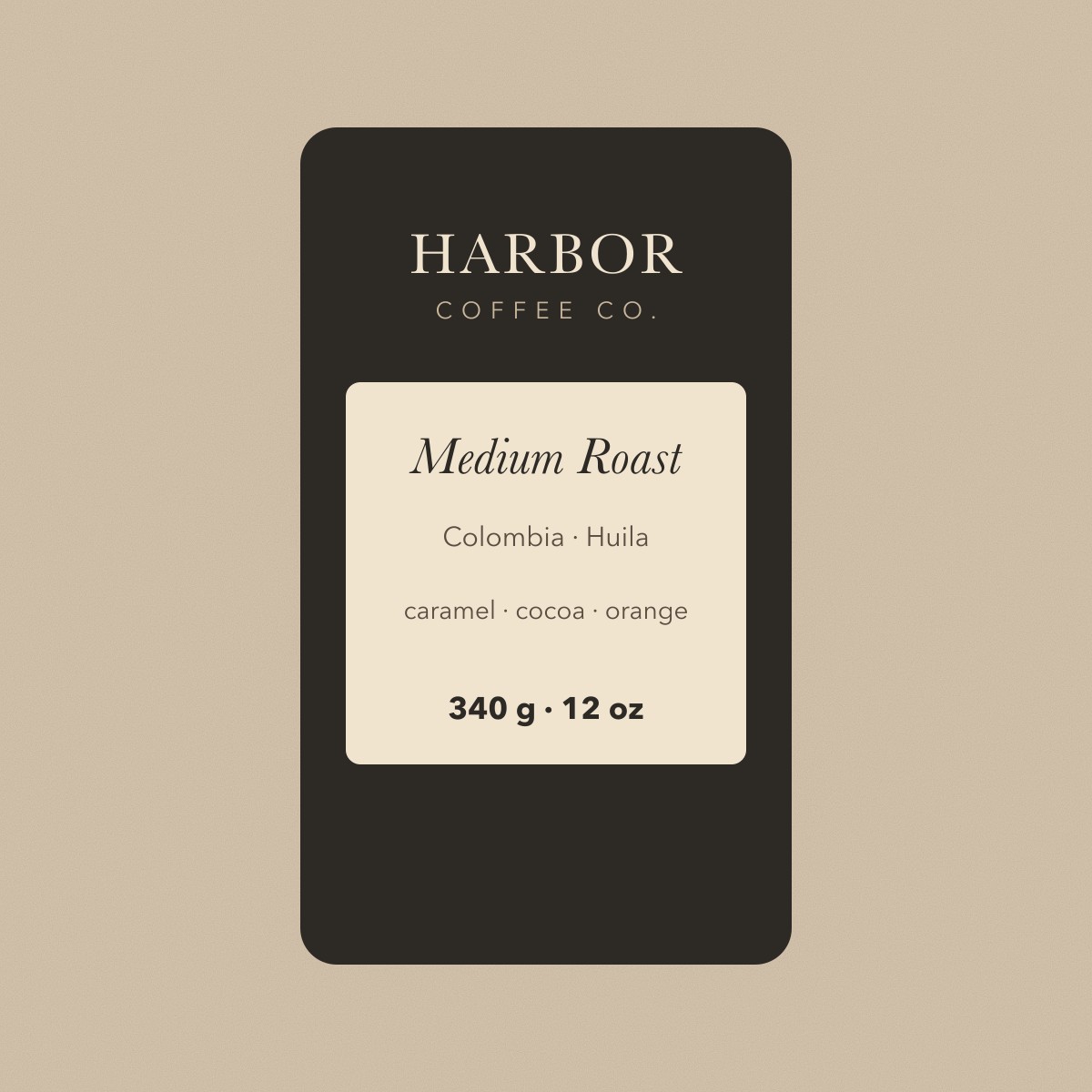
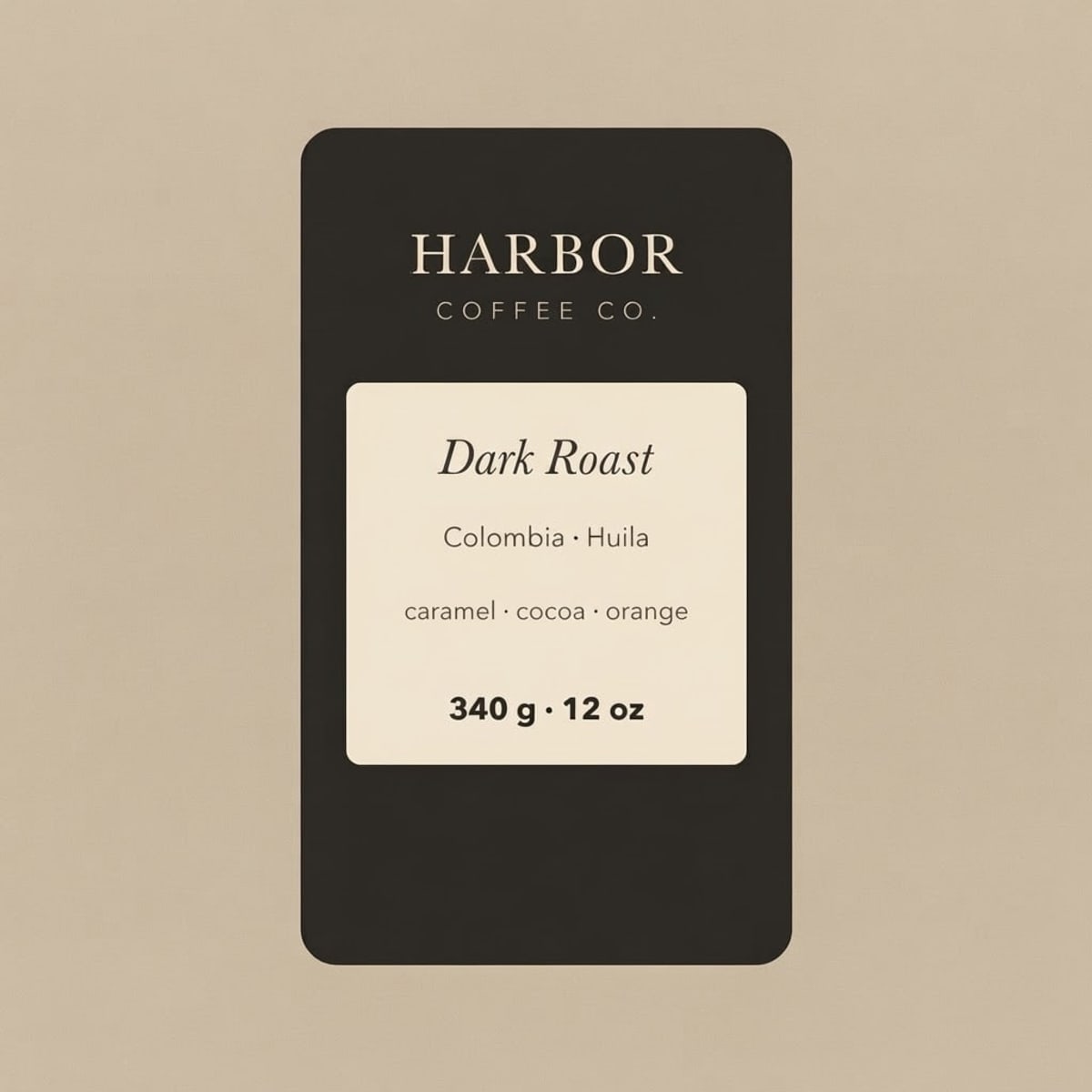
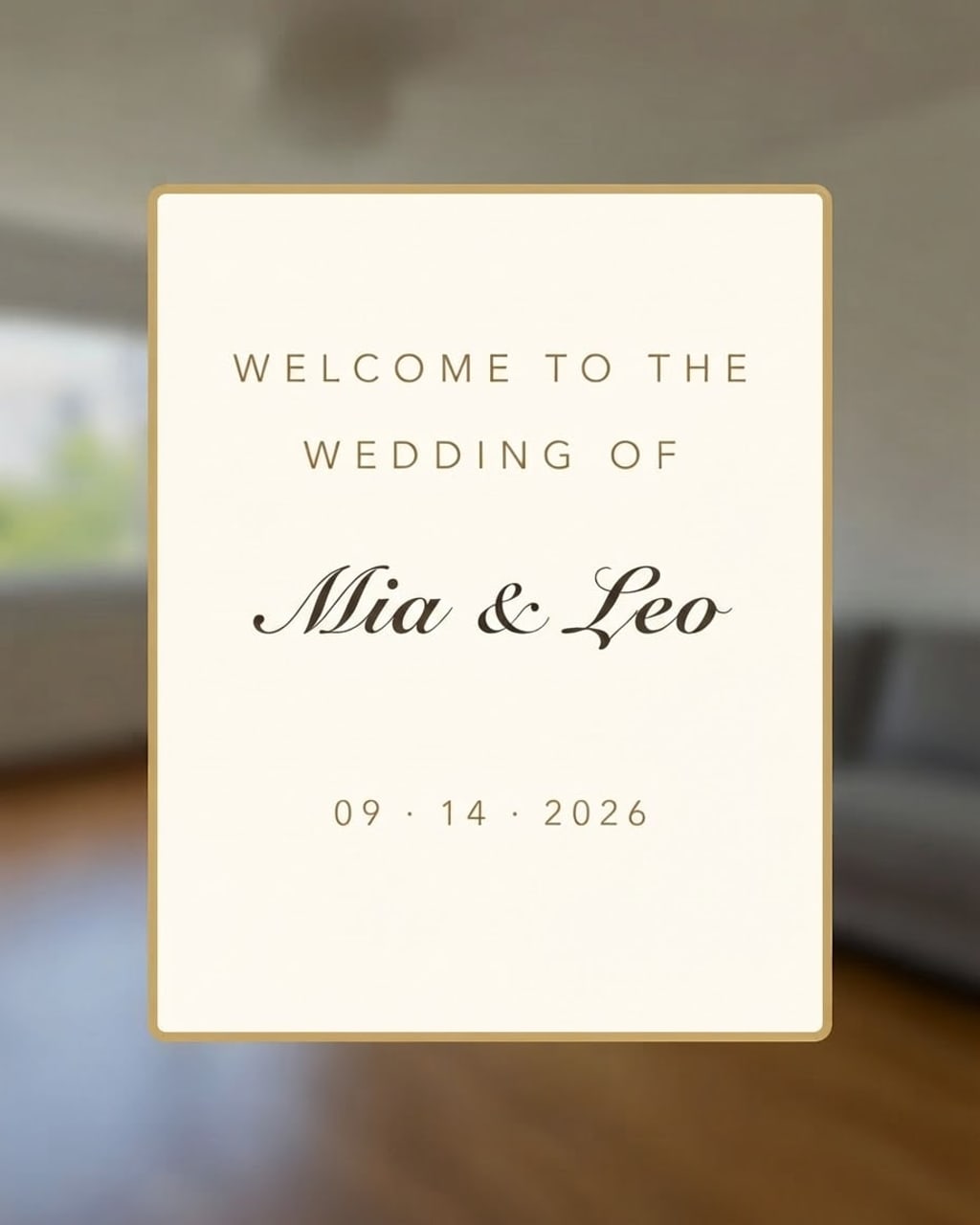
Before and after
Results from this editor
 BeforeAfter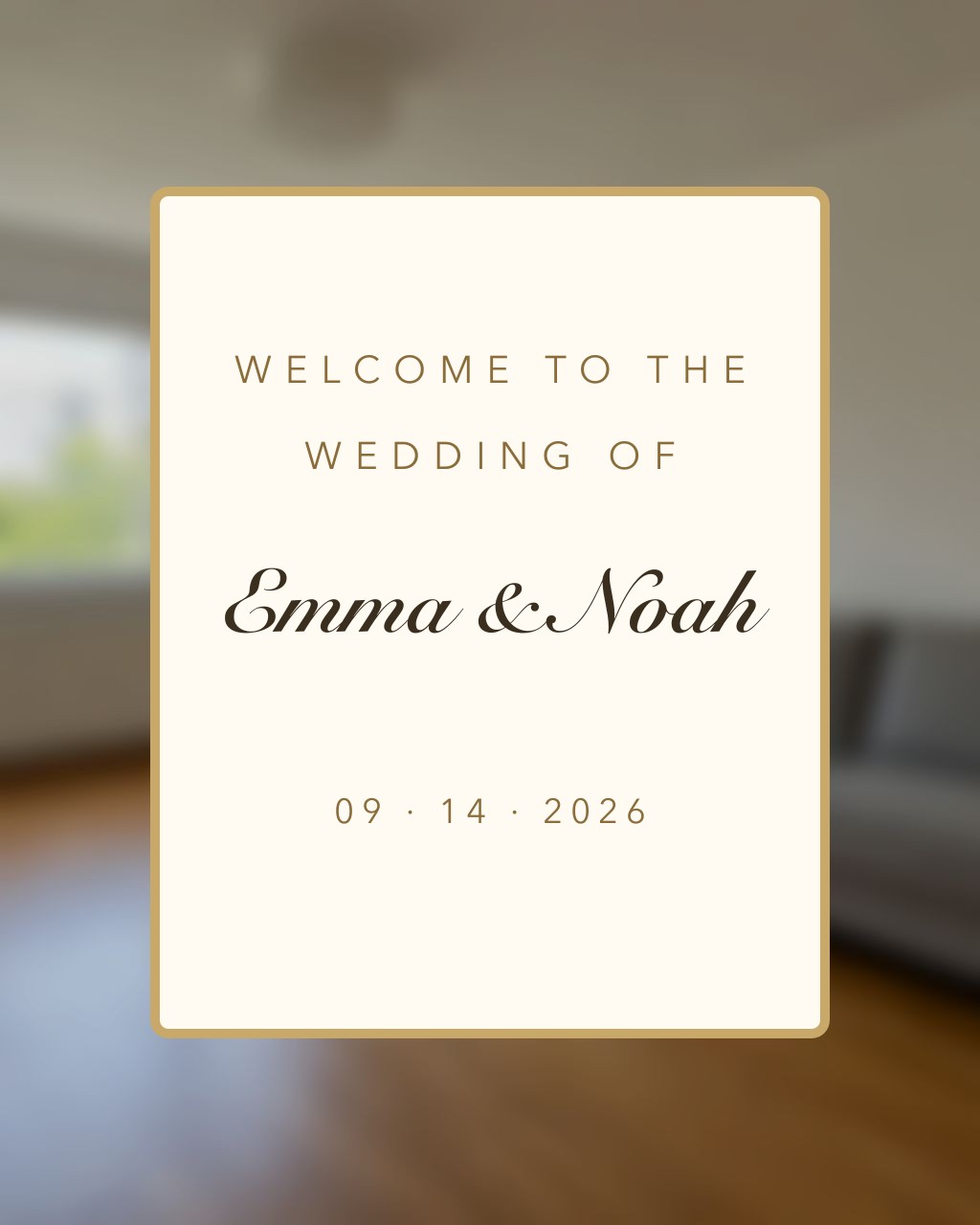
 BeforeAfter
 BeforeAfter
Sample photos are AI-generated and show fictional people. Results are unretouched output from the editor.
How to
Three steps
- Upload the image.
- Type the old text and the new text.
- Develop, compare, download.
The Photoshop way vs this editor
| Step | Photoshop | AI Photo Editor |
|---|---|---|
| Remove old text | Select it, content-aware fill or clone stamp | Automatic |
| Find the font | Match Font, or guess; may need to install it | Not needed |
| Match colour, size, effects | Eyedropper, layer styles, transform | Automatic |
| Time | 5–20 minutes | ≈10 seconds |
| Result | Editable type layer | A flat image |
| Cost | Creative Cloud subscription | 1 free a day, then ≈8¢ |
When Photoshop is still right
- You need an editable text layer for later changes.
- Print work where every pixel and colour profile matters.
- Many changes across a layered PSD you already have.
- Text that wraps around complex 3D objects.
Frequently asked questions
How do I replace text in a JPG without Photoshop?
Upload the JPG here, type the old text and the new text, and press Develop. The new text matches the original’s font, colour and position.
Do I get an editable text layer?
No — you get a flat image. For editable type, use Photoshop or the original design file.
What if the text comes out wrong?
Failed edits are refunded automatically, and a standard text edit costs 1 credit (about 8¢), so a retry is cheap. In our tests most edits come out right first time; when one doesn’t, it is usually a much longer new text — keep it close to the original length, or change one line at a time.
Is it free?
Your first edit each day is free with no account, email or watermark. After that a text edit costs 1 credit: packs start at $9.90 for 120 credits (about 8¢ an edit) and never expire.
Do you keep my photos?
No. Your photo is sent to the AI model only to make the edit, then discarded. We never store the photo or the result on our servers, and we never use them for training. The edited photo is returned straight to your browser.
More tools