AI Photo Editor / Nano Banana photo editor
Nano Banana 2 · Gemini 3.1 Flash Image
Nano Banana Photo Editor
Edit your photos with Google’s Nano Banana 2 by typing what should change. Upload, describe the edit, get the result in about 10 seconds. No app, no sign-up for the free edit, photos never stored.
- 1 free edit, no account
- ≈8 s per edit
- Photos never stored
Describe any change in plain English.
In short
To edit a photo with Nano Banana online, upload it here, type the change in plain English (for example “make it a snowy winter evening”) and press Develop. This page runs Google’s Nano Banana 2 (Gemini 3.1 Flash Image) for 2 credits an edit, and your daily free edit uses Nano Banana 2 Lite. You don’t need a Gemini account, the result has no visible watermark, and your photo isn’t stored.
Before and after
Results from this editor
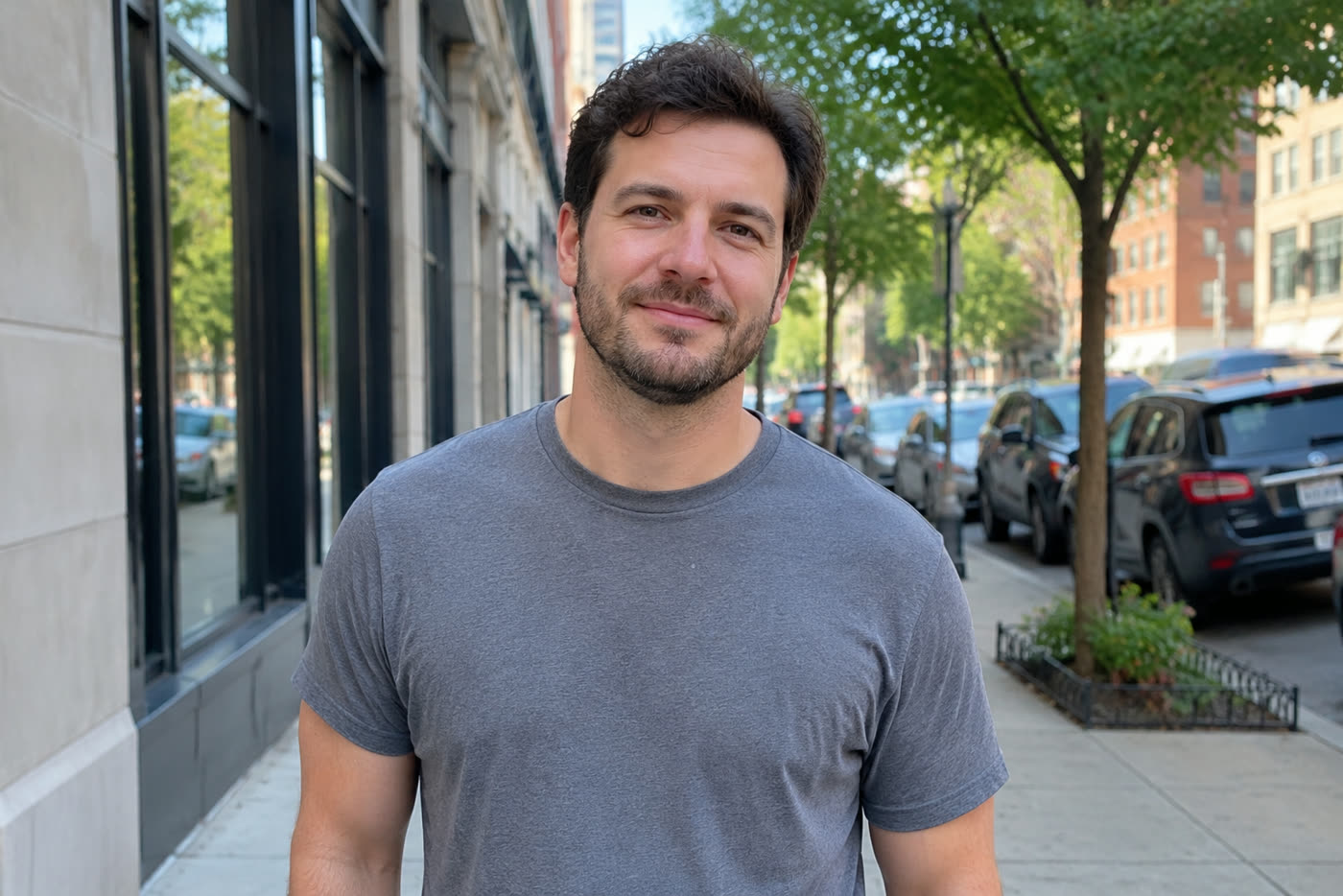
 BeforeAfter
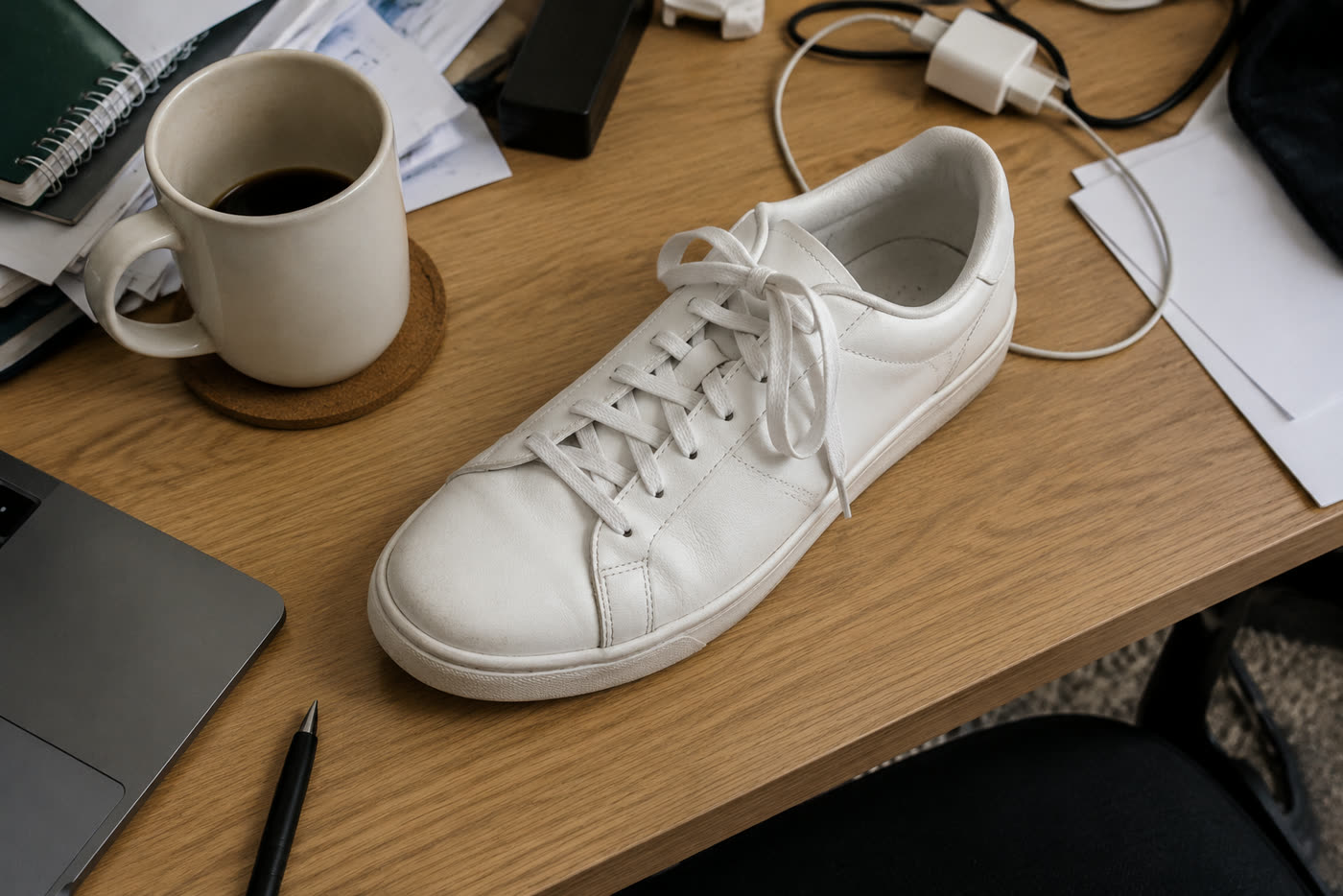
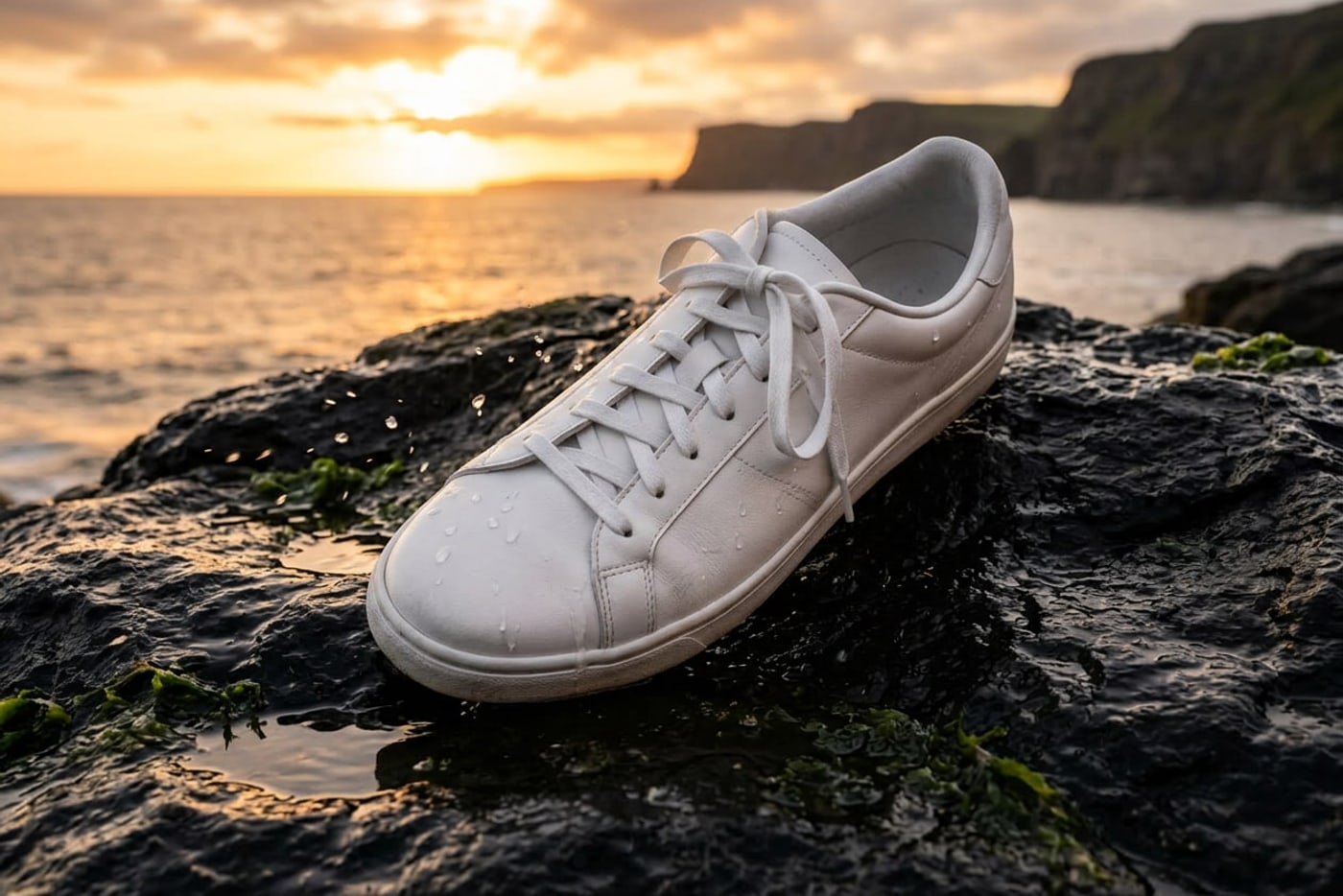 BeforeAfter
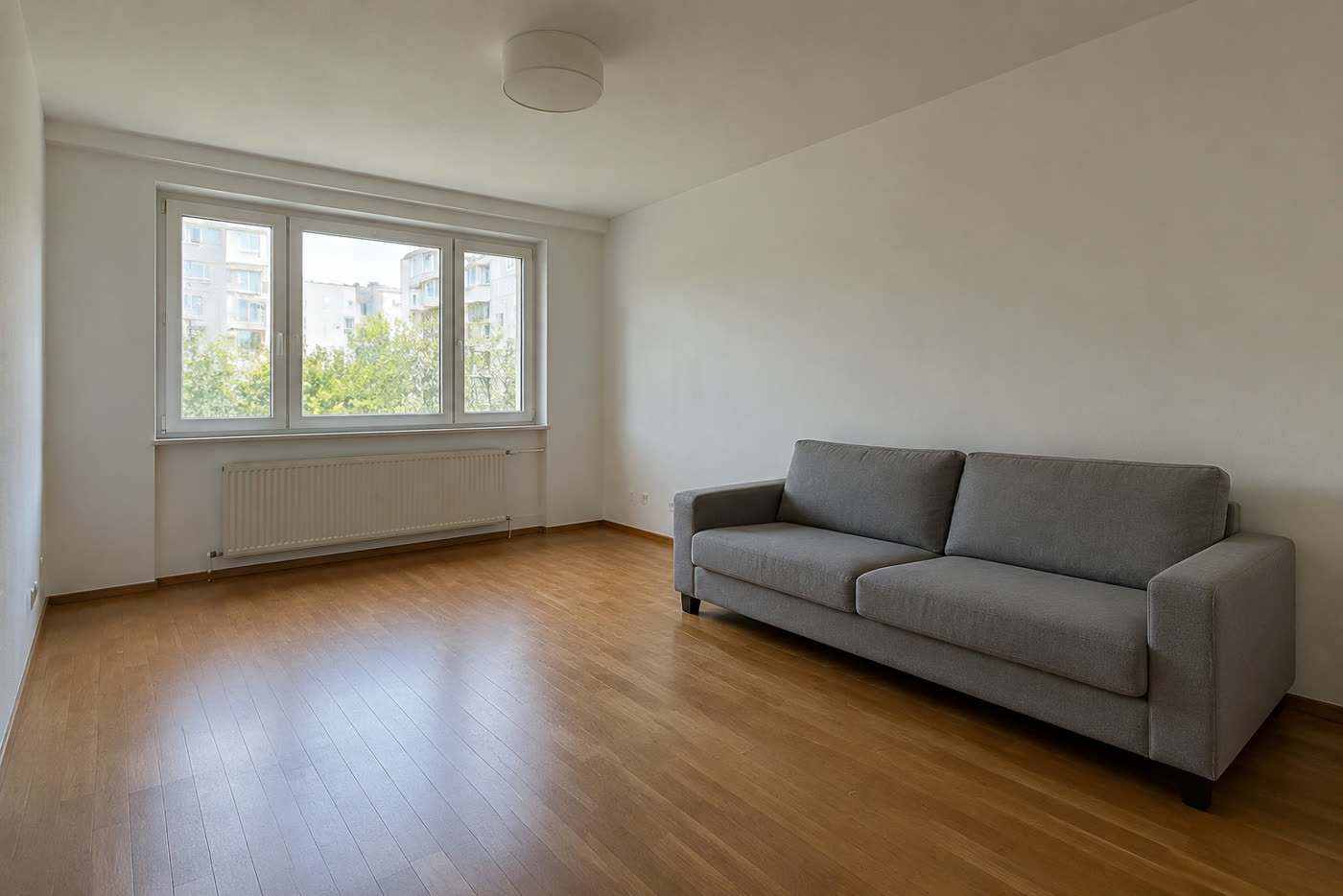
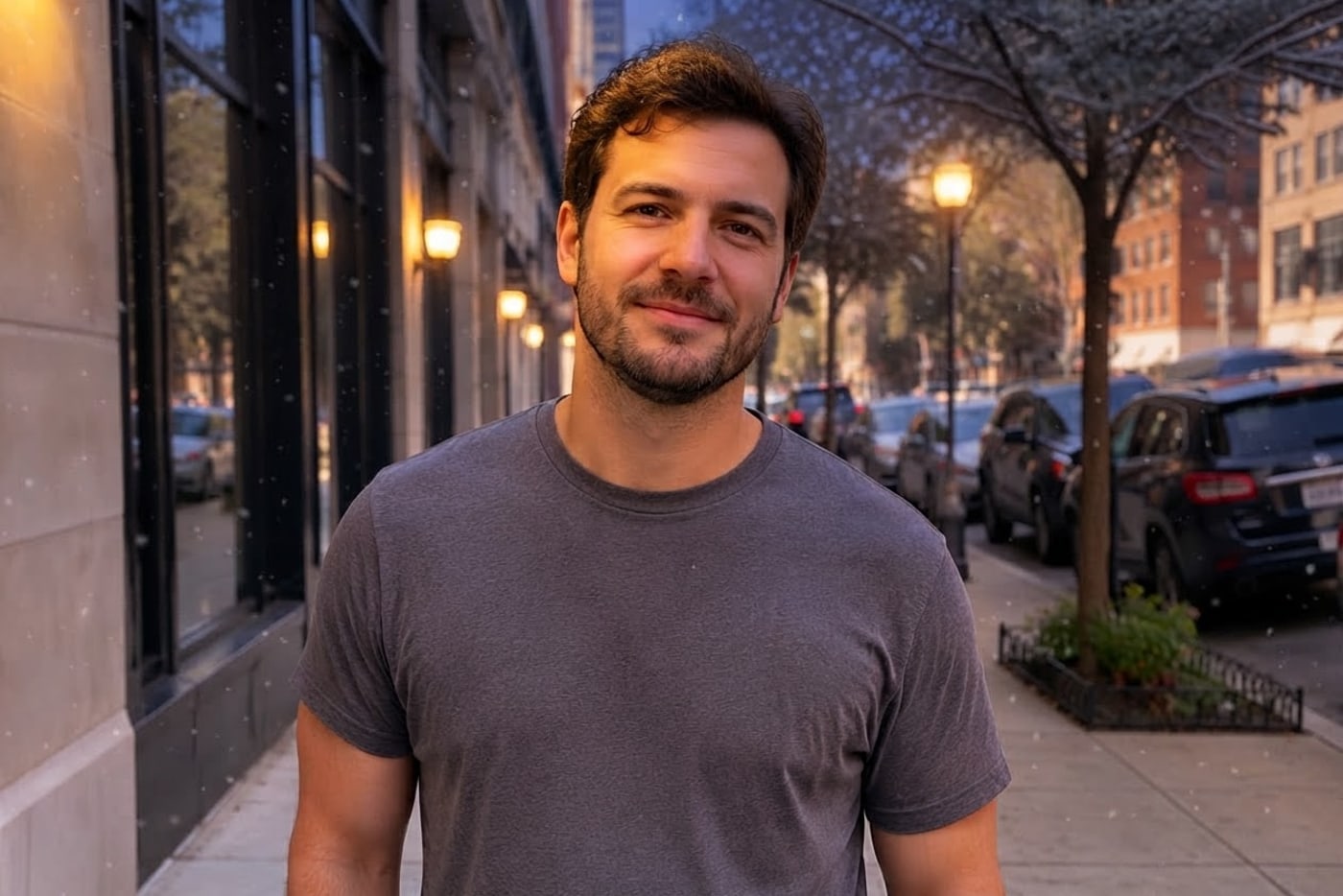
 BeforeAfter

 BeforeAfter

 BeforeAfter
Sample photos are AI-generated and show fictional people. Results are unretouched output from the editor.
How to
Three steps
- Upload a JPG, PNG or WebP photo (or tap a sample).
- Type what should change, in plain English.
- Keep “Nano Banana 2” selected (or the free standard edit), press Develop, compare and download.
Which Nano Banana runs here
| Name | Google model | On this site | Cost |
|---|---|---|---|
| Nano Banana 2 | Gemini 3.1 Flash Image | Yes — the button on this page | 2 credits |
| Nano Banana 2 Lite | Gemini 3.1 Flash Lite Image | Yes — the standard edit and the daily free edit | Free once a day, then 1 credit |
| Nano Banana (original) | Gemini 2.5 Flash Image | Only as a backup if Nano Banana 2 is down | — |
| Nano Banana Pro | Gemini 3 Pro Image | No | — |
We call Google’s models through OpenRouter. If Nano Banana 2 is unavailable, the edit falls back to the original Nano Banana rather than failing.
Nano Banana 2 vs. the free Lite model, on the same photos
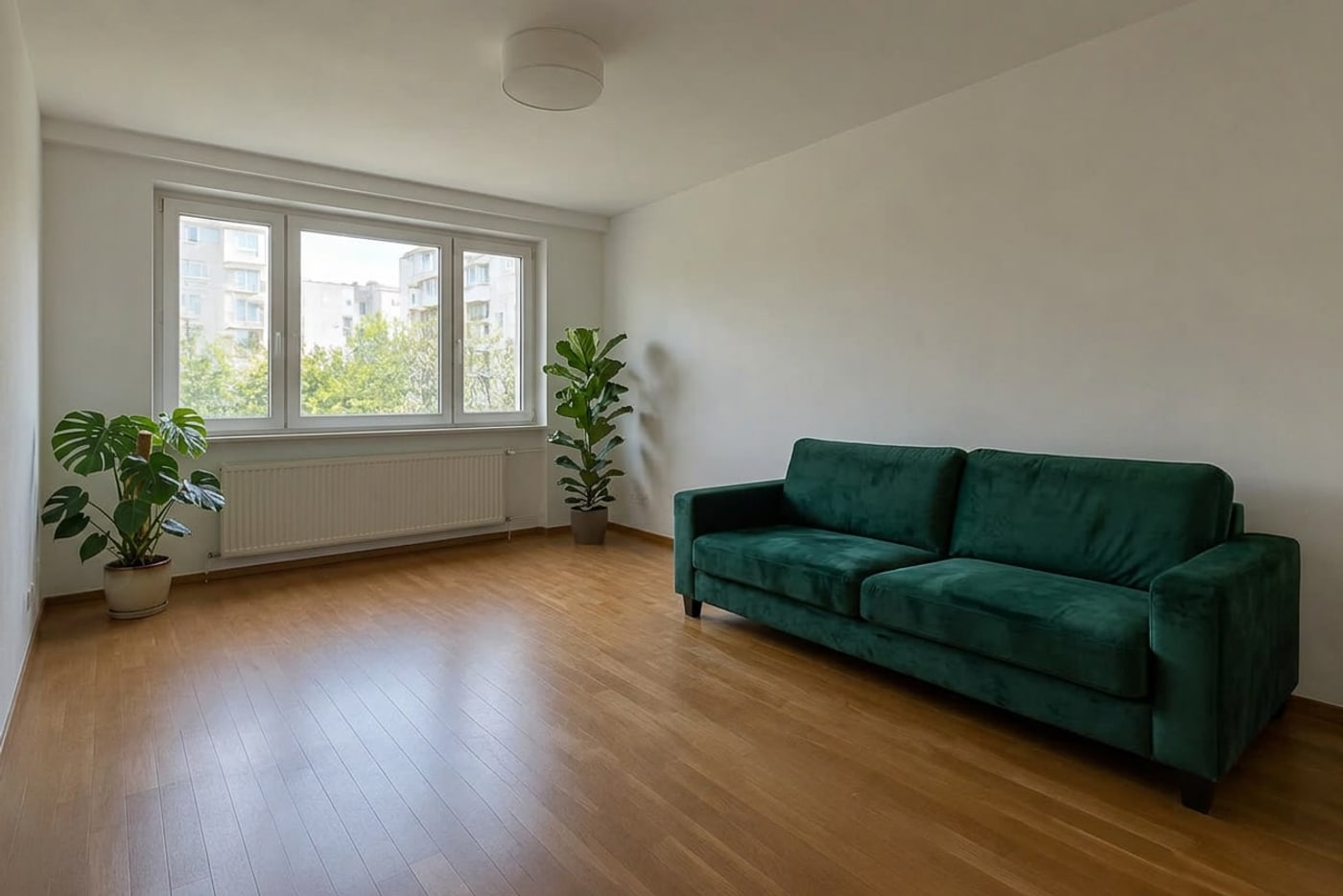
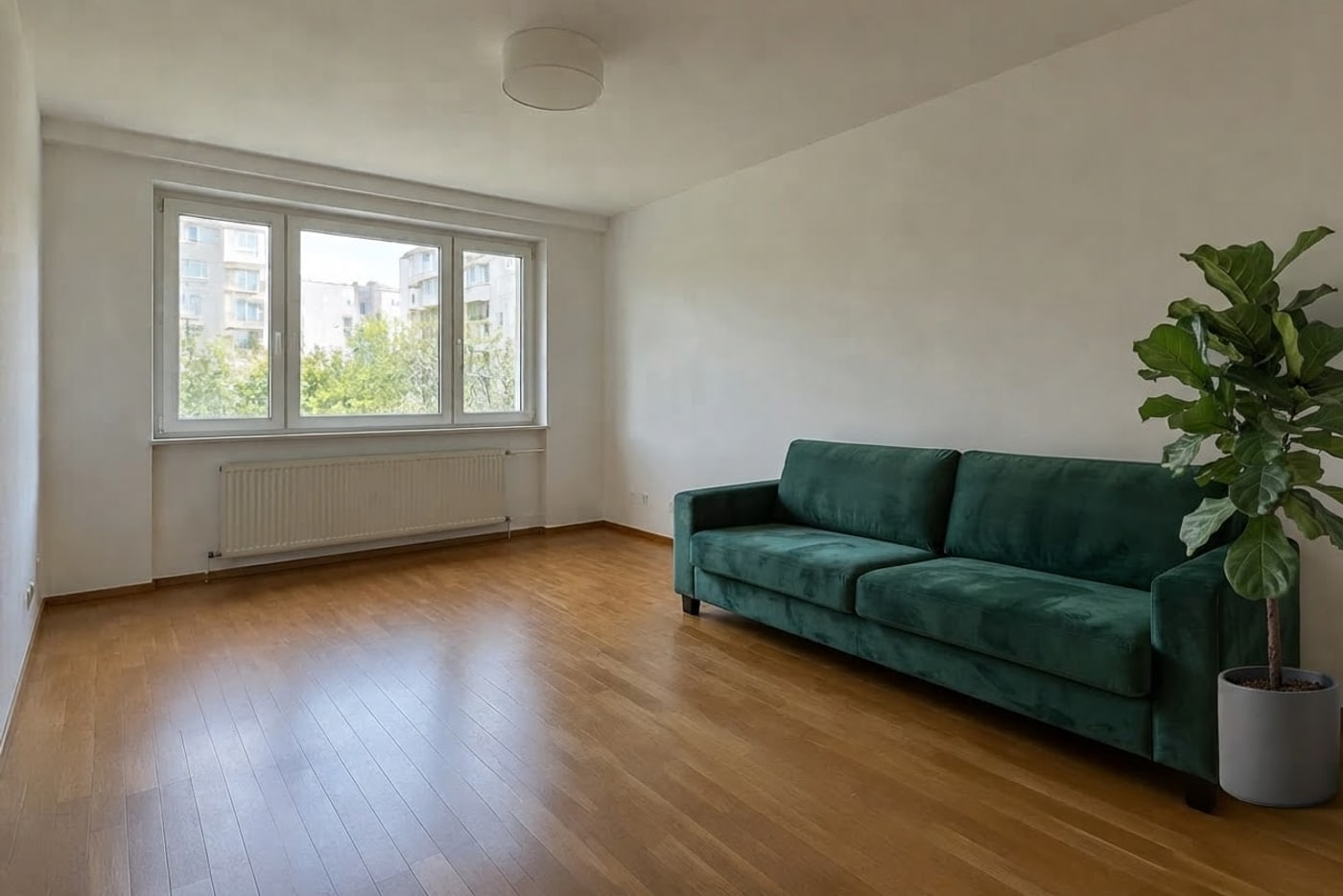
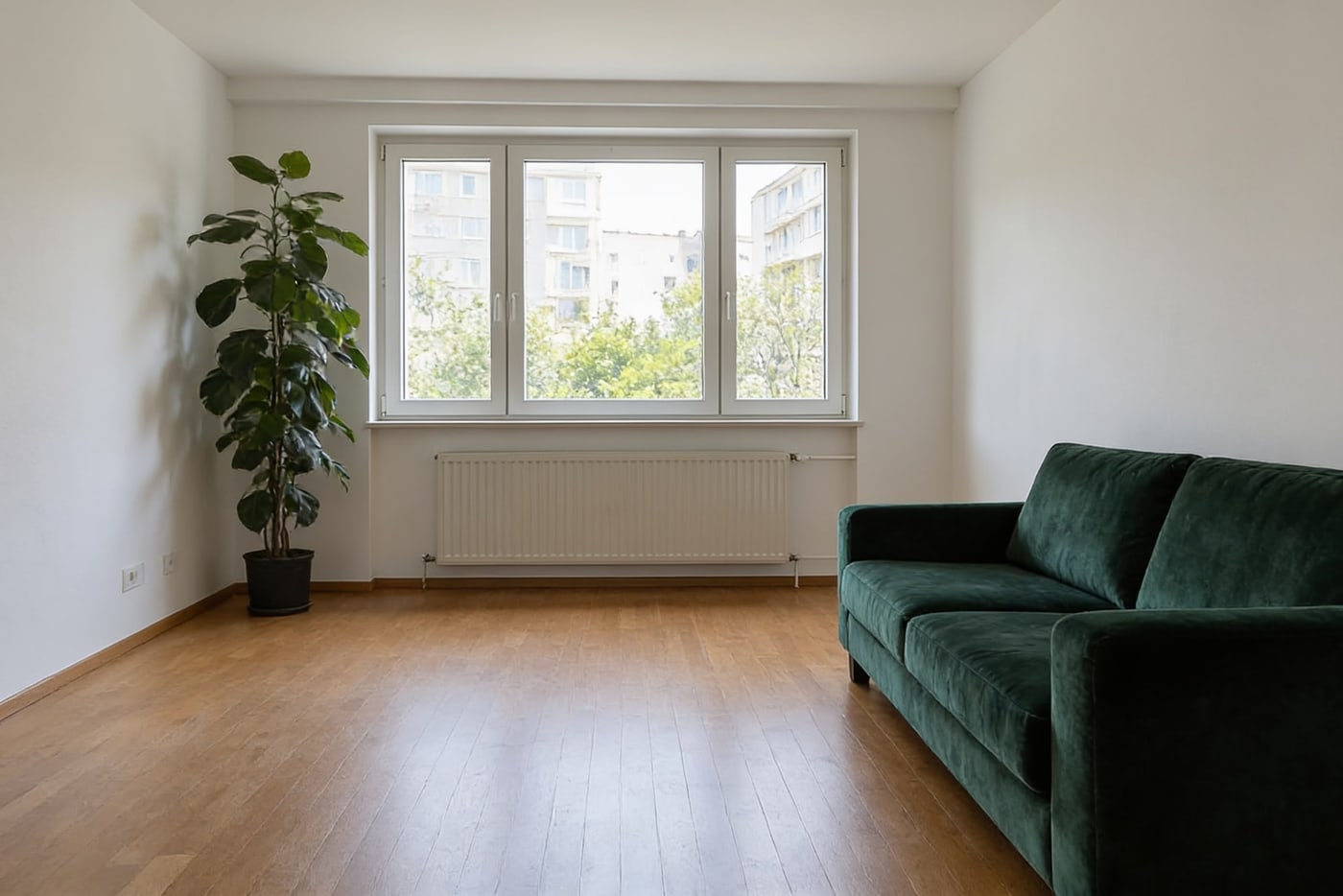
We ran five photos through each model once with the same instruction. Nano Banana 2 followed all five; Lite handled the small edits but missed the two big scene changes (snow on the street, the sneaker moved to a sunset rock).
Original
Nano Banana 2 Lite
Nano Banana 2
Seedream 4.5

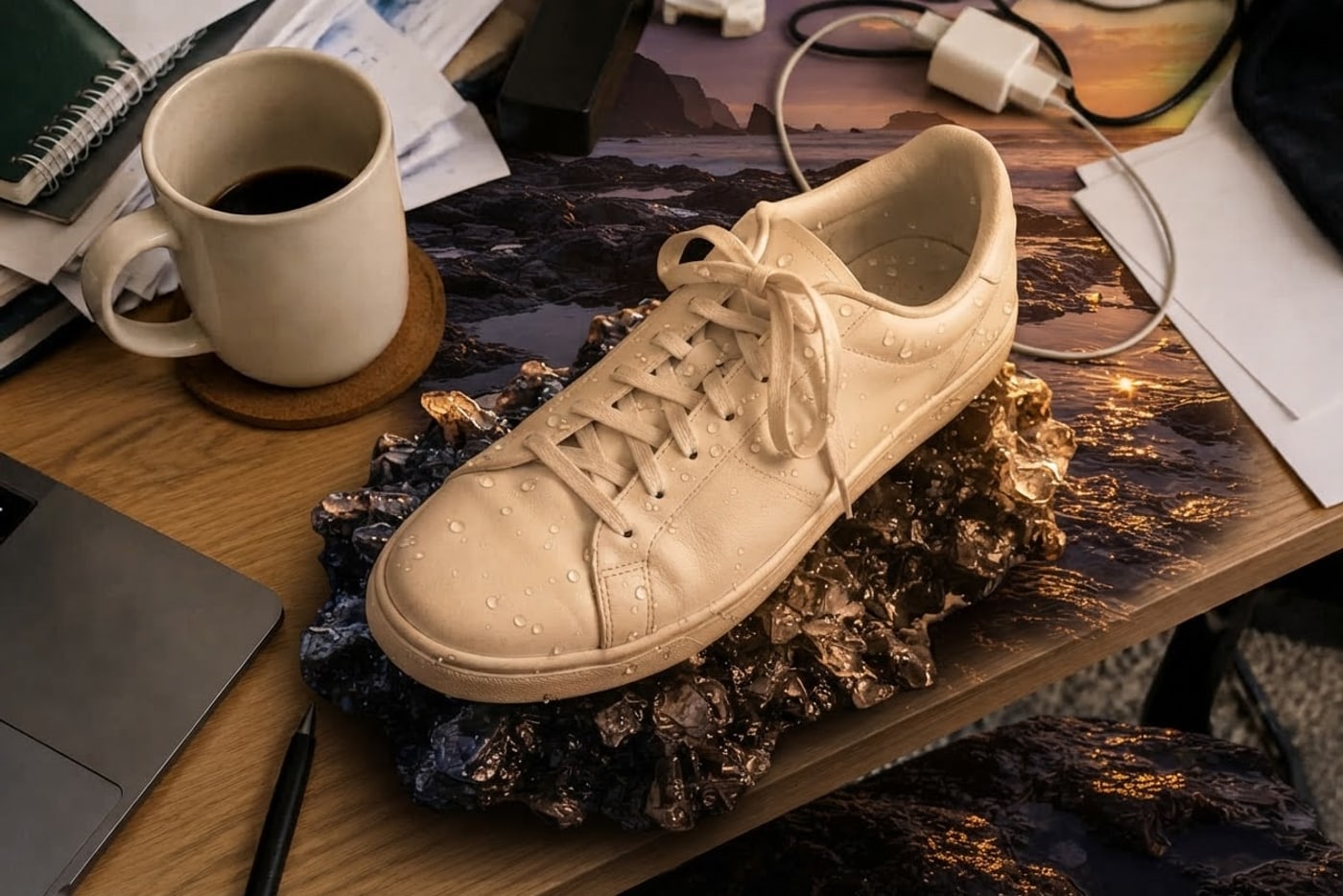
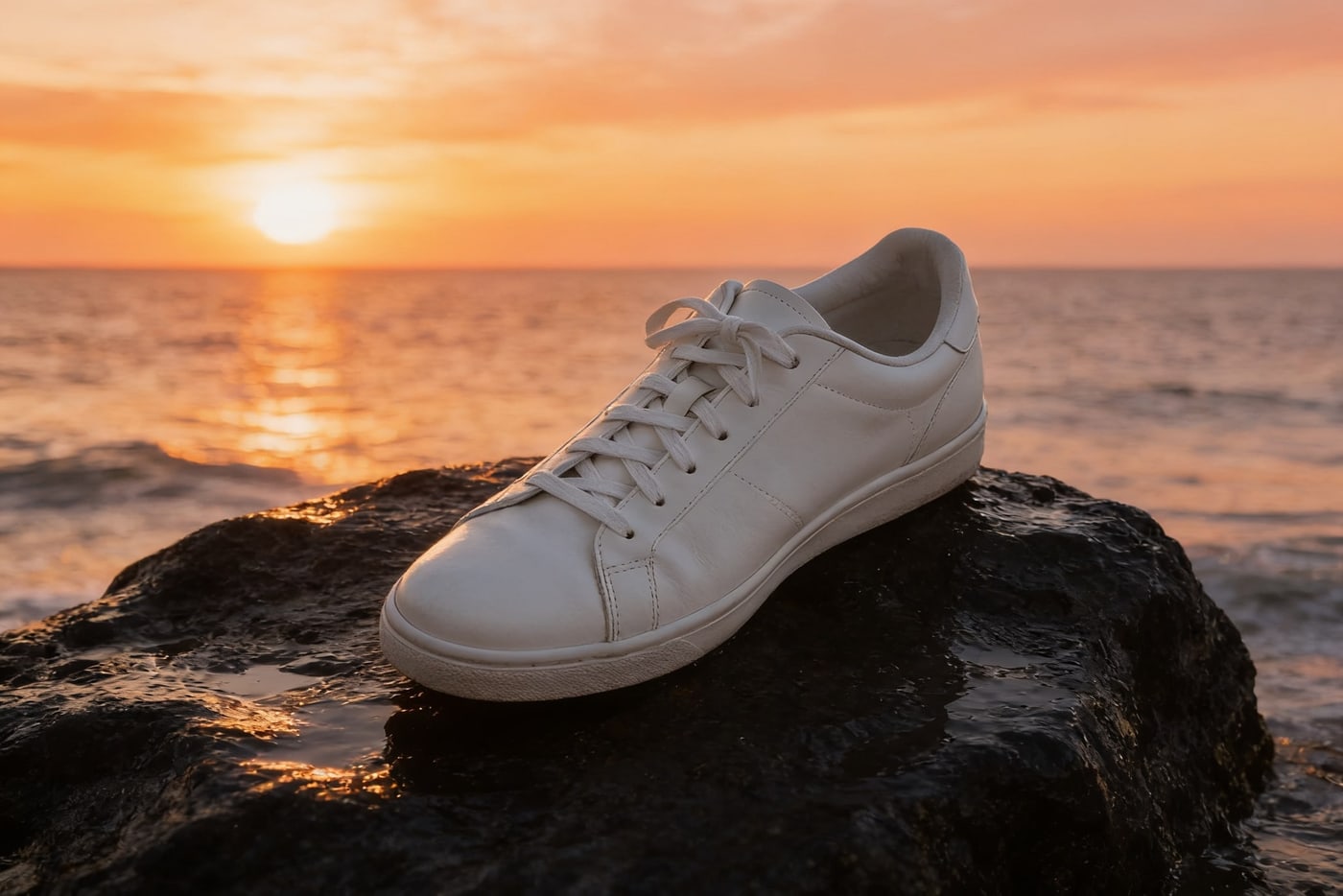




| Photo | Instruction we typed |
|---|---|
| Living room | make the sofa dark green velvet and add a tall leafy plant in the corner |
| City street | make it a snowy winter evening with warm street lights |
| Sneaker on a desk | put the sneaker on a wet black rock by the sea at sunset, like a product ad |
| Café portrait | give her a red knit beanie and a cream wool scarf |
| Dog indoors | relight it with bright morning sun coming through the window |
What Nano Banana is good at
- Changing one thing and keeping the rest: a sofa’s colour, an outfit, the weather.
- Keeping faces the same while changing clothes, hats or background.
- Relighting dark photos so they look like daylight.
- Moving a product into an ad scene from one sentence.
It is weaker at exact text, tiny details far from the subject, and edits that need a precise mask. For words in an image use the edit text tool; for strangers in the background use remove people.
Nano Banana here vs. in the Gemini app
| This editor | Gemini app | |
|---|---|---|
| Account | None for the free edit | Google account |
| Visible watermark | None | Sparkle mark on images (some paid plans excepted) |
| Model choice | Nano Banana 2, Lite or Seedream 4.5 per edit | Picked by the app |
| Before/after slider | Yes | No |
| Photo storage | Not stored | Saved to your Gemini activity unless turned off |
Google also adds an invisible SynthID mark to every image its models make, here as well as in Gemini.
Frequently asked questions
Is this the real Nano Banana?
Yes. The Nano Banana 2 button sends your photo to Google’s Gemini 3.1 Flash Image model, which Google calls Nano Banana 2. We don’t offer Nano Banana Pro.
Can I use Nano Banana for free?
Your daily free edit uses Nano Banana 2 Lite, Google’s lighter model of the same family, with no account. Nano Banana 2 itself costs 2 credits per edit.
Which model should I pick?
Small edits (clothes, objects, light, colour): start with the free standard edit (Nano Banana 2 Lite). Big scene changes: Nano Banana 2 keeps your framing best. For the most dramatic light and 2K output: Seedream 4.5. In our five tests the Lite model missed two big scene changes; both 2-credit models got all five.
What does it cost?
One free standard edit per day without an account. After that, credits: a standard edit is 1 credit and Nano Banana 2 or Seedream 4.5 is 2 credits. Packs start at $9.90 for 120 credits, so a 2-credit edit is about 14–17¢. Failed edits are refunded automatically.
Do the results have a watermark?
No visible watermark or logo. Google embeds an invisible SynthID mark in images its models generate.
Do you keep my photos?
No. Your photo is sent to the AI model only to make the edit, then discarded. We never store the photo or the result on our servers, and we never use them for training. The edited photo is returned straight to your browser.
Models
Edit with another model
More tools